01
Upload assets, get shots
Product, background, and model images can all become the starting point.
AI clothing photography
Start from garment images, model references, or sample shoots to create studio shots, outdoor scenes, editorial images, and detail visuals before real production.
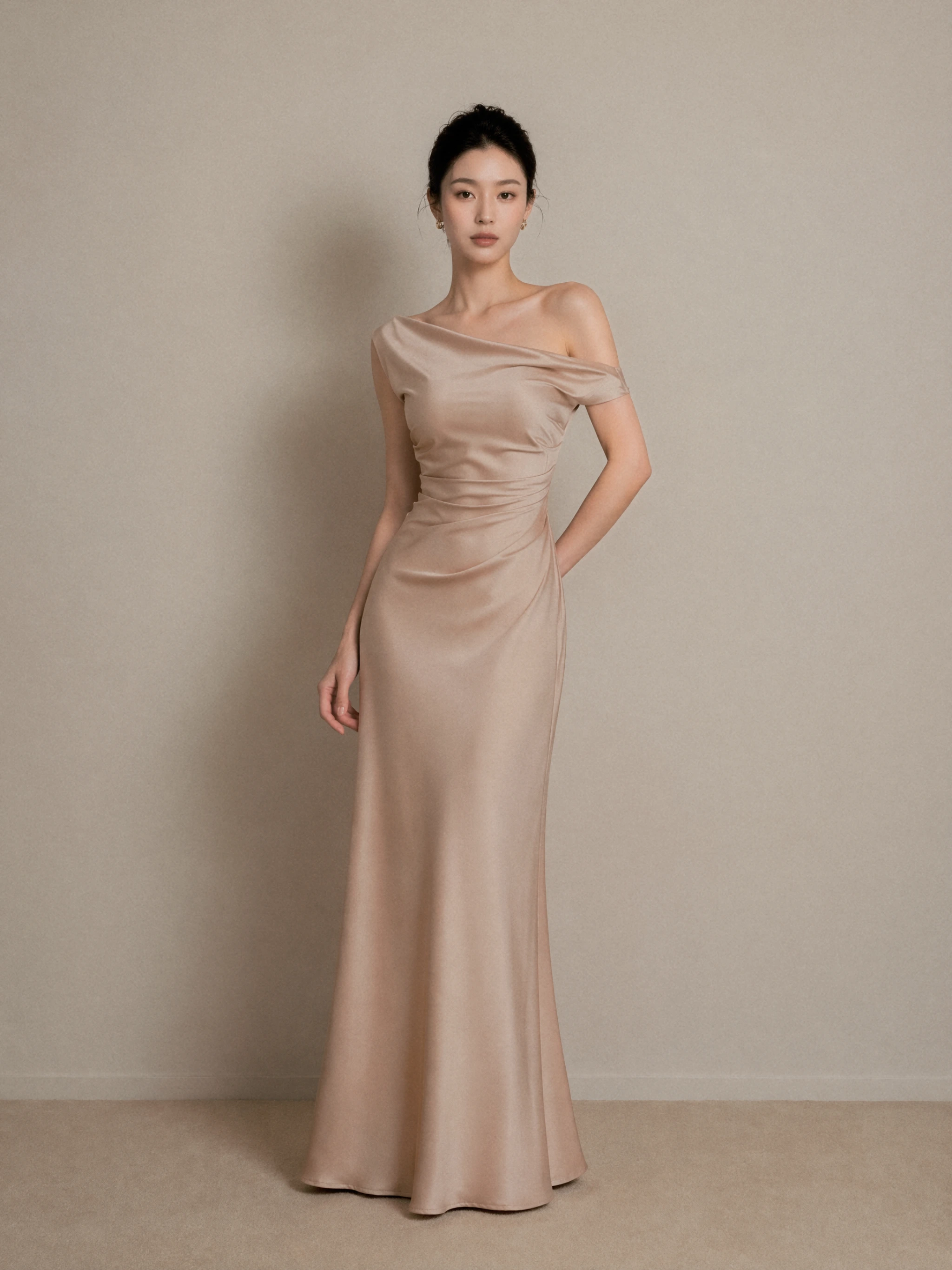
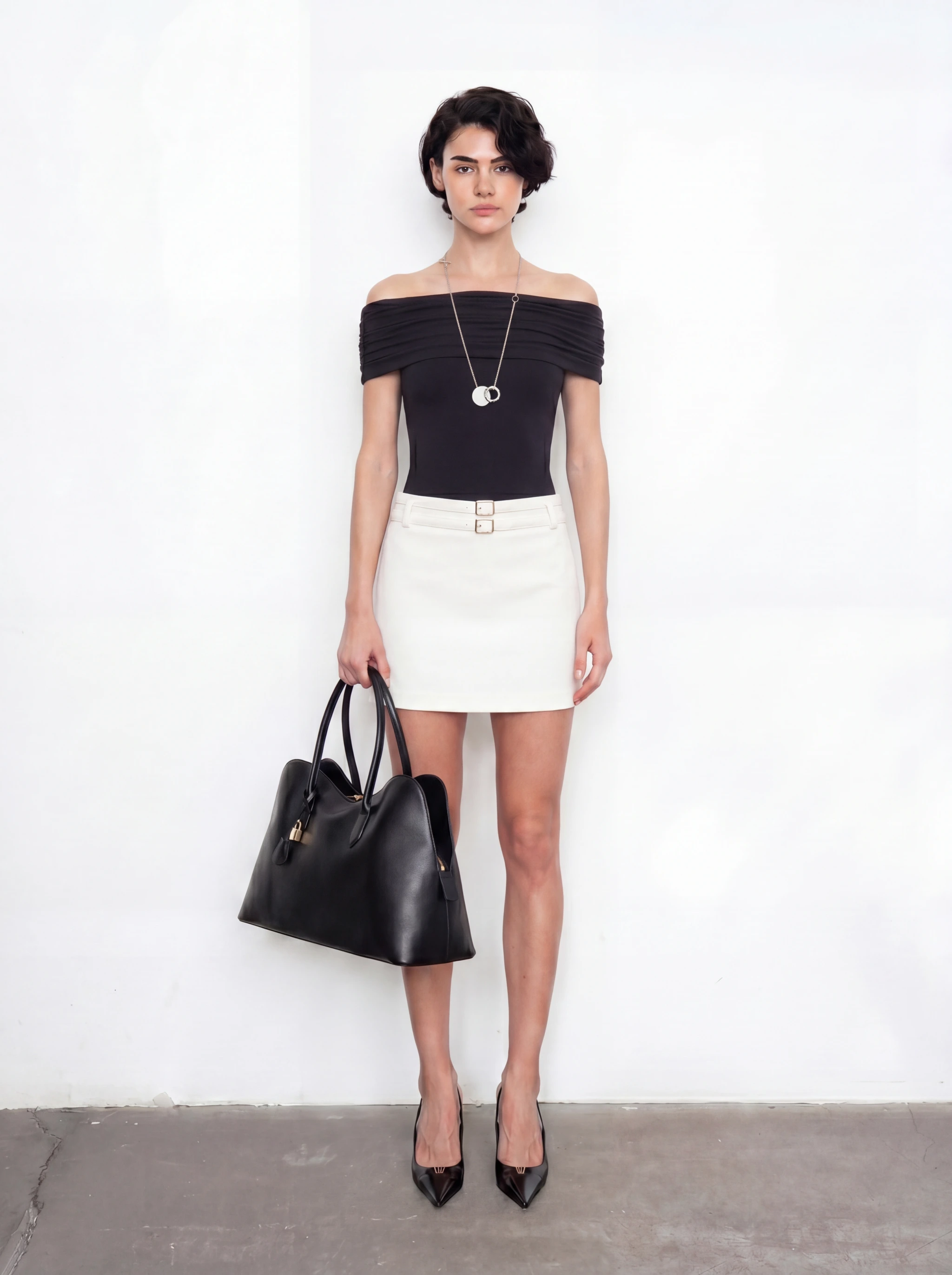
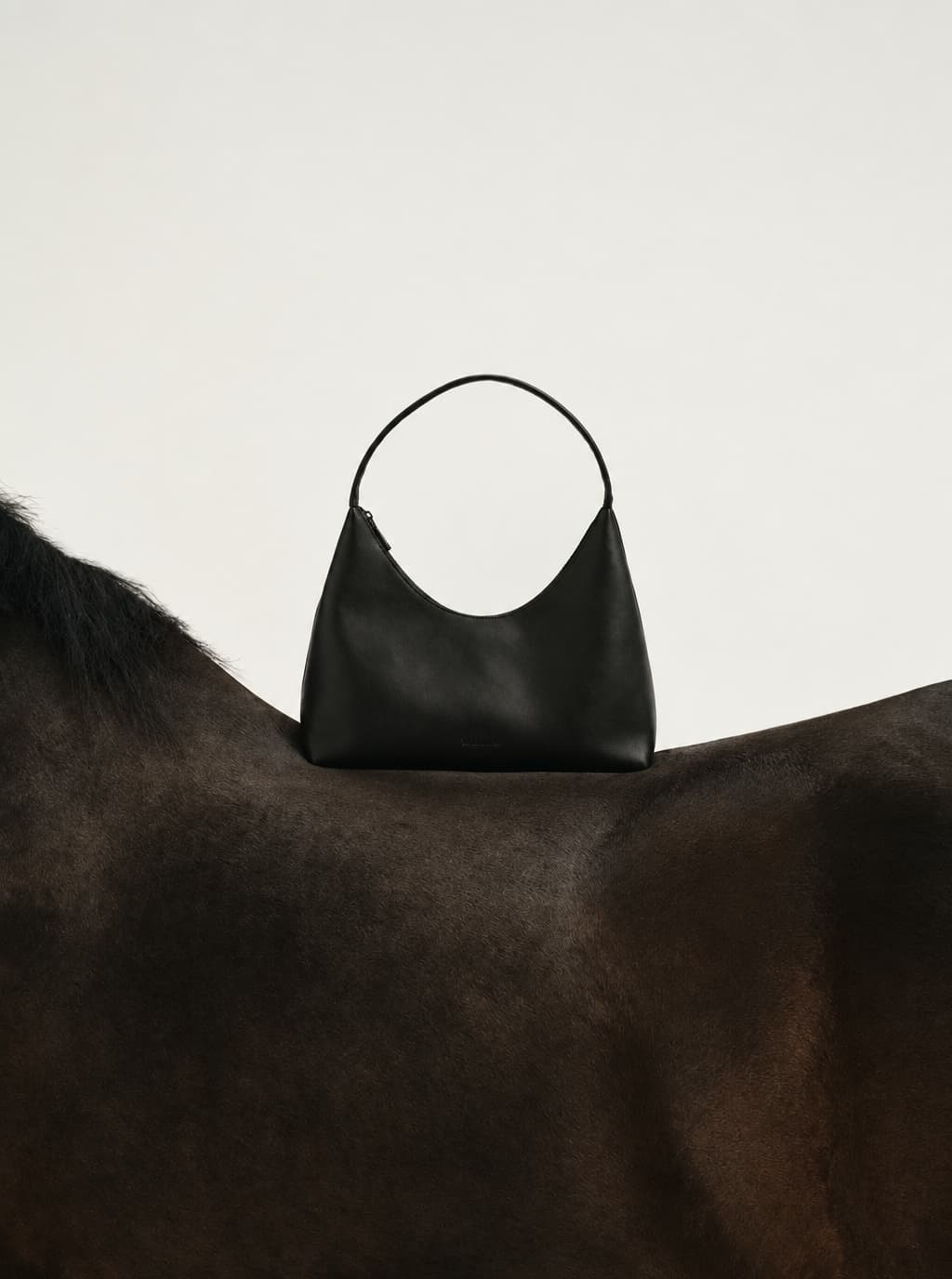
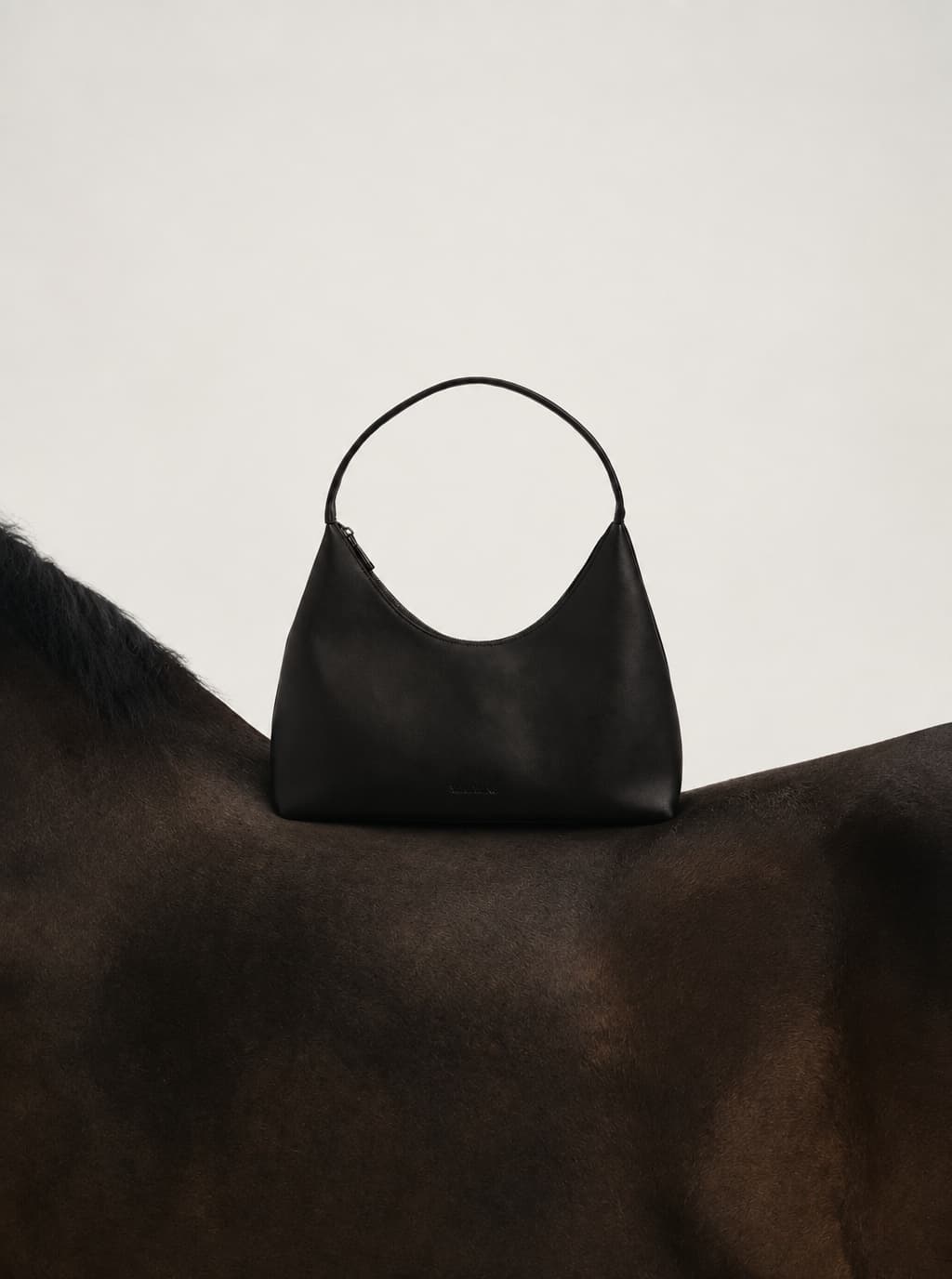
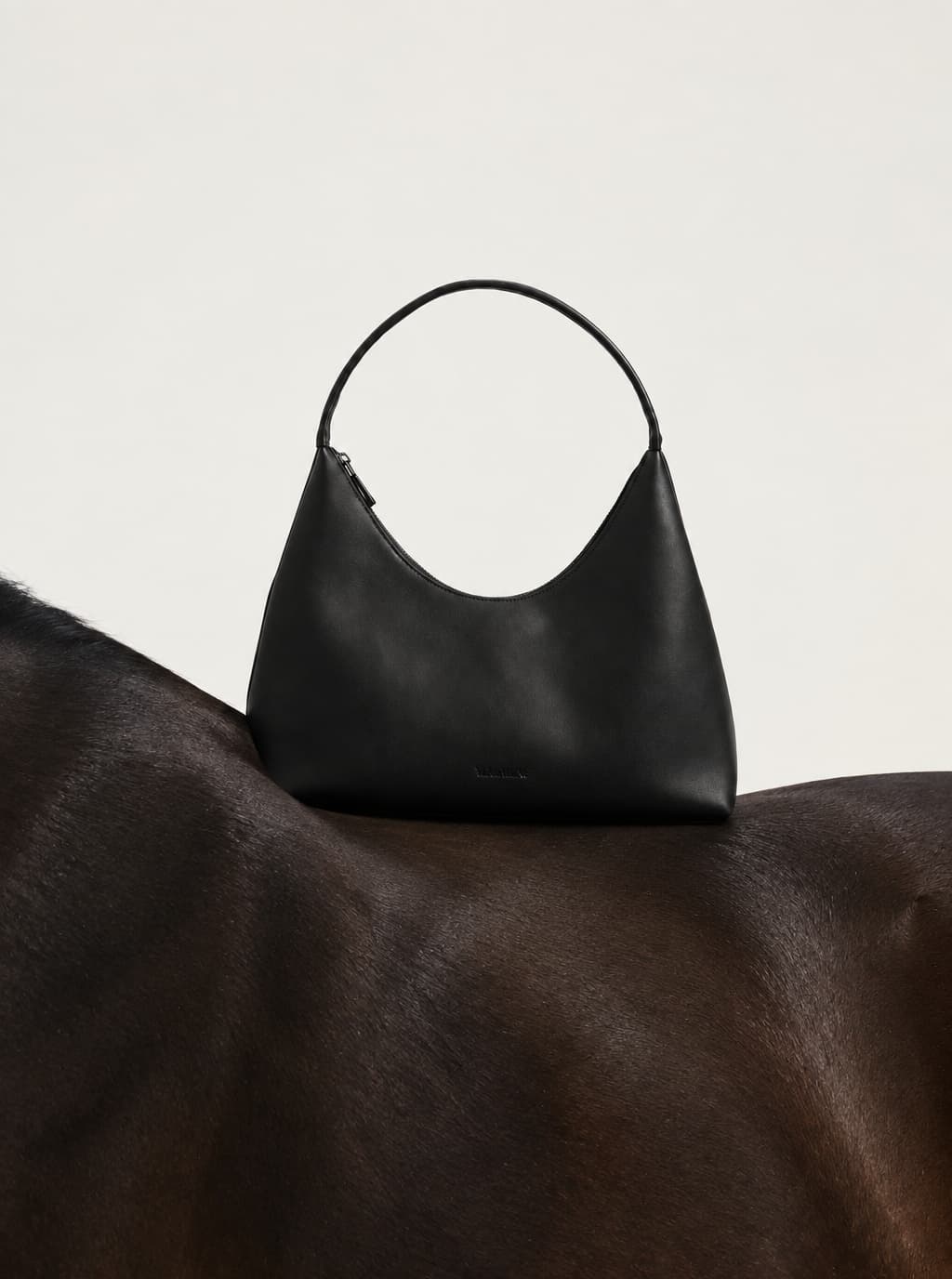
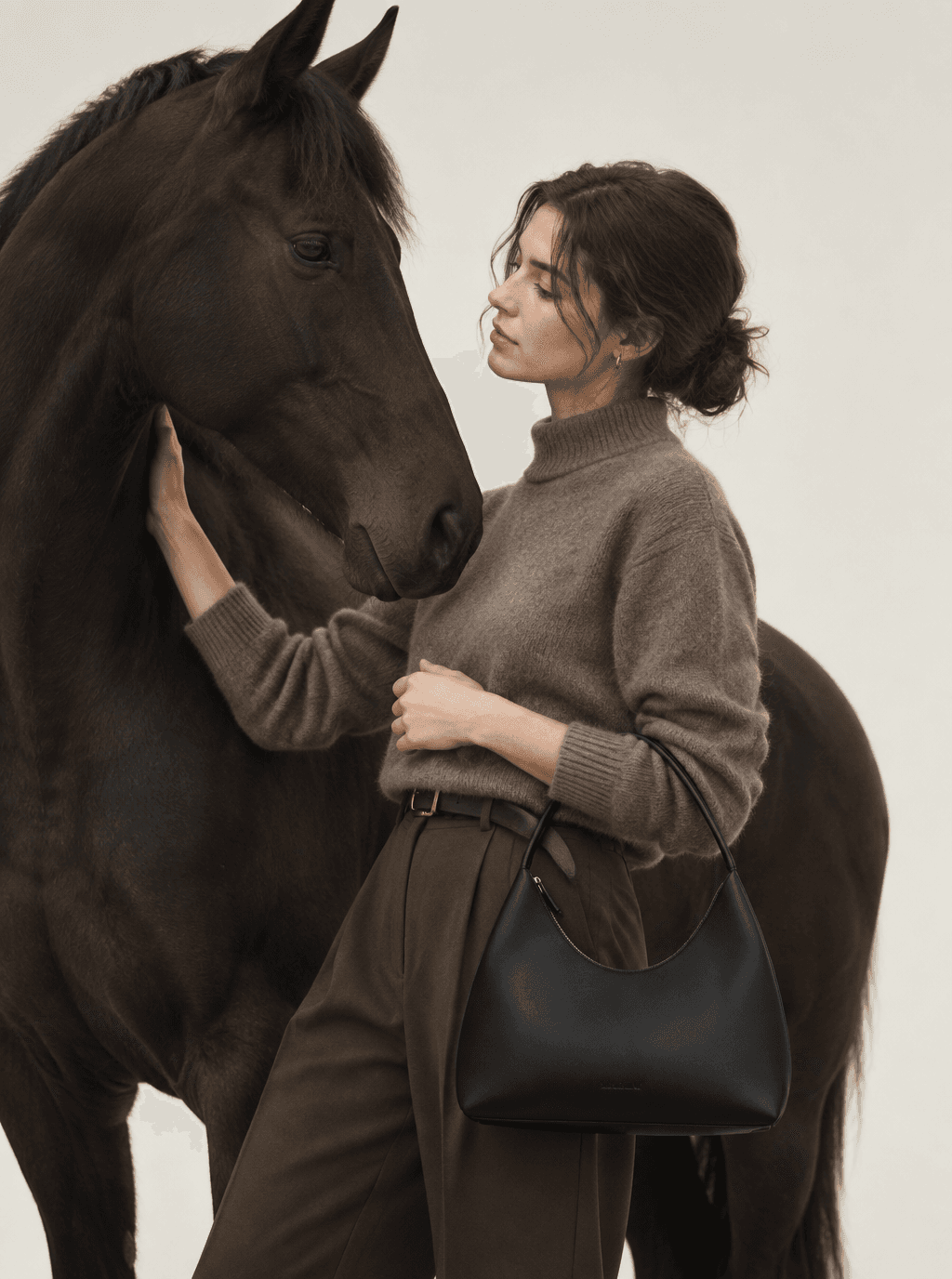
Selected site showcases: dress drape, handbag proportions and outerwear texture.
Start with an image you love. Keep its visual direction as you create people, products, stills, and motion.
Bring a model, product, outfit, or mood image to set the direction.
Keep the light, color, framing, and styling cues you want to reuse.
Carry that direction into portraits, product shots, and lookbooks.
Bring a selected frame to life while keeping the person and outfit aligned.
Bring your product and an idea. Explore a visual direction, save it as a Style, and use it across your next collection.
Explore references against your brief. Compare the light, composition and mood before choosing what fits.
Save the direction you choose so you can return to it for your next project.
Apply the Style to another product and explore new variations. Review each result against your product photo.
Try a fresh take.
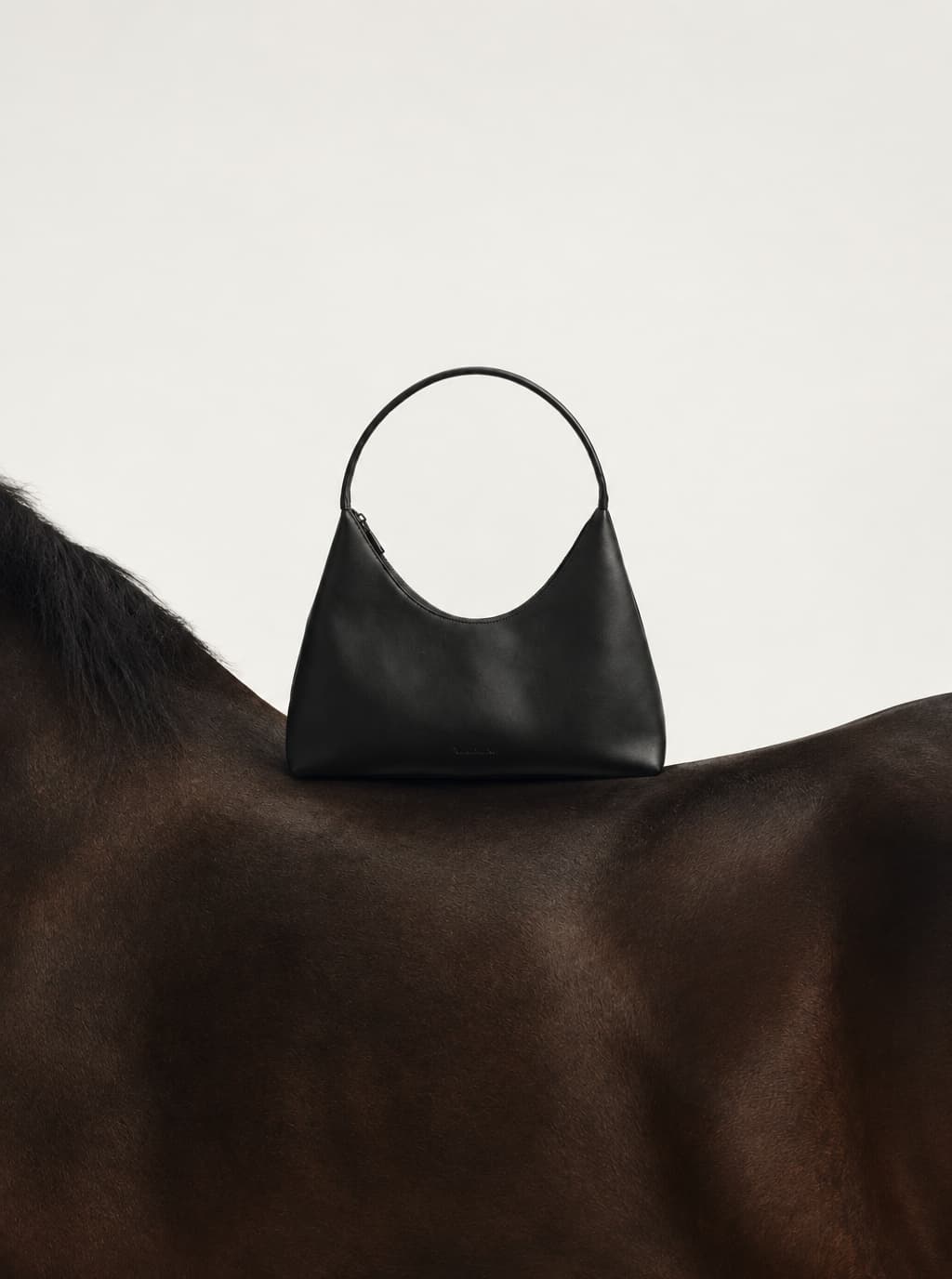
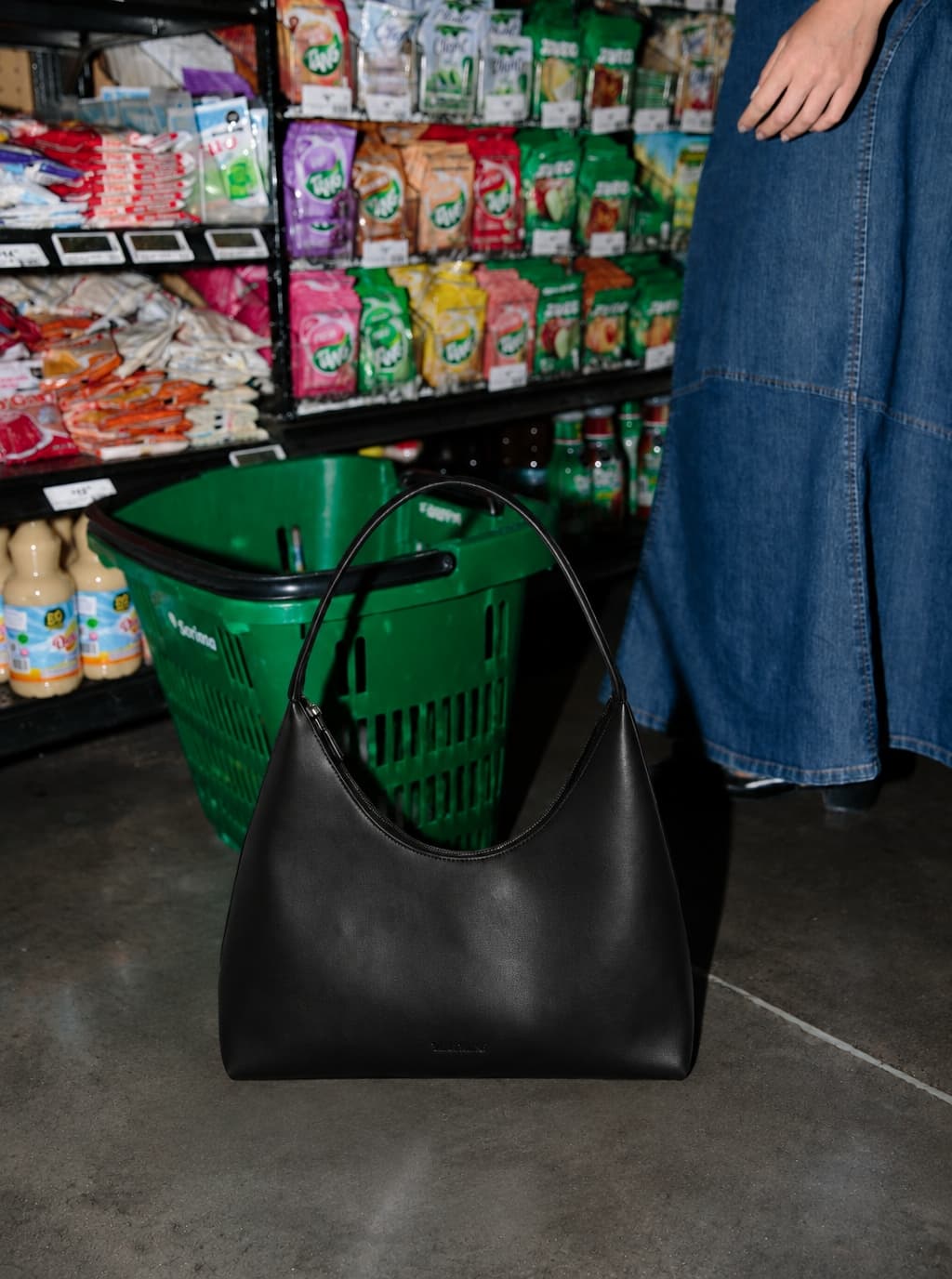
01
Product, background, and model images can all become the starting point.
02
A clear visual direction means fewer random attempts.
03
Style, lighting, and composition follow the reference.
From real project work
These examples come from separate apparel projects: developing a shoot direction, reusing a saved Style, and extending still images into motion.
Explore the direction
“Give me a few creative directions based on these materials.”
The team started with six reference images. dobi dobi proposed three treatments for the clothing and accessories:
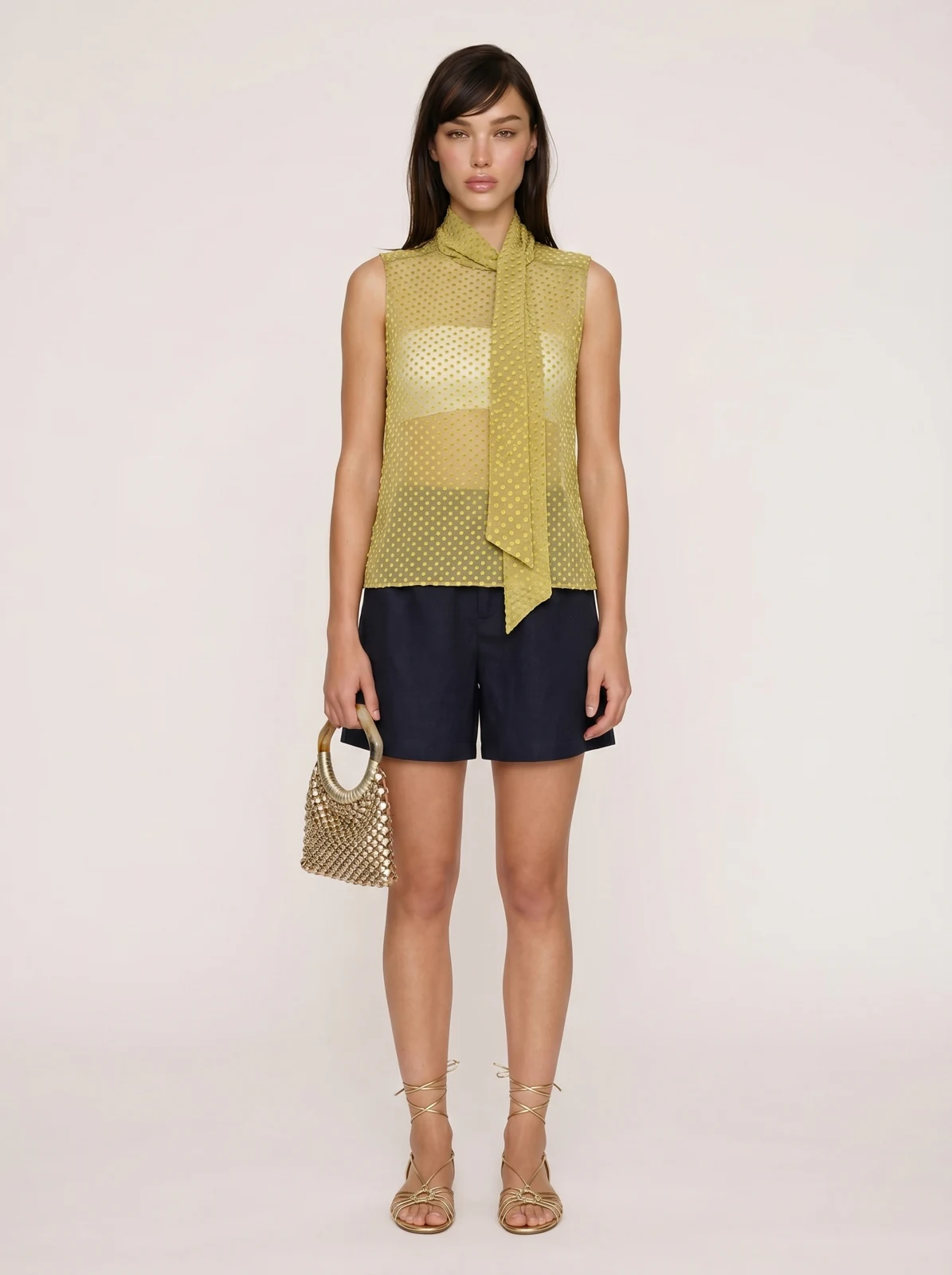
The team then specified sheer, yellow-green flocked silk, a white underlayer, and a natural standing pose against a clean background. The model and accessory references were adjusted before generating the look shown here.
References used for this generated look
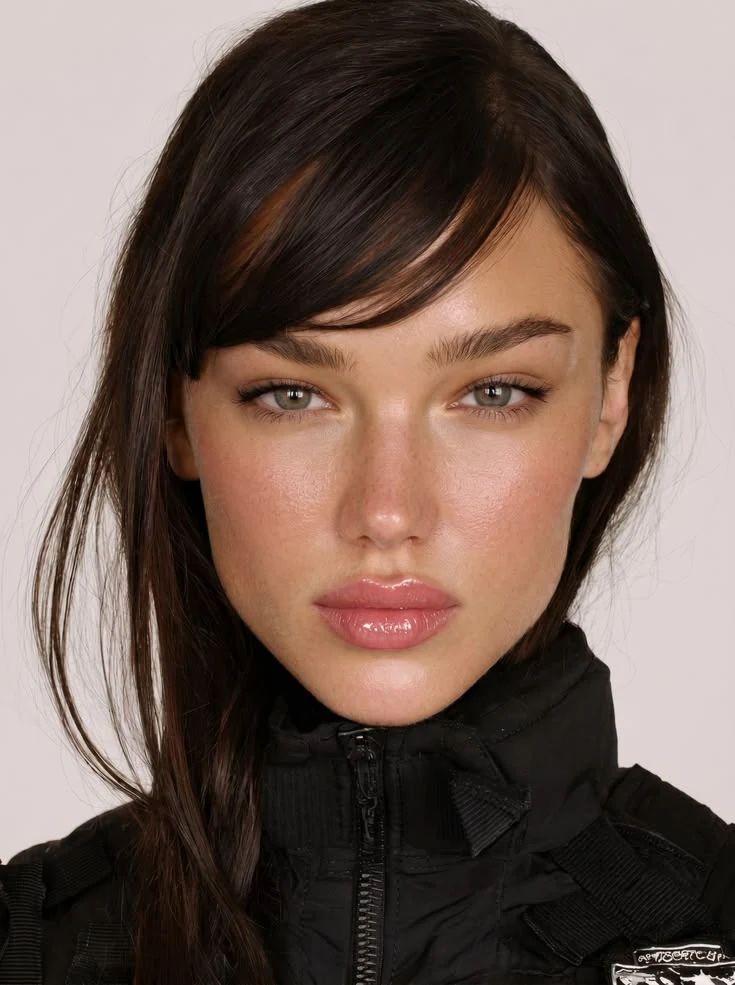
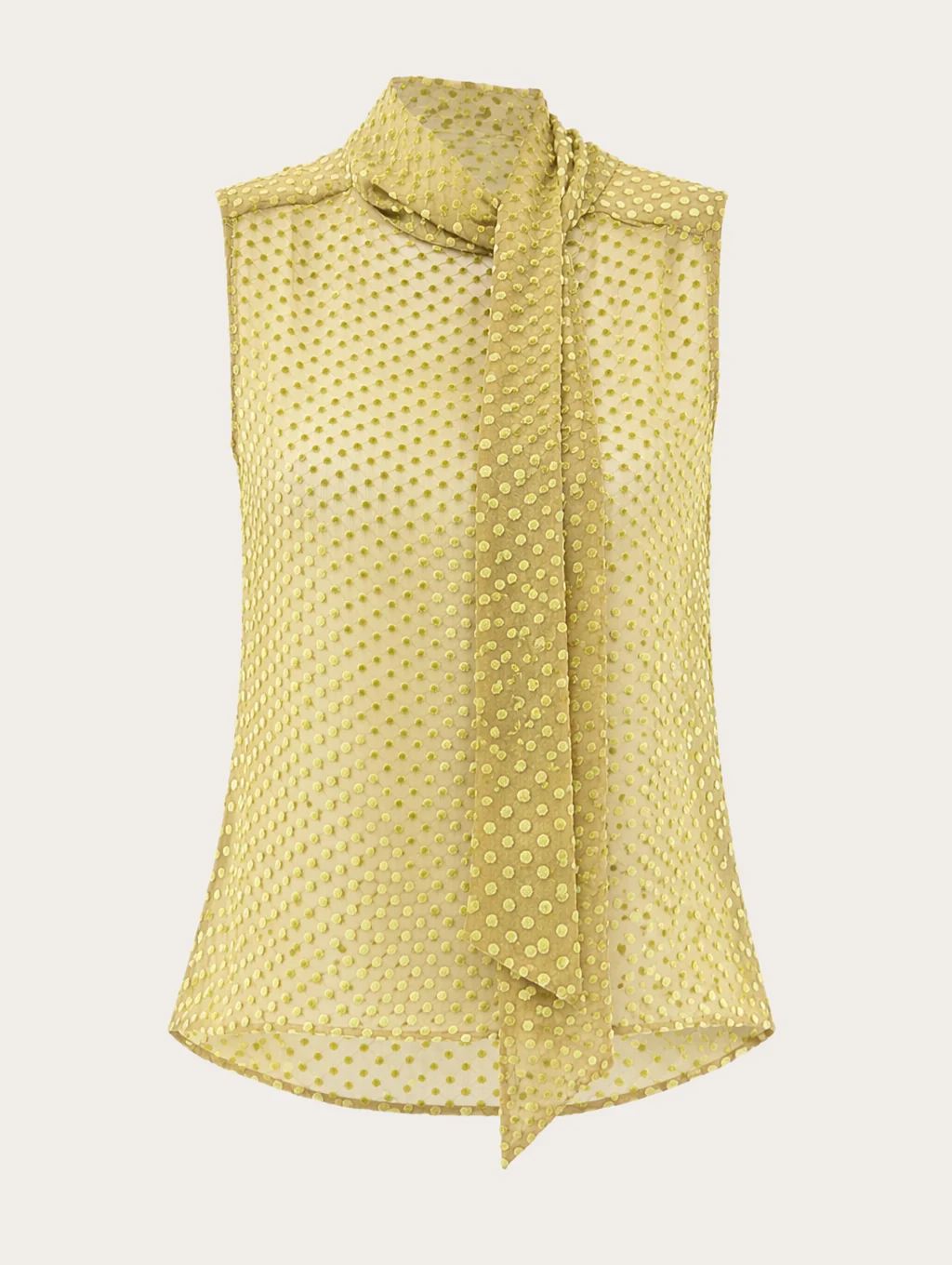
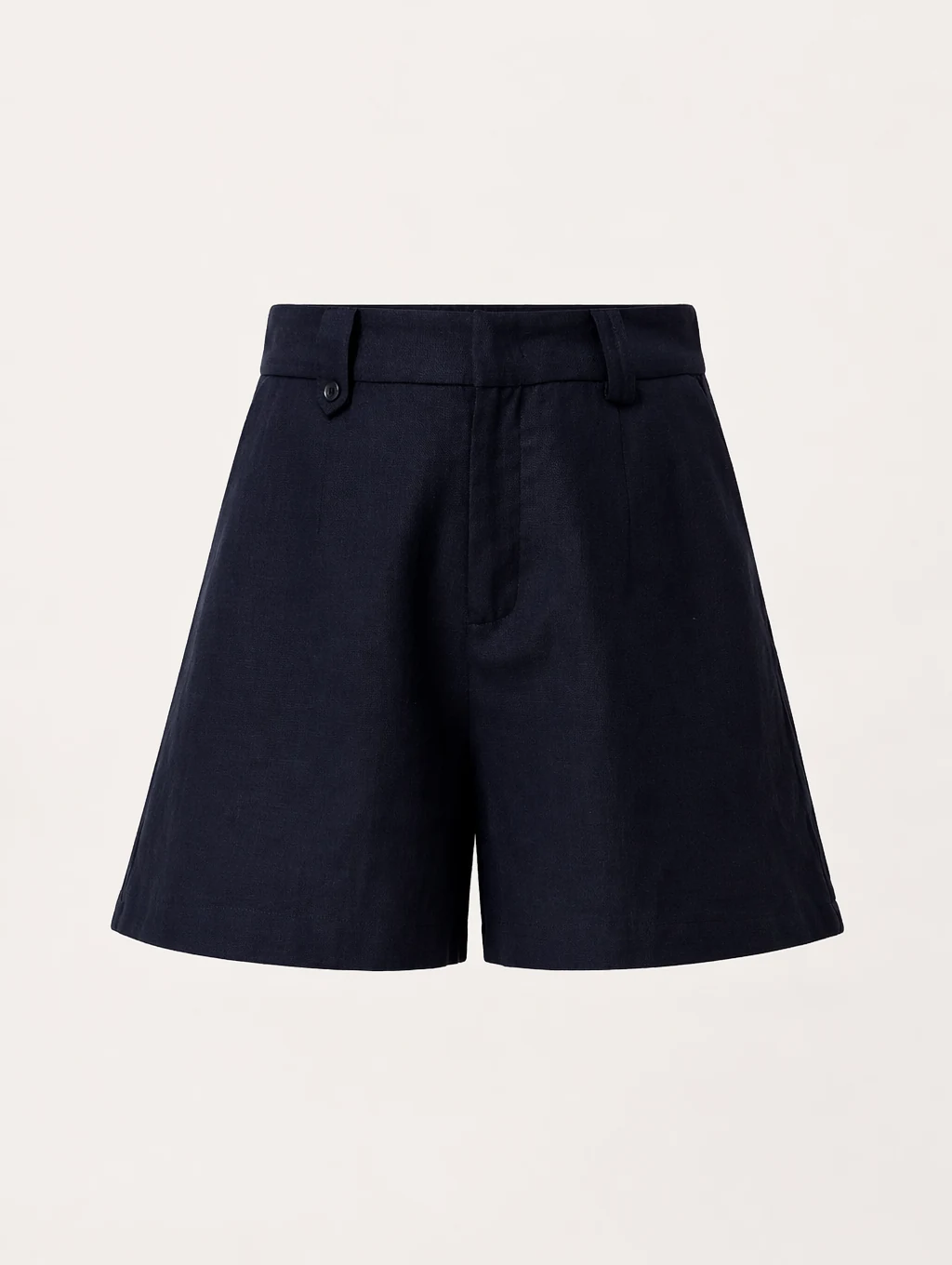
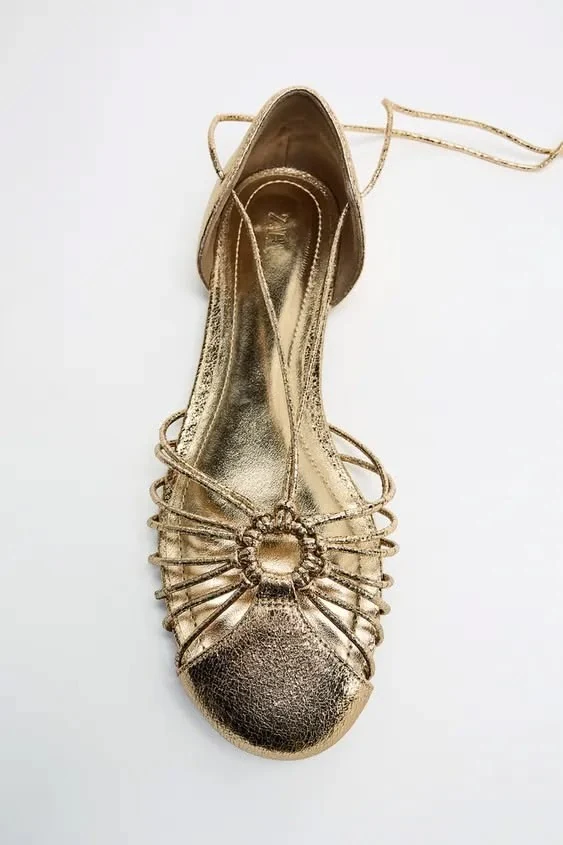
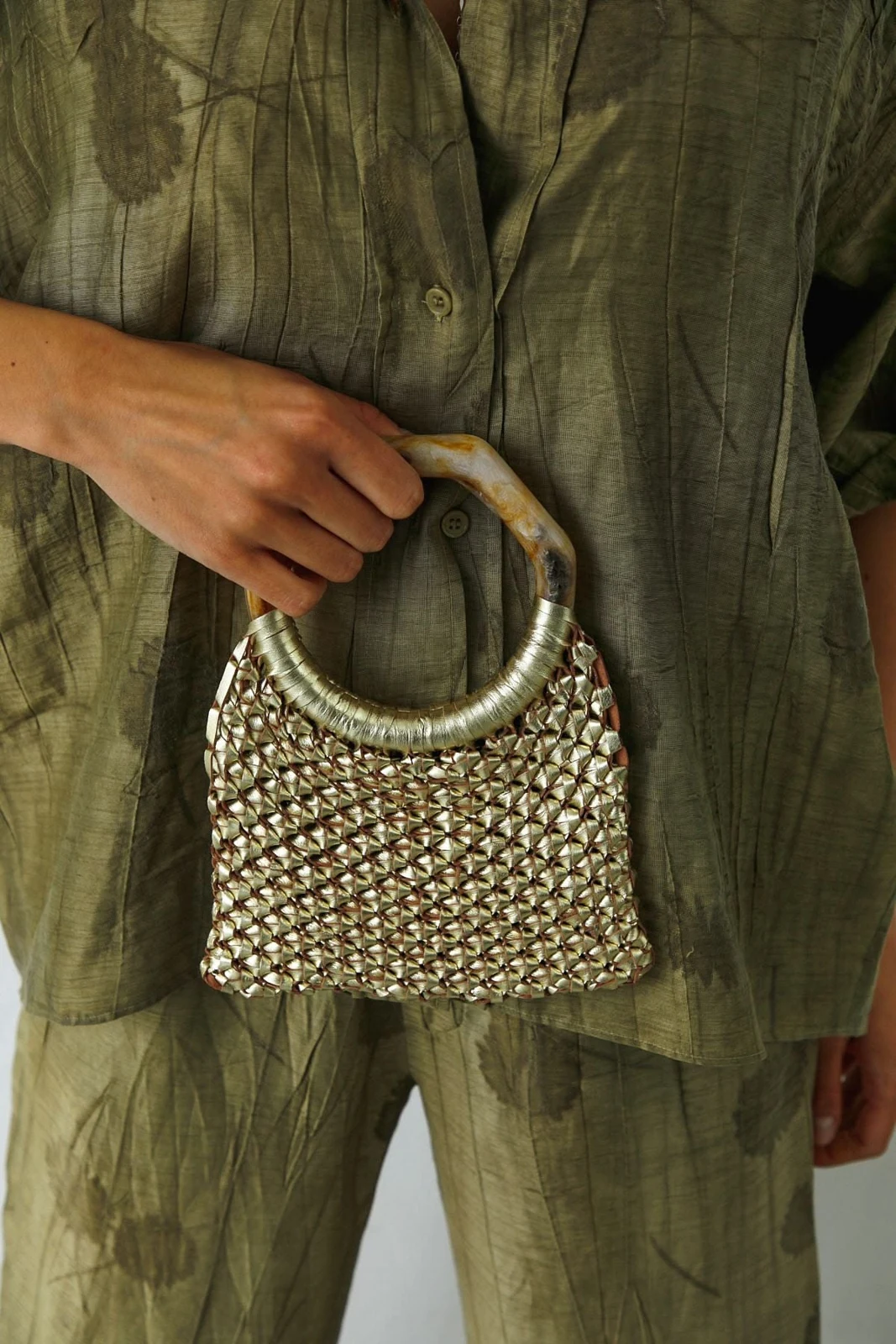
Generated look
Save and reuse Style
The team saved these three references as one custom Style. They later selected that same Style for a sock-focused shoot and a separate dress-and-trouser look, with new product instructions each time.
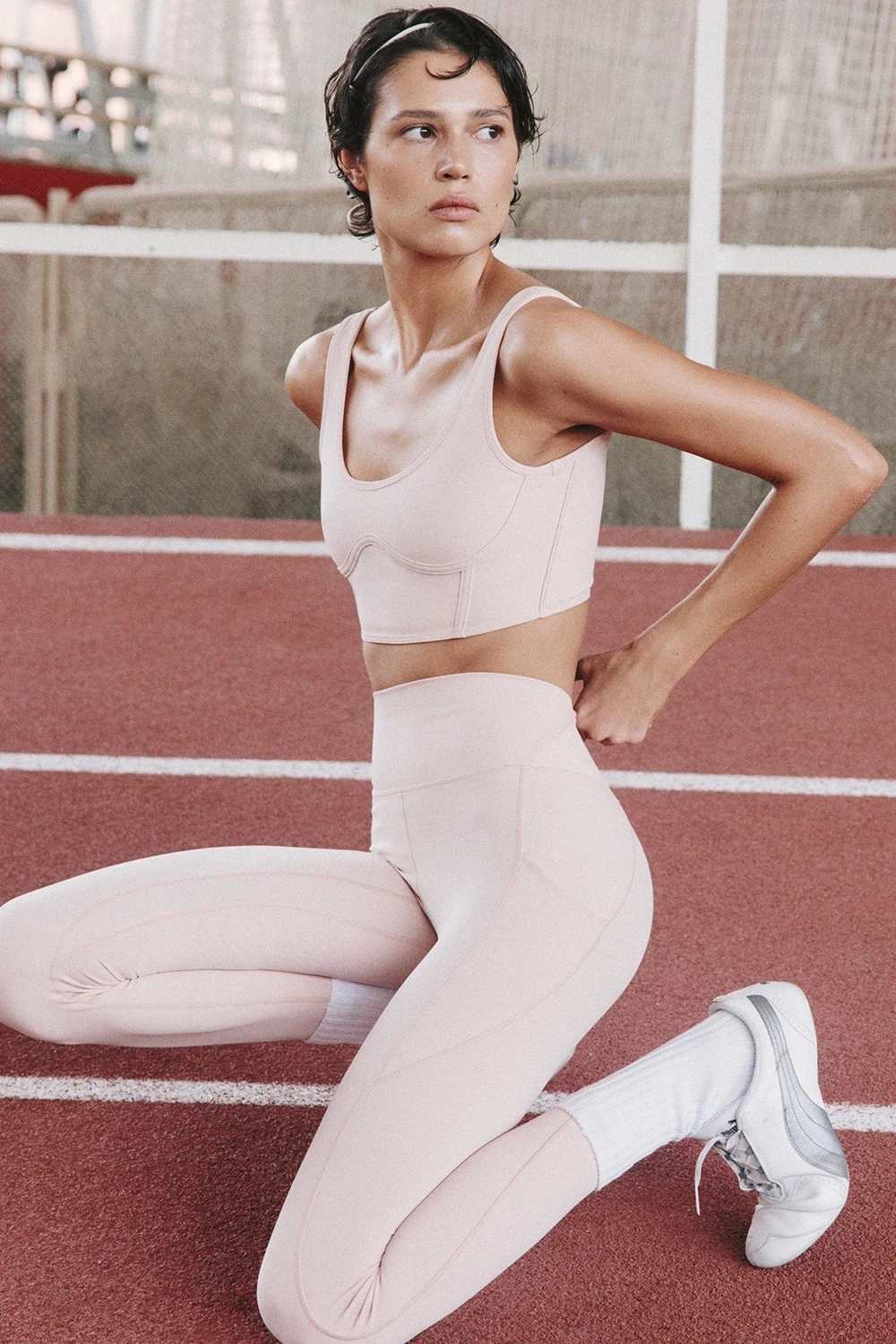
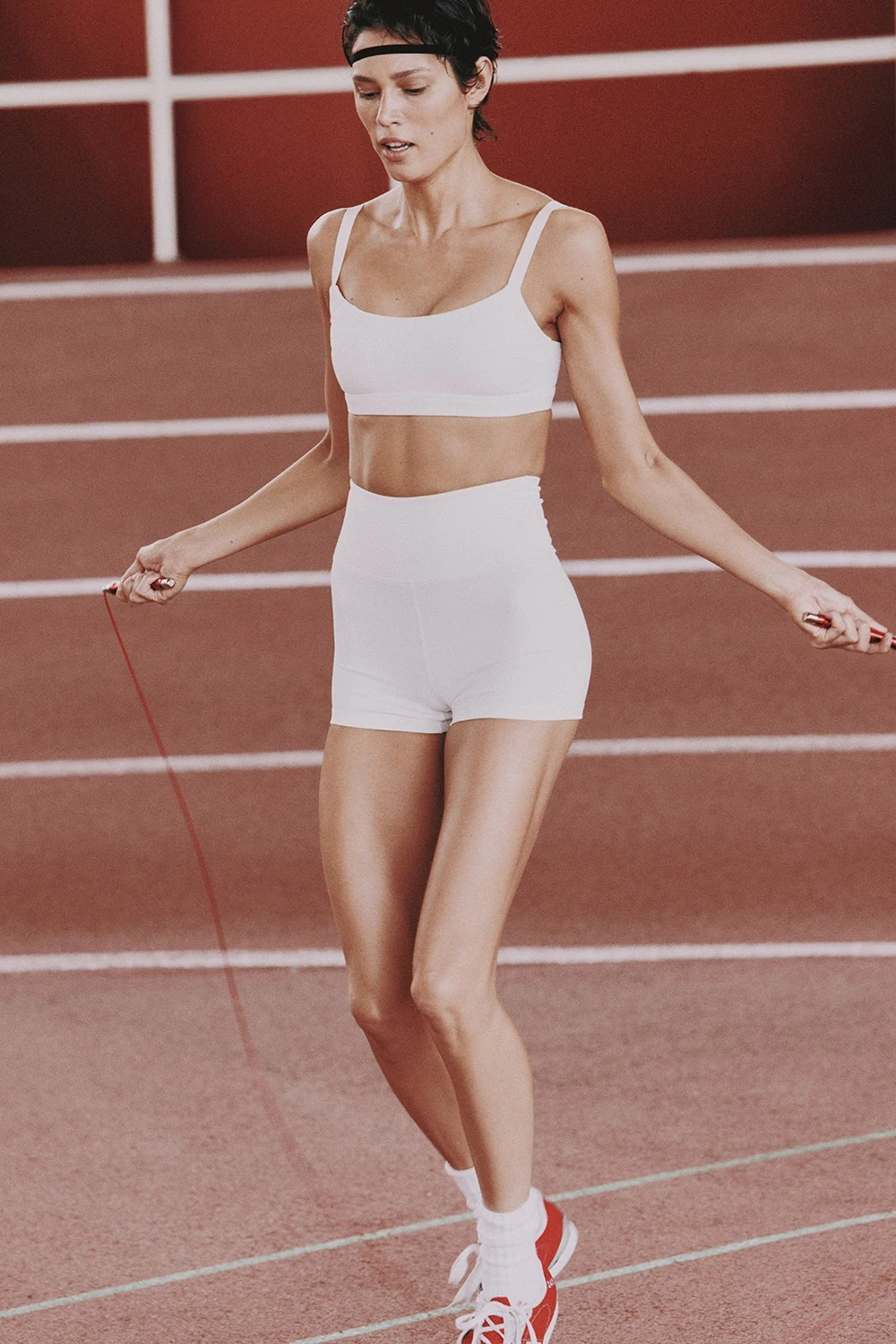
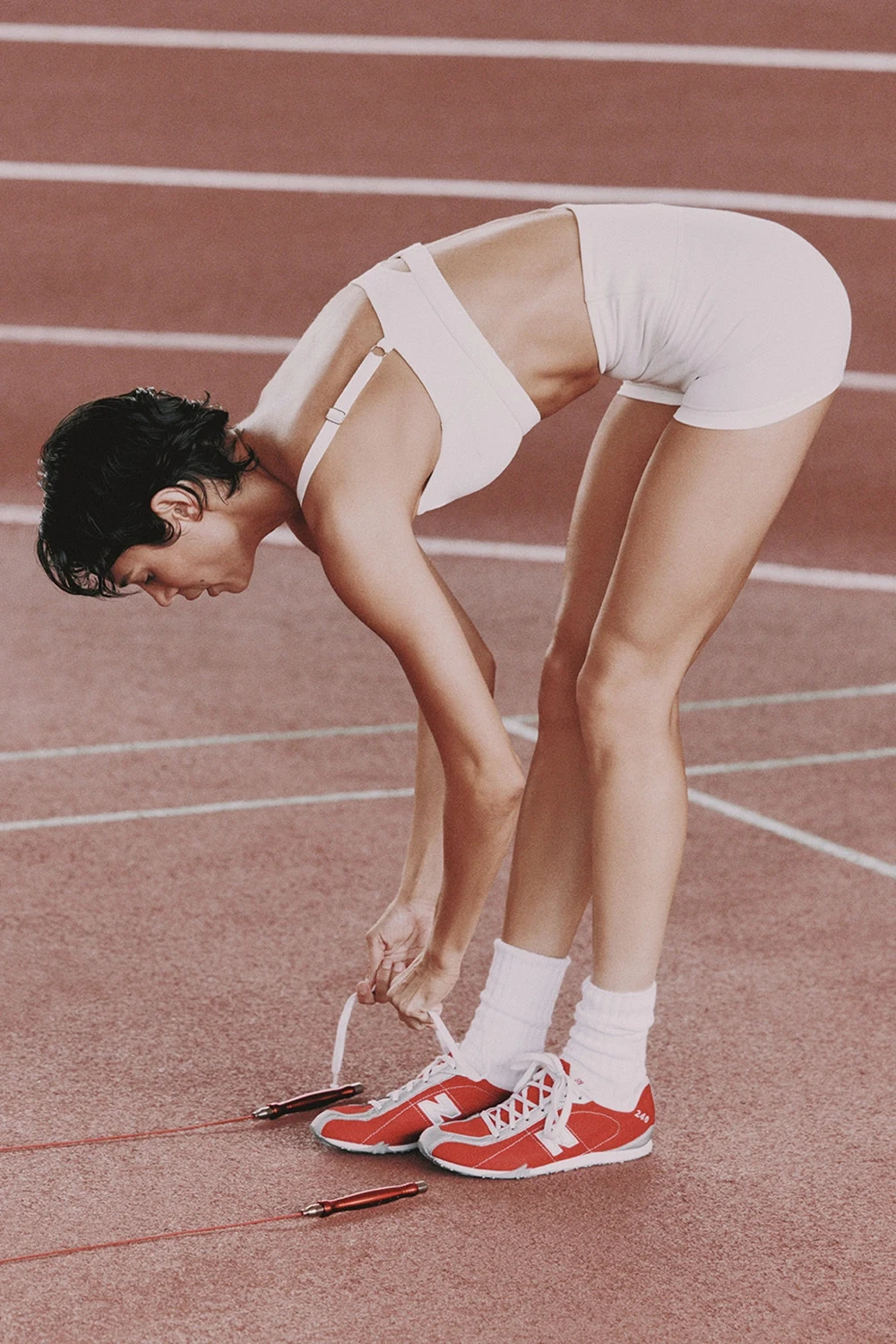
The saved Style describes lighting, color, composition, material treatment, and camera language.
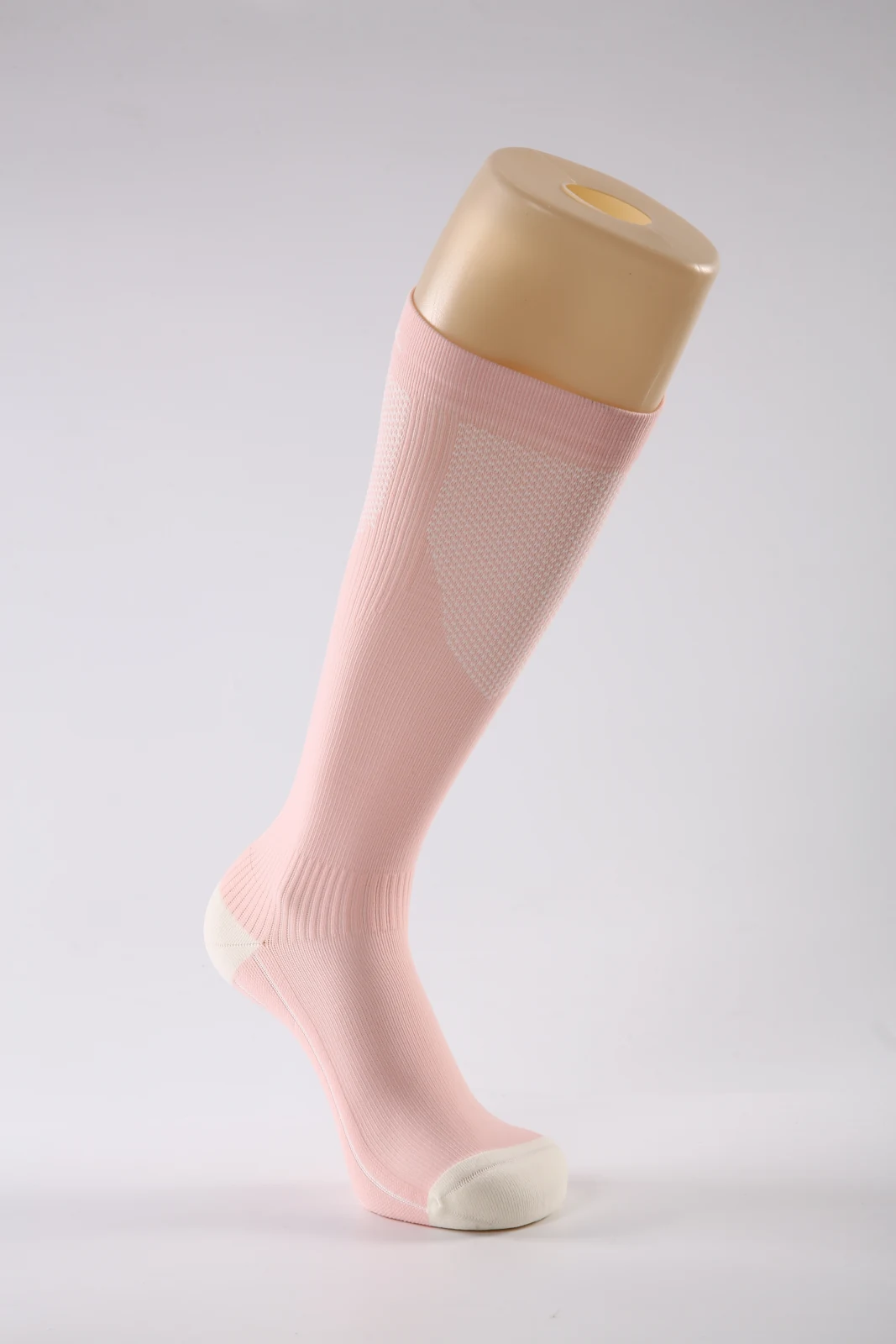
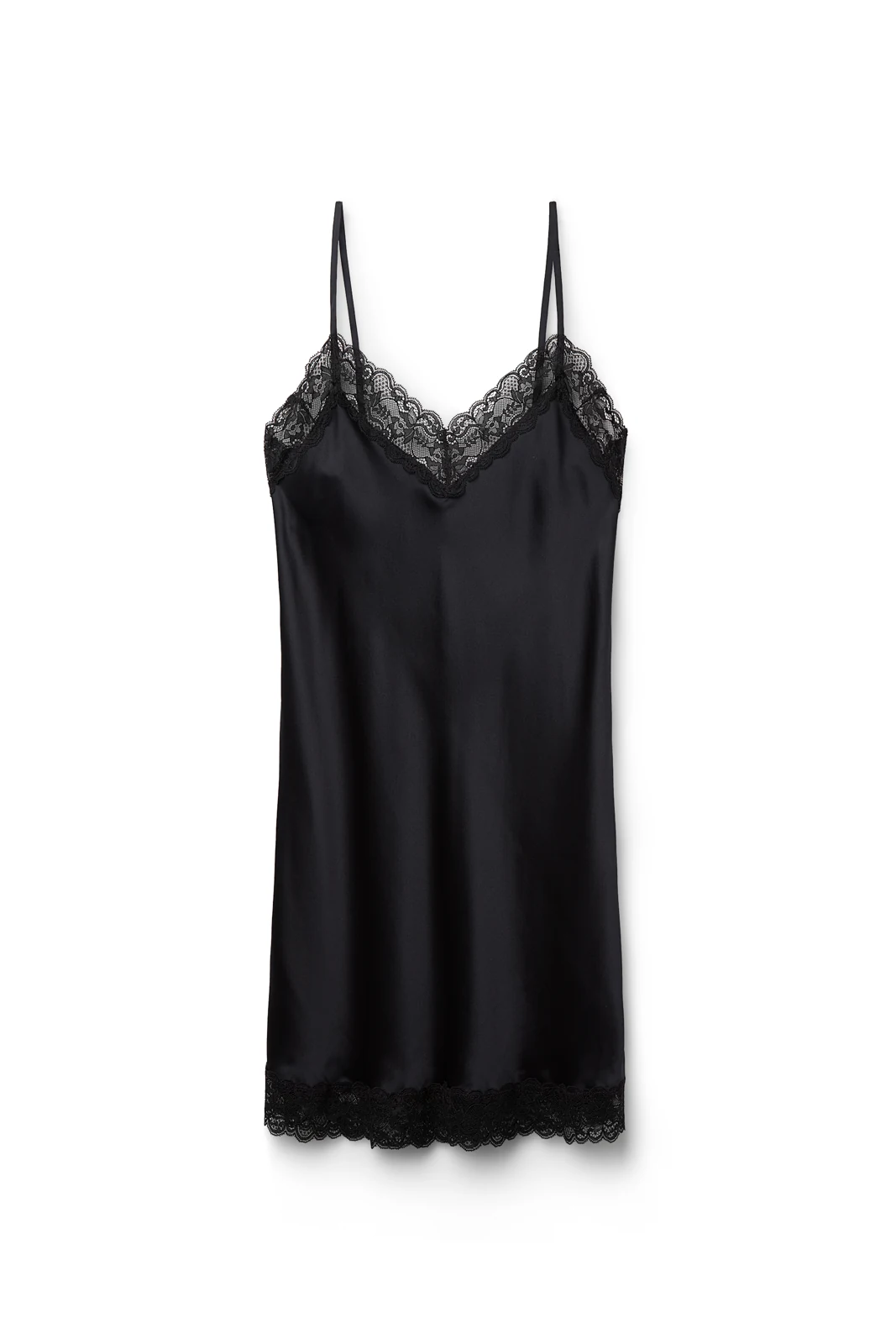
The sock brief emphasized knit detail. The later brief specified a dress layered over trousers and the garment details to retain.
Extend the direction
“Add a set of still-life images based on this visual style, to use for storyboarding.”
The team developed a dress, vase, shoes, and earrings within a warm interior treatment. They then used the generated dress-on-chair image alongside a model reference for a romantic motion study.
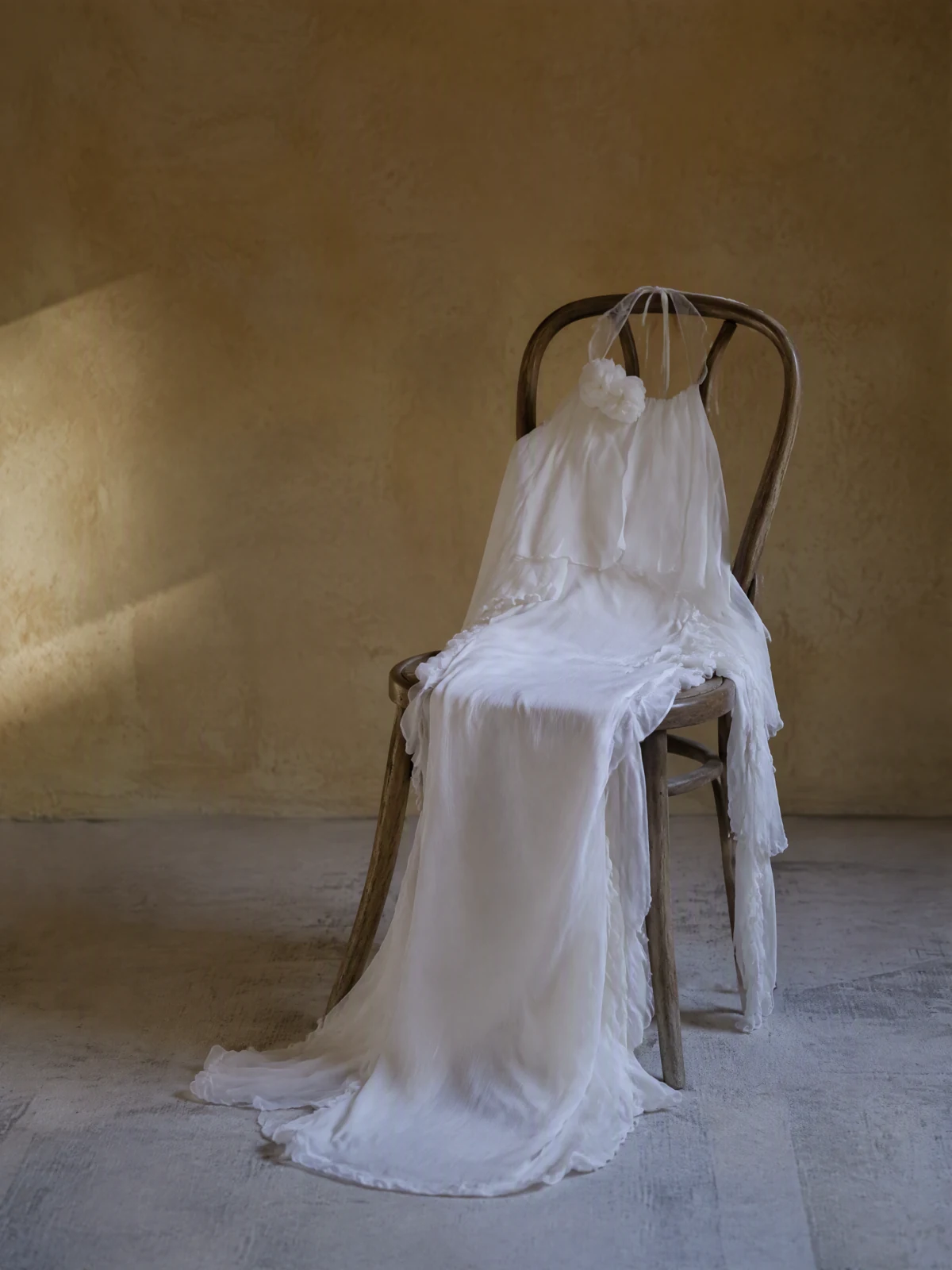
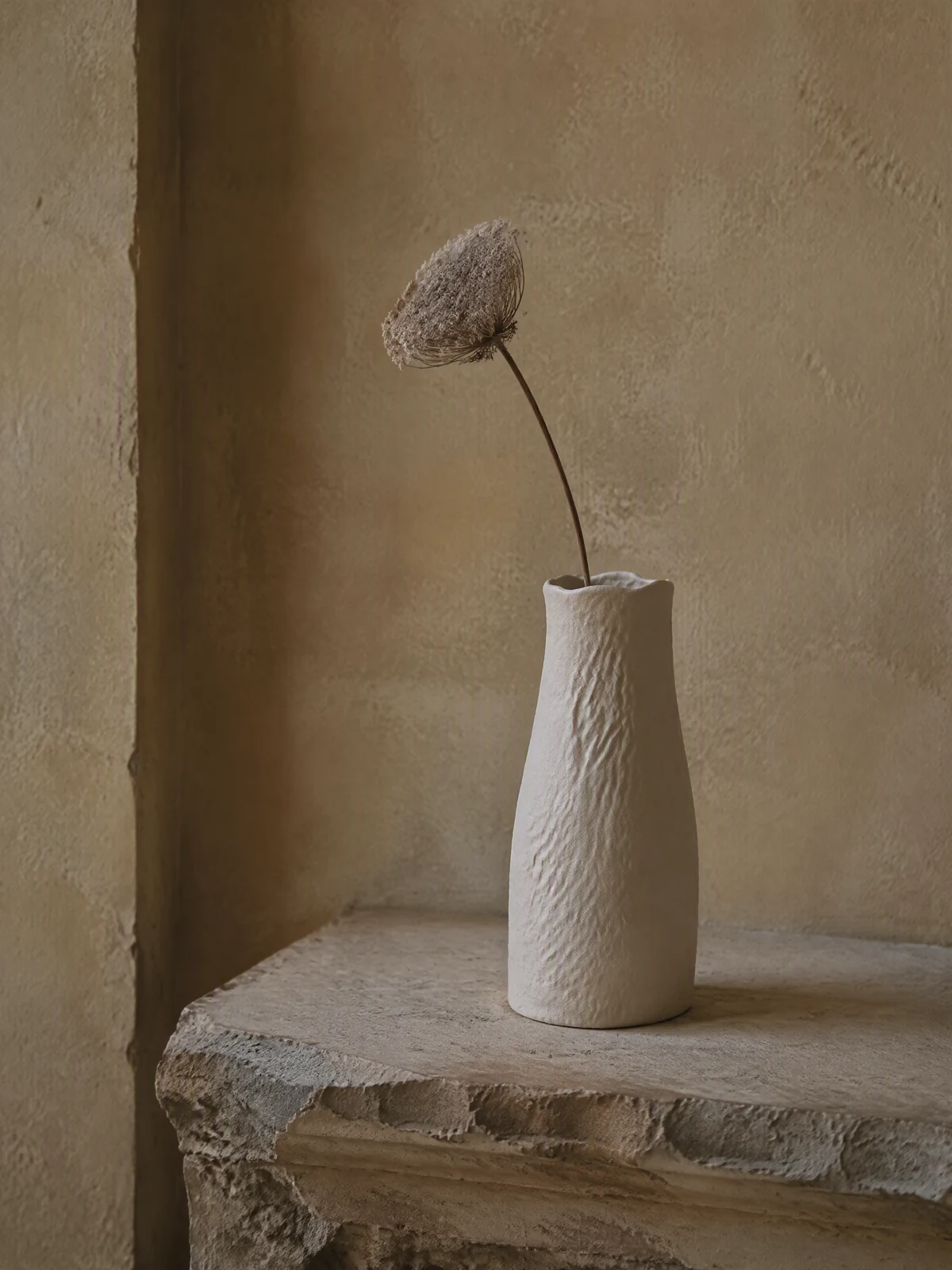
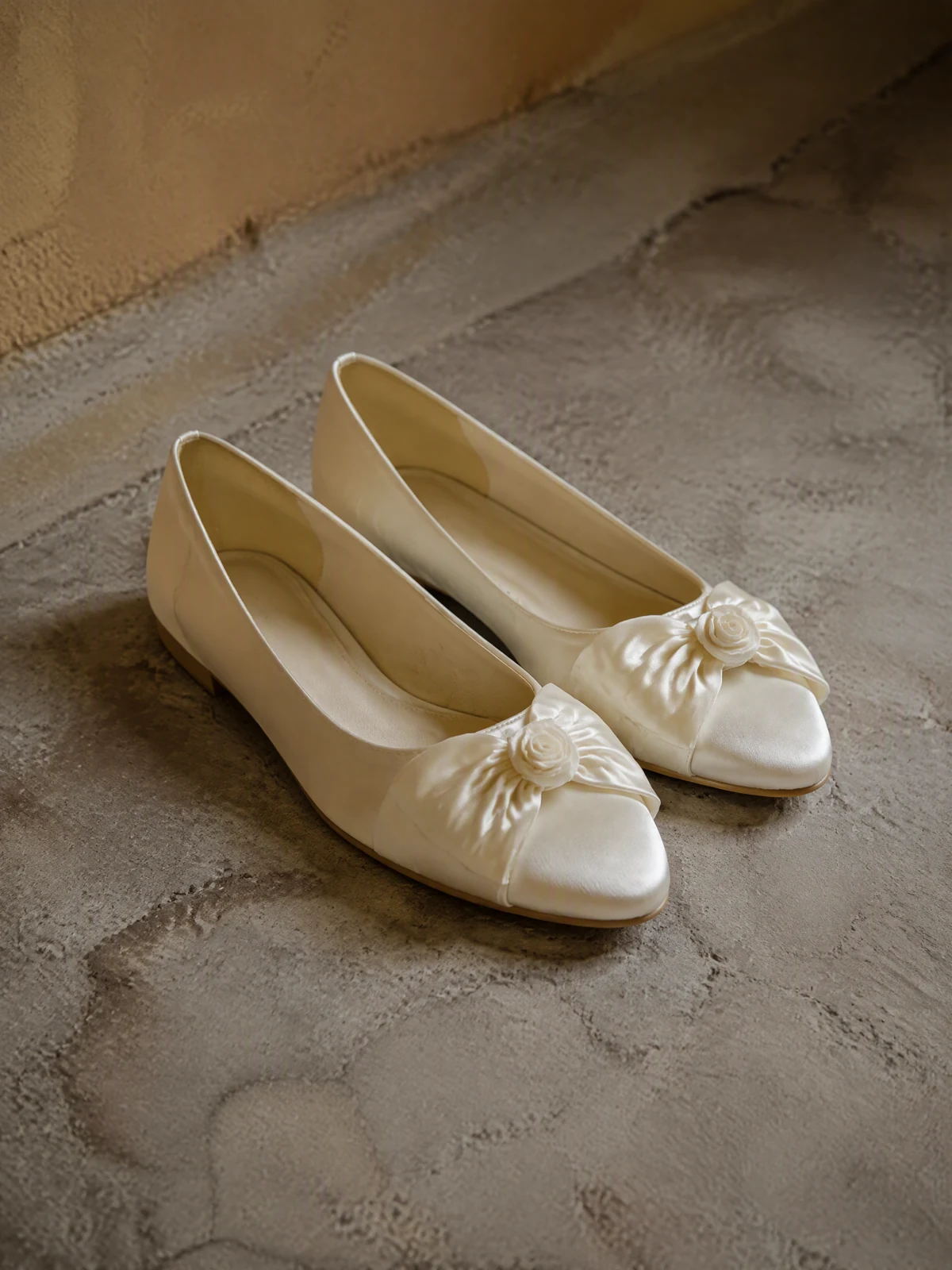
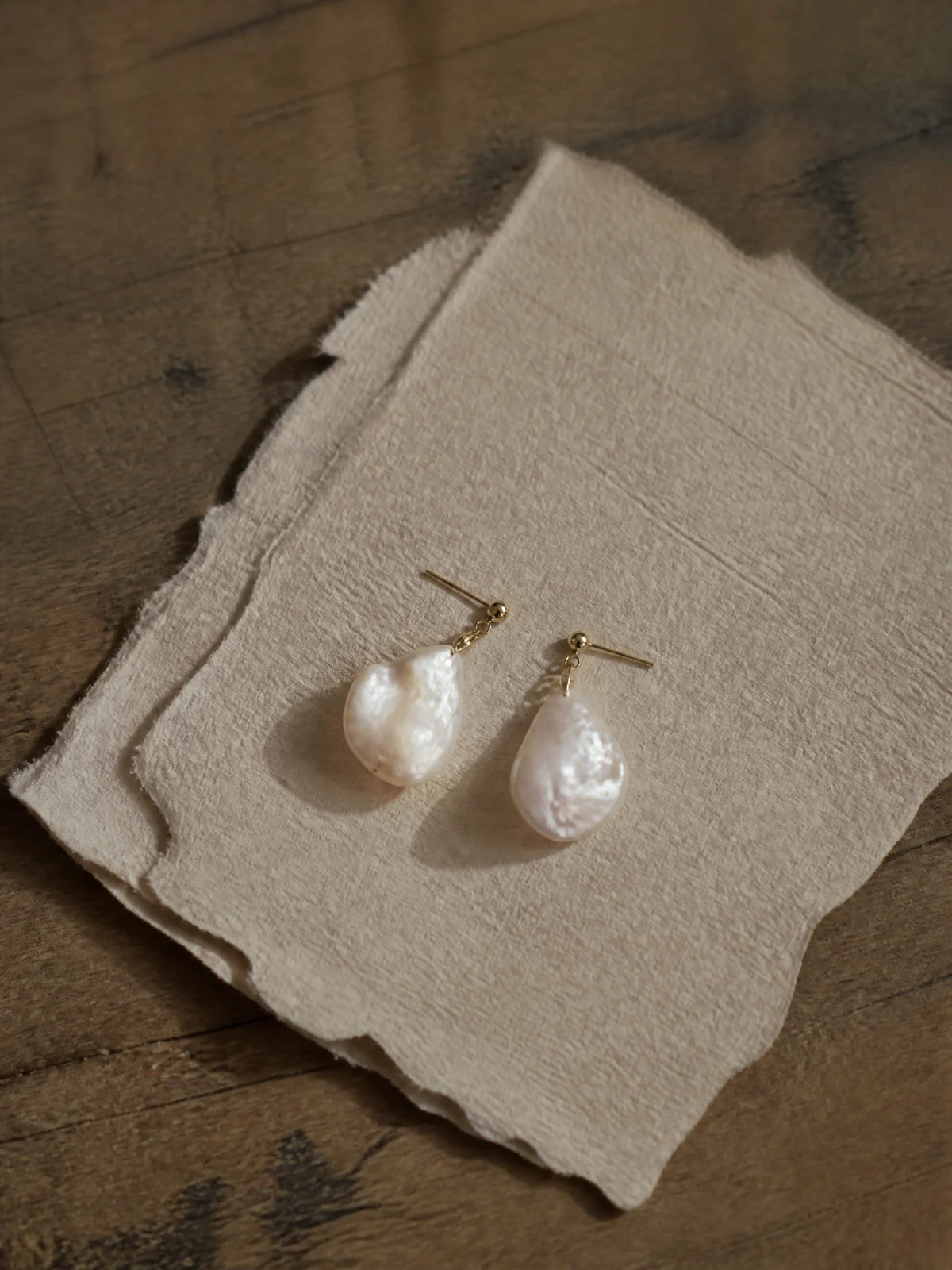
Bring your product photos and brief. Compare directions with your team or client, then save the Style you want to carry forward.
Explore your creative directionCase examples
A satin dress showcase with soft light, visible folds and a clear silhouette.
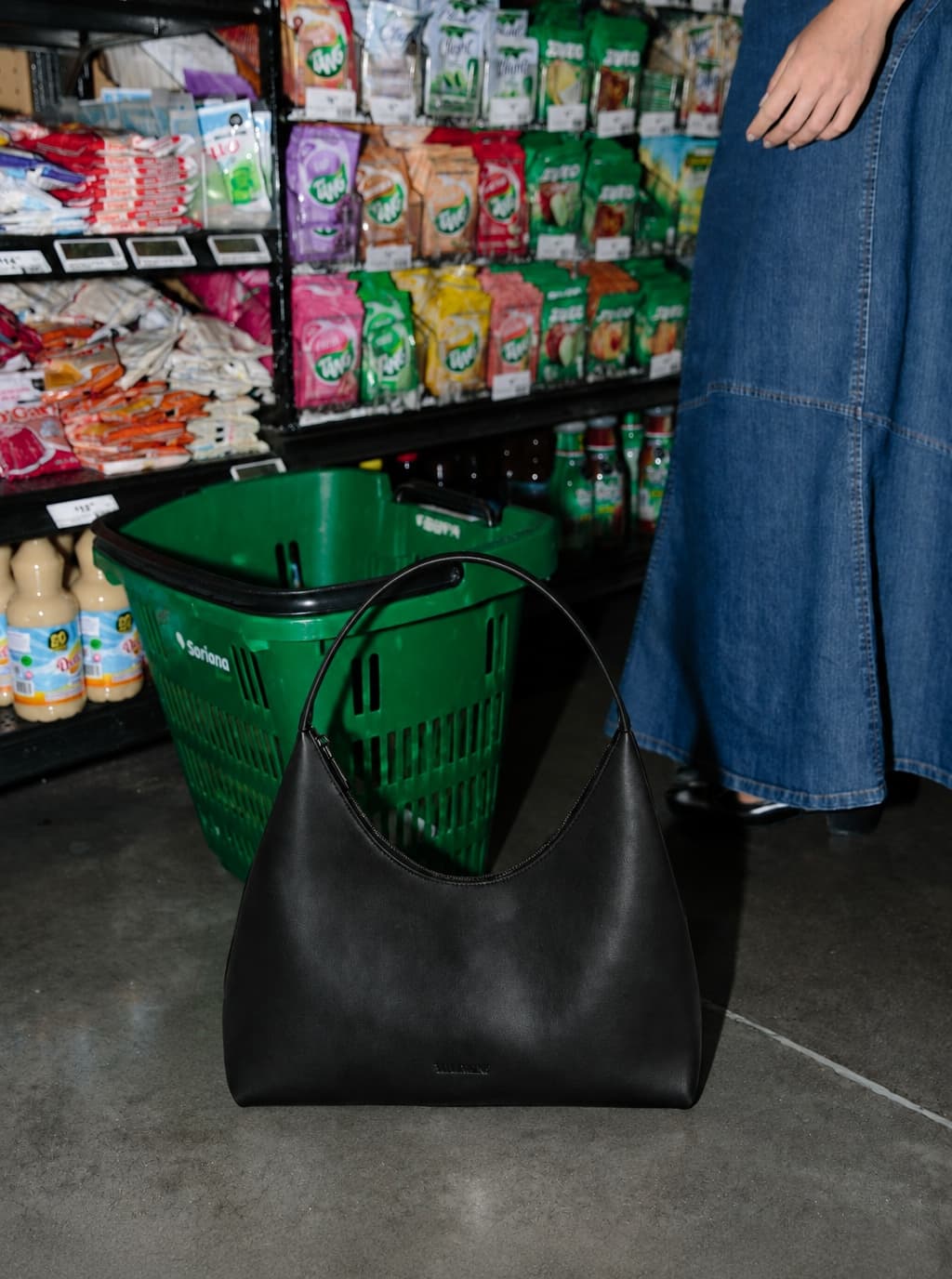
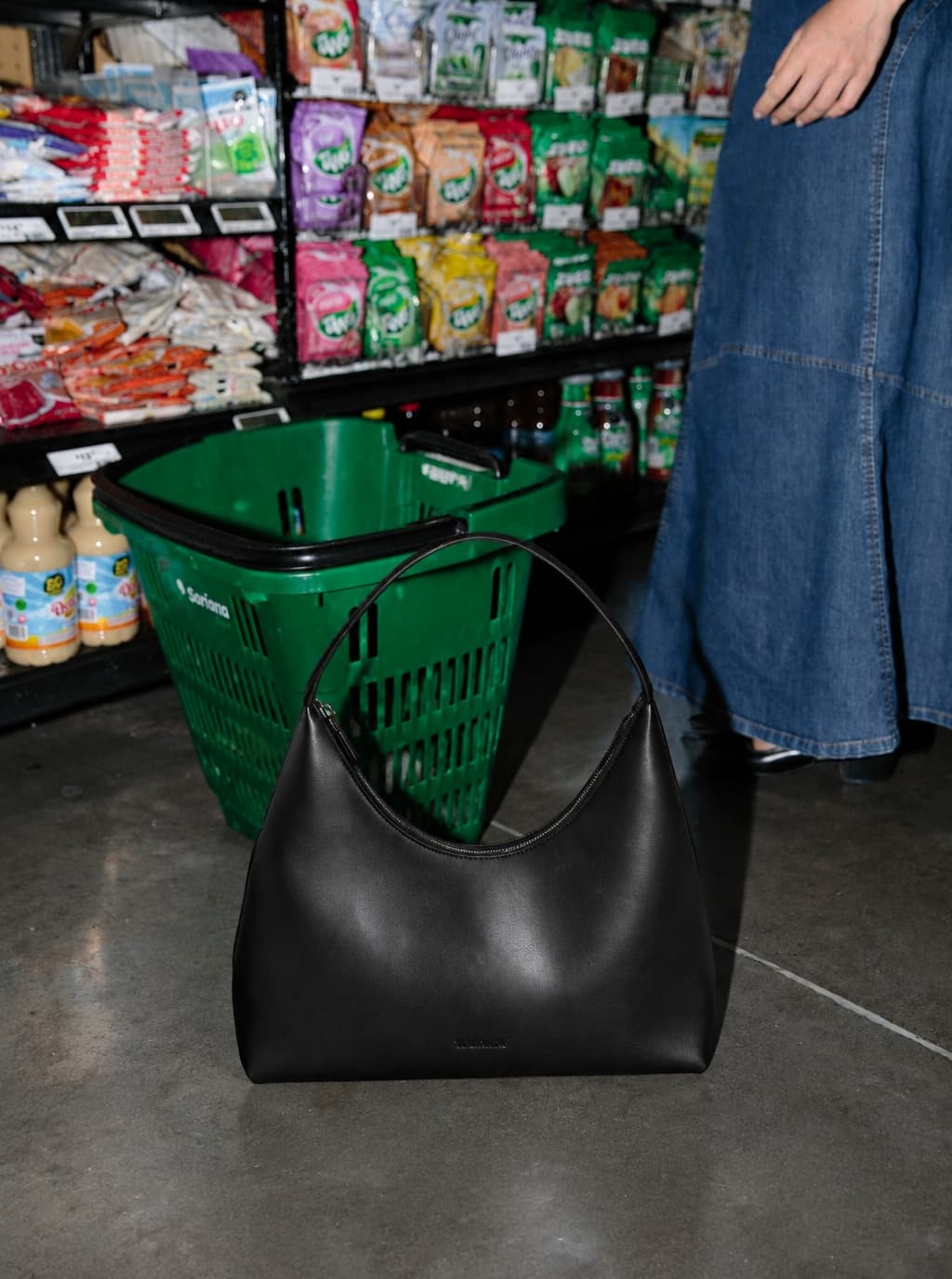
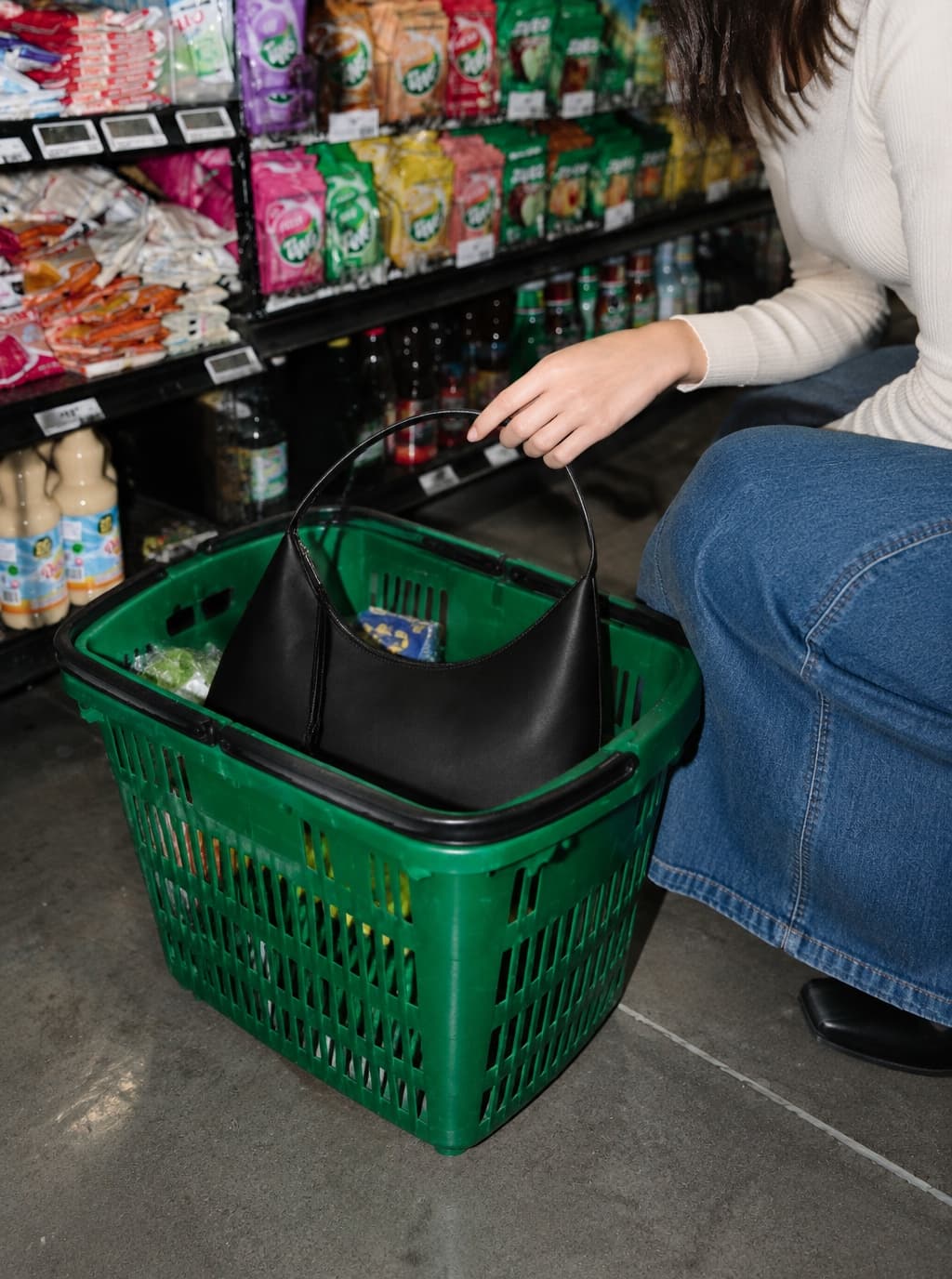
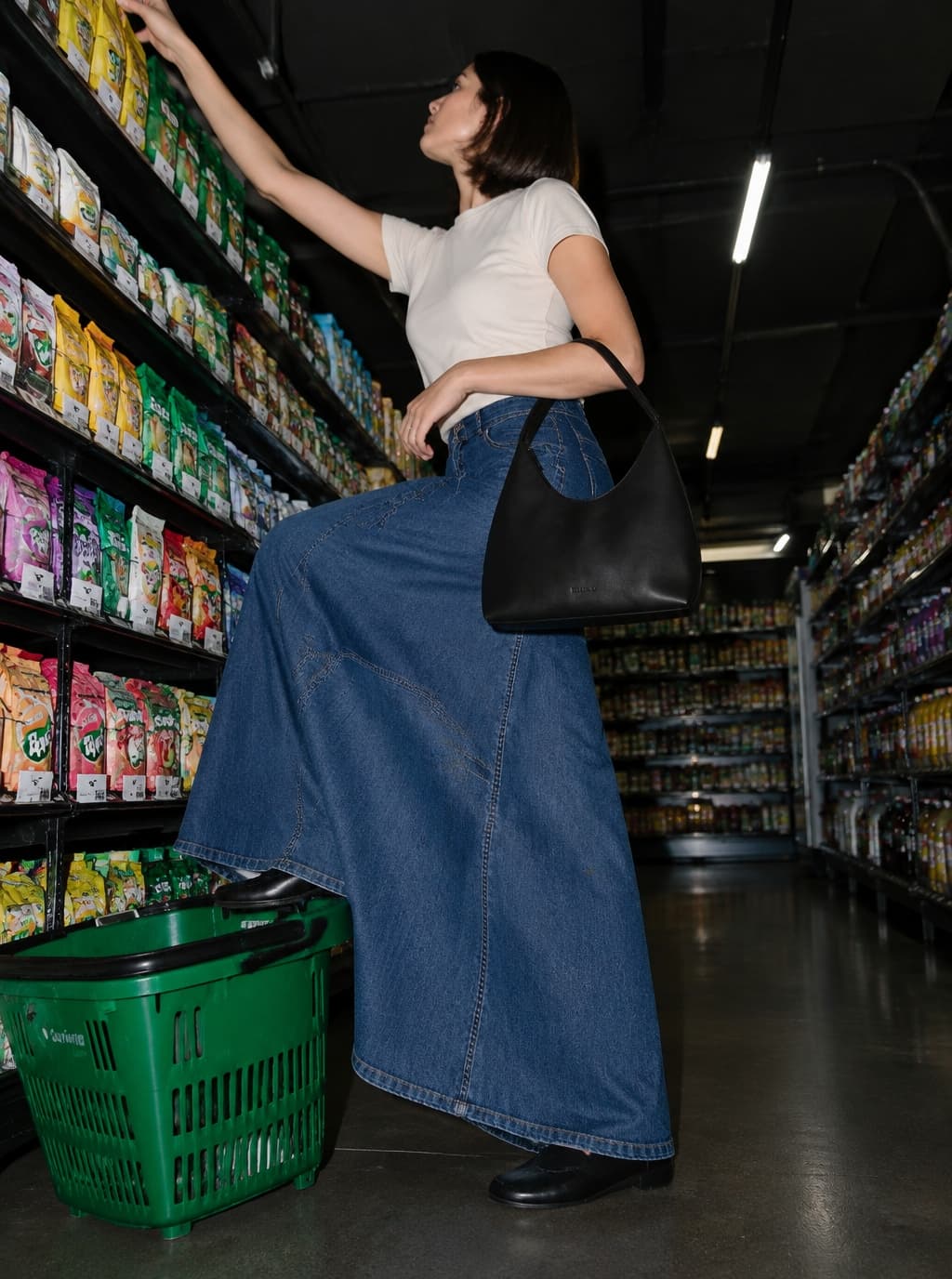
A black handbag in a complete monochrome outfit, showing its scale alongside clothing.
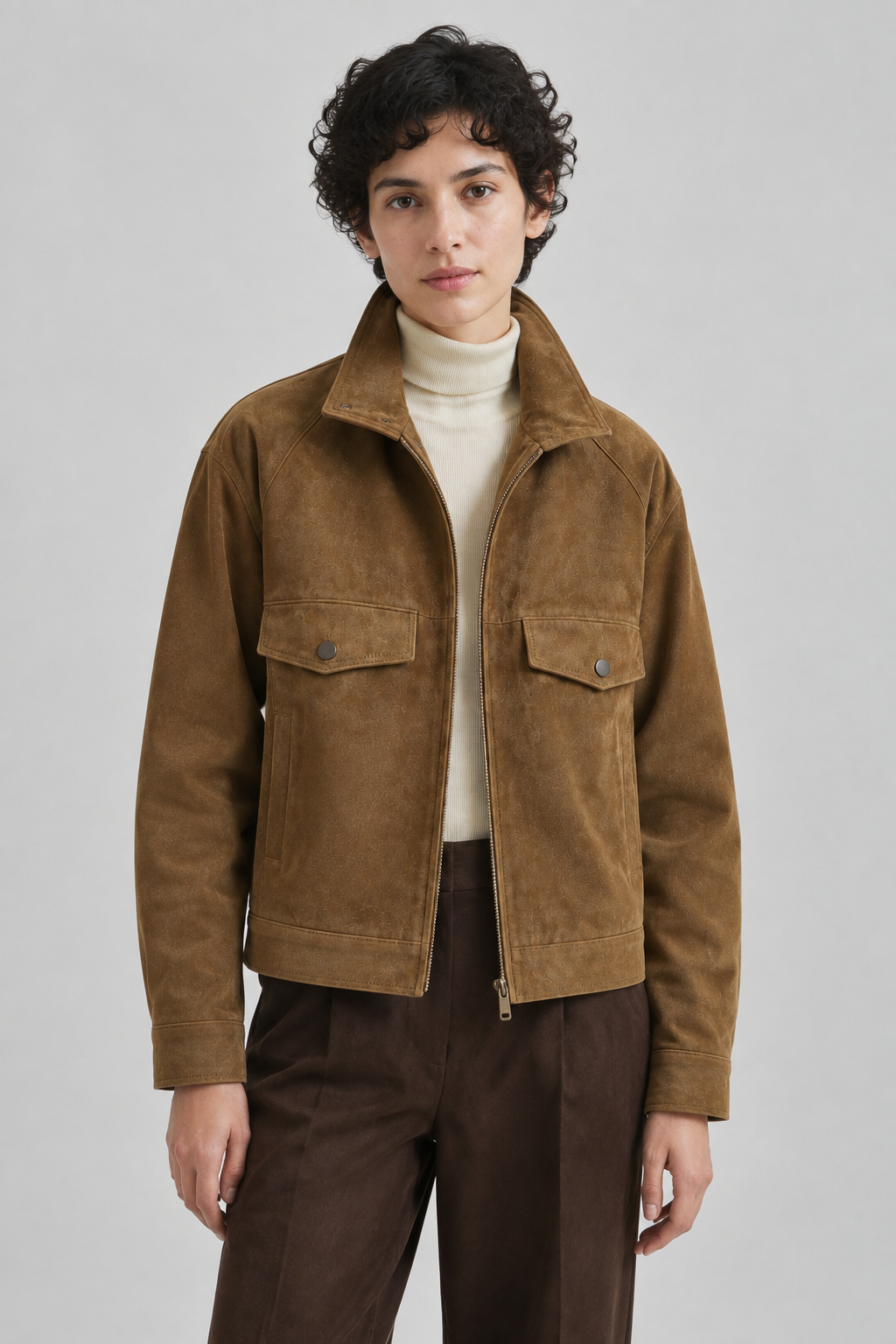
A generated jacket image from a verified project, showing suede texture, tailoring and neutral tones.
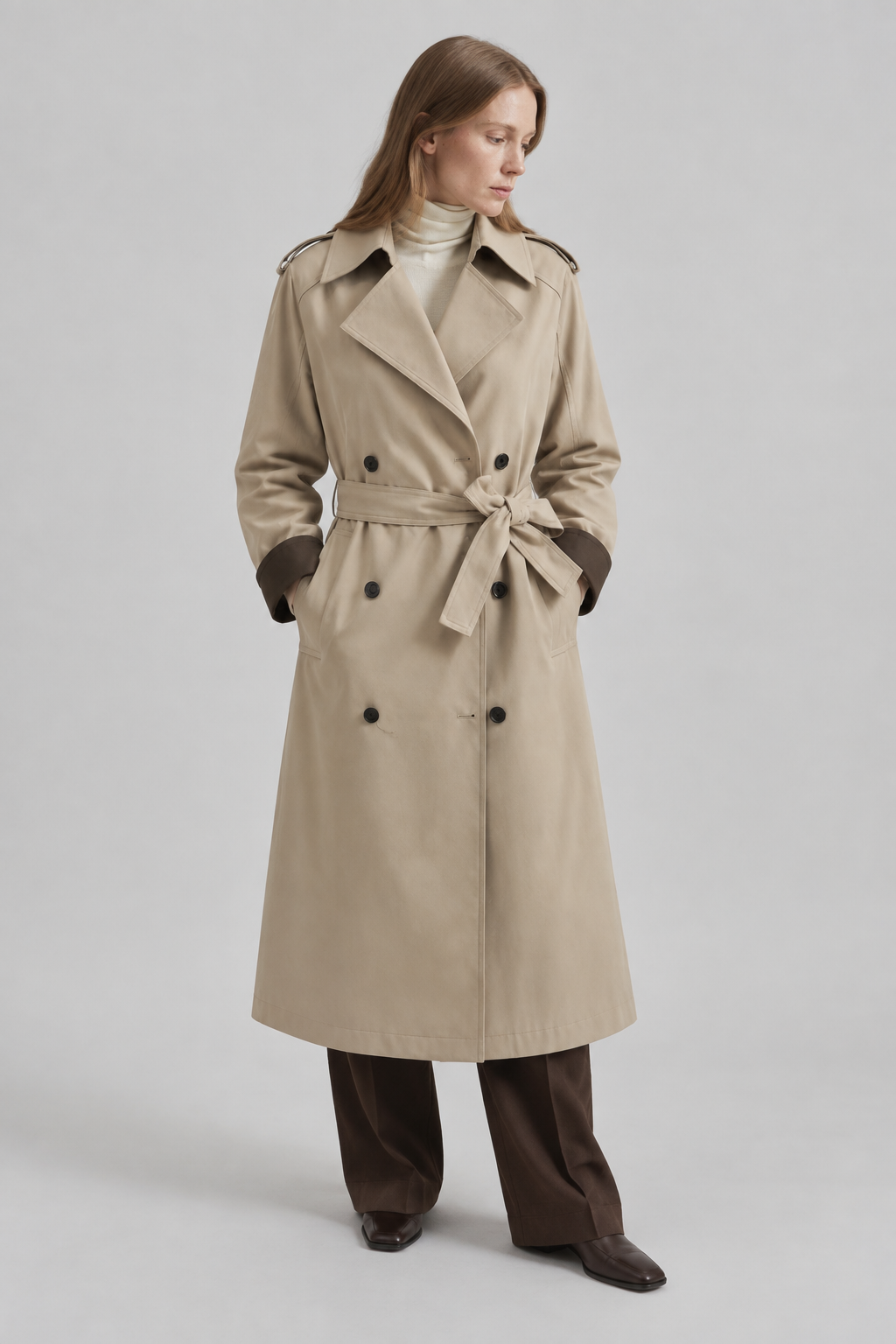
A saved photographic Style used for another product, retaining soft light and a neutral background.
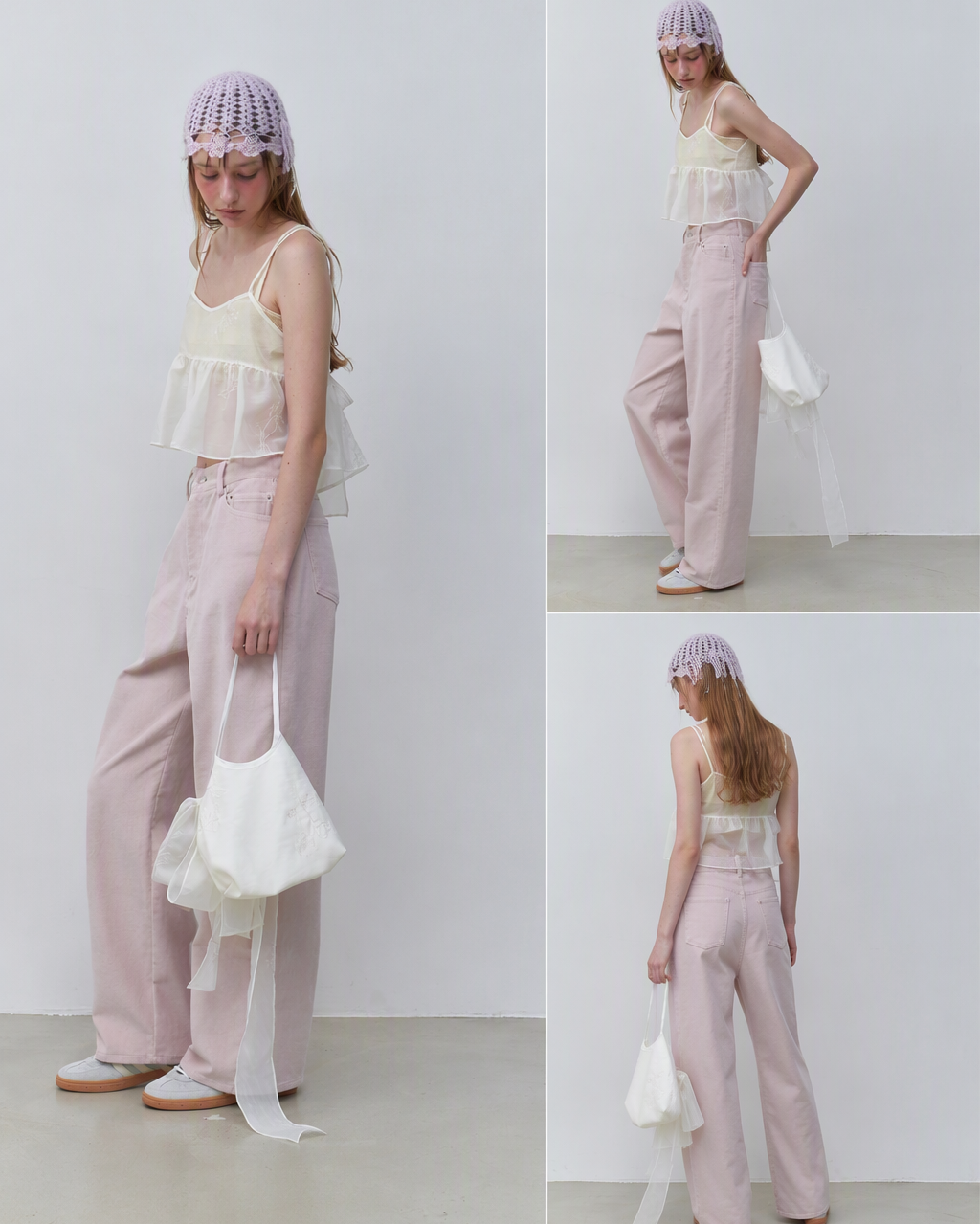
A site lookbook example combining full-body, closer and rear compositions.
Case breakdown
The same look can continue into front, side, back, detail, and full-body shots.
Reference
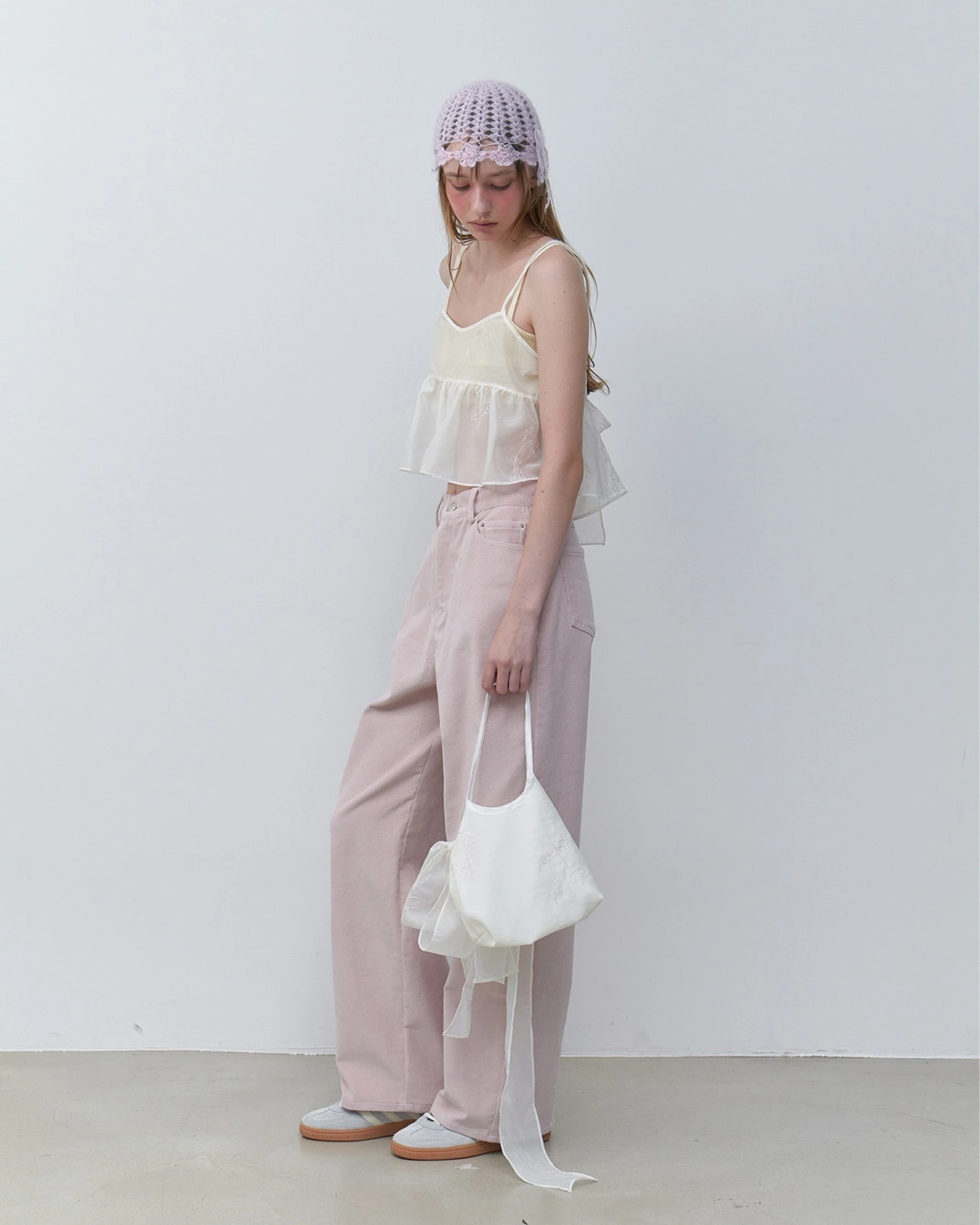
Single-image extension
The existing lookbook example extends one input into a set of full-body, closer and rear views. Review garment and accessory details before delivery.
Reference
Same Style, another product
A saved Style from a real project was used for a jacket and then a trench coat. These are generated results for two different products.
Why it works
Before a real shoot, teams can disagree on scene, model, light, and layout. AI clothing photography turns those choices into images early, so the better direction is easier to choose.
Upload clothing images, sketches, model shots, or shoot moodboards.
Create studio, street, outdoor, detail, and full-look options.
Use the best outputs for launch materials, shoot briefs, or image-to-video work.
Use AI to align the fashion launch direction before deciding where real production effort should go.
Yes. It helps teams discuss lighting, models, scenes, and composition before spending production time.
Yes. It can create detail candidates around material, silhouette, and selling points, but final product accuracy should be reviewed.
This page focuses on apparel photography context: model presence, fabric behavior, series logic, and editorial campaign direction.
Related production goals
Practical production guide
Read the step-by-step guide