01
Start from a garment photo
Use a clear flat-lay or product photo together with a person photo. Both images are required in this template.
AI fashion model generator
Start with a garment photo and a photo of the person who should wear it. Open the clothing template to swap a full outfit, top or bottom, then review the result against your product.
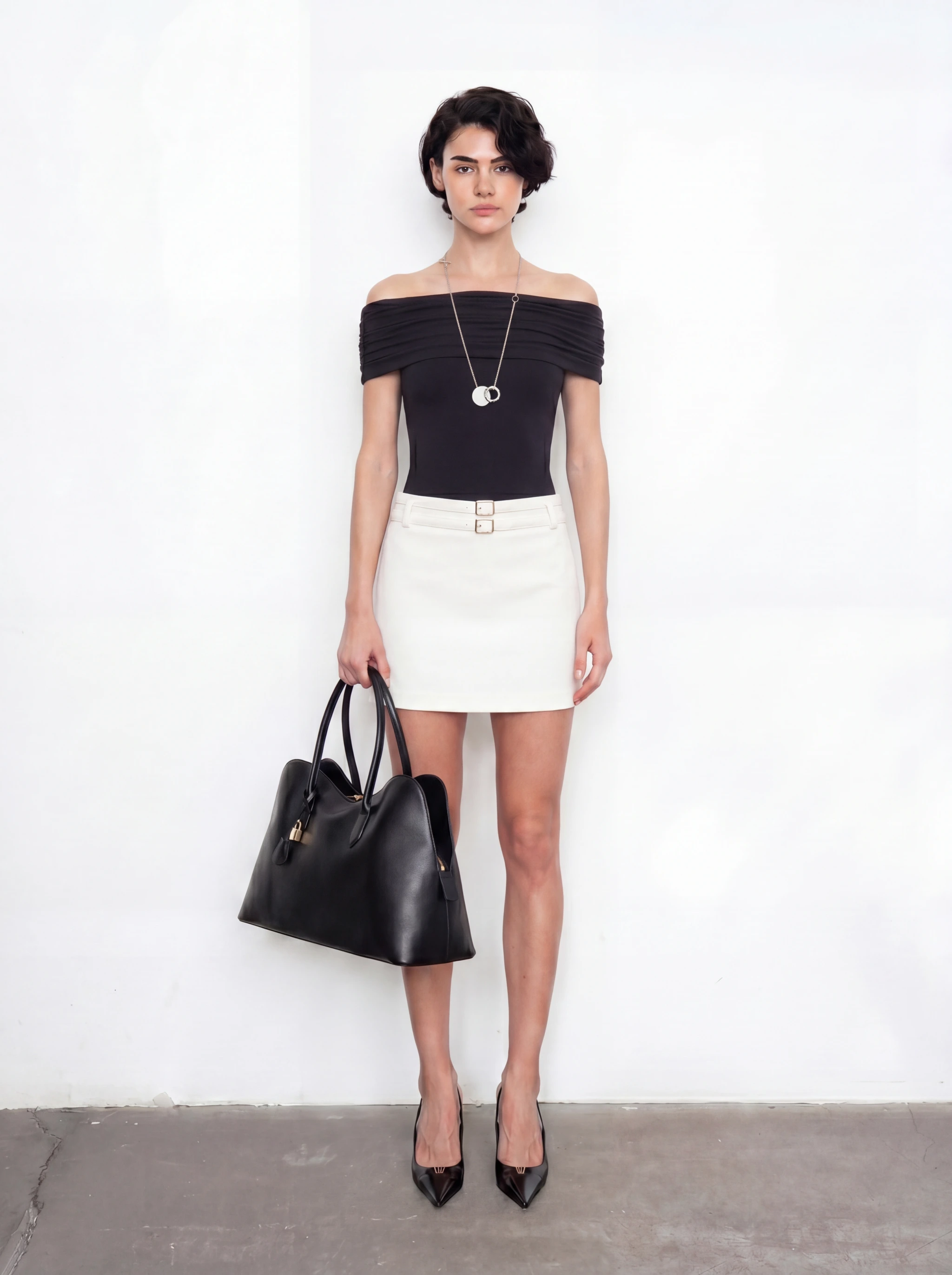
Example outcome
Broader model-and-product workflow example. The clothing template below requires a person photo and a garment photo.
01
Use a clear flat-lay or product photo together with a person photo. Both images are required in this template.
02
The clothing swap is designed to retain the person’s face, pose and background. Check these details in the output.
03
Select full outfit, upper body or lower body. Prepare each garment and person pair before generating.
04
After reviewing the clothing swap, use separate canvas tools for scene changes or video. These are additional steps.
From source to usable assets
These examples illustrate broader model-image workflows. Start with the clothing template for garment swaps; pose and scene changes use separate tools.
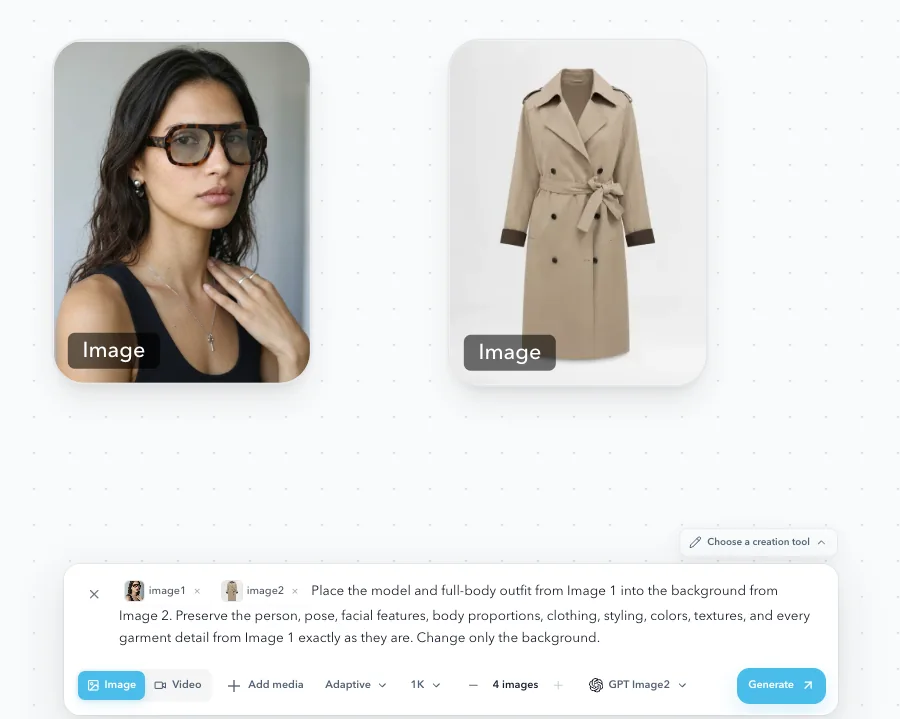
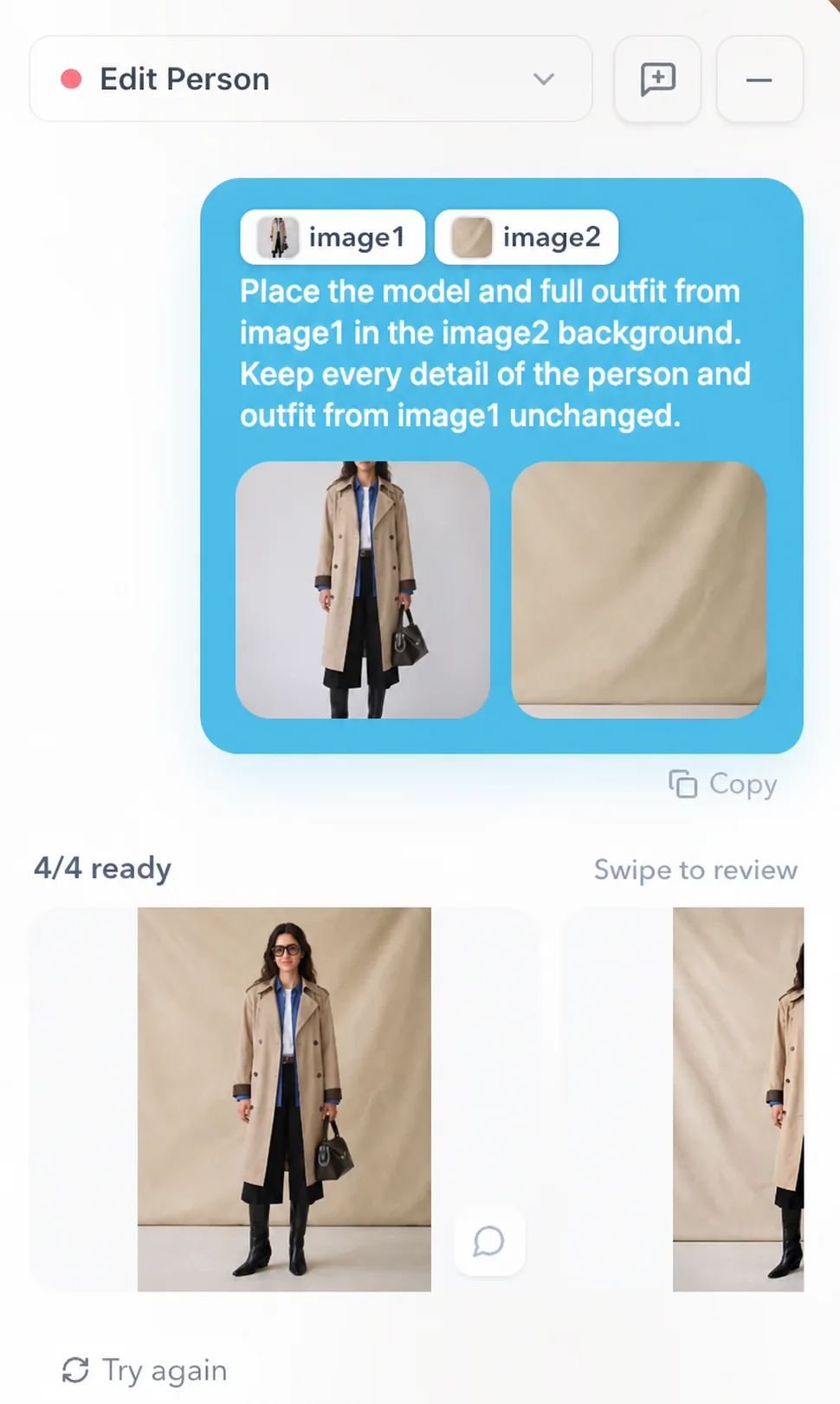
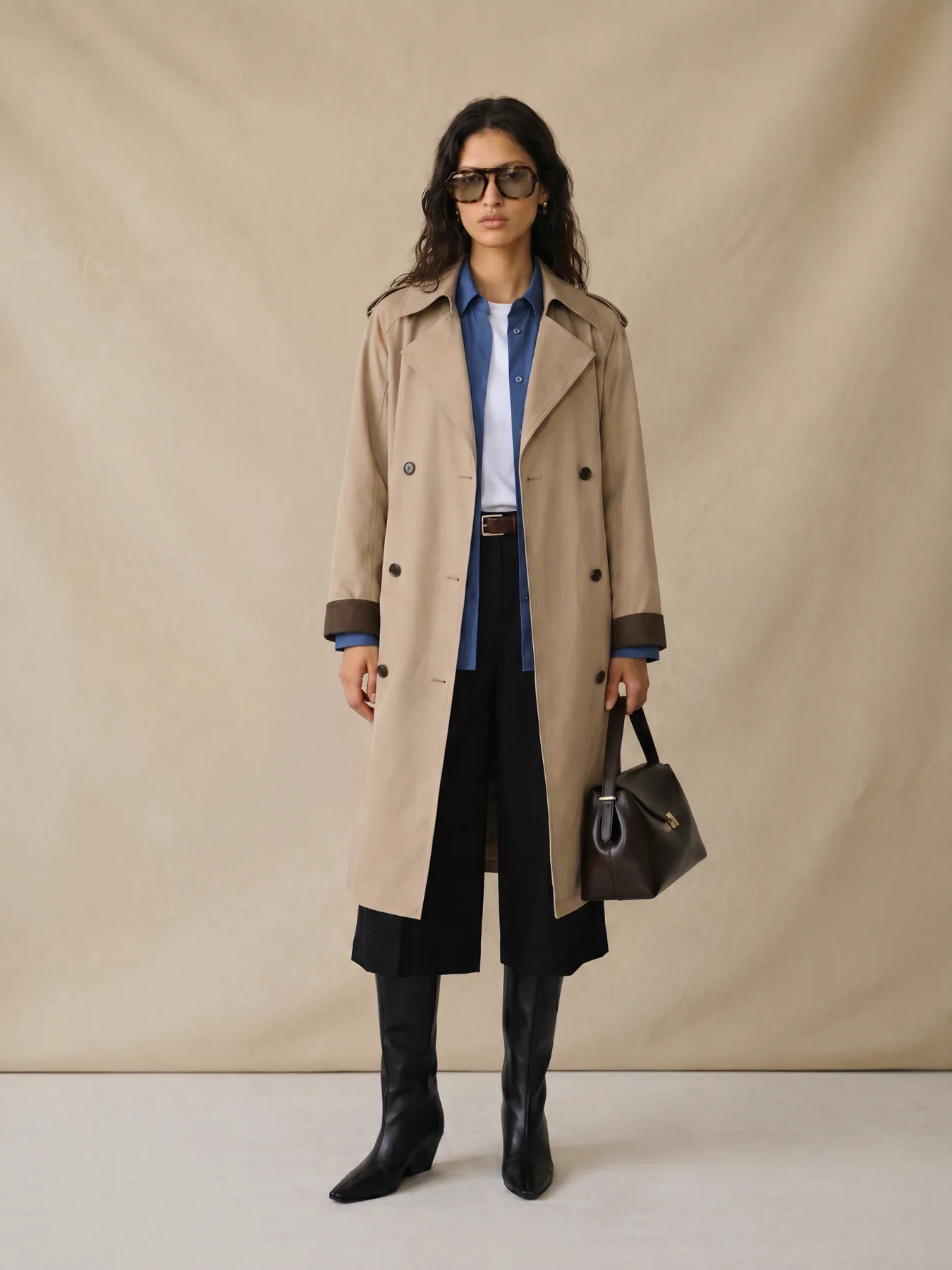
A clear three-step workflow
A single product photo rarely communicates proportion, styling, and context. AI model visuals help teams preview the worn effect before deciding what to shoot or publish.
Upload one garment photo and one photo of the person who should wear it. If sign-in is needed, you will return to the same template.
Choose a full-outfit, upper-body or lower-body swap, then generate and compare the garment with your source photo.
Continue with background changes, outpainting, cropping, or short video generation.
Built for real production teams
Use it to explore casting and styling, fill content gaps, or prepare model-image candidates before final production review.
Fashion brands previewing apparel, footwear, bags, and accessories
Merchandising teams checking proportion and complete-look direction
Campaign teams producing consistent model images across channels
Step-by-step production guide
FAQ
The clothing template linked here requires two images: a person photo and a garment reference. Prepare both before you start; a flat-lay photo alone is not enough for this template.
The template is designed to replace clothing while retaining the person and pose. Review garment shape, color, print, logos and fit against the original; AI output is not a guarantee of exact product reproduction.
This template handles the clothing swap. Use the Lookbook workflow for additional poses, or continue in the canvas for background and video work. These are separate generation steps; check the displayed cost before submitting.
Let product, model, and scene choices become comparable visual directions inside the AI workflow.
Open clothing templateRelated use case
Virtual Try-On
Related use case
AI Lookbooks