01
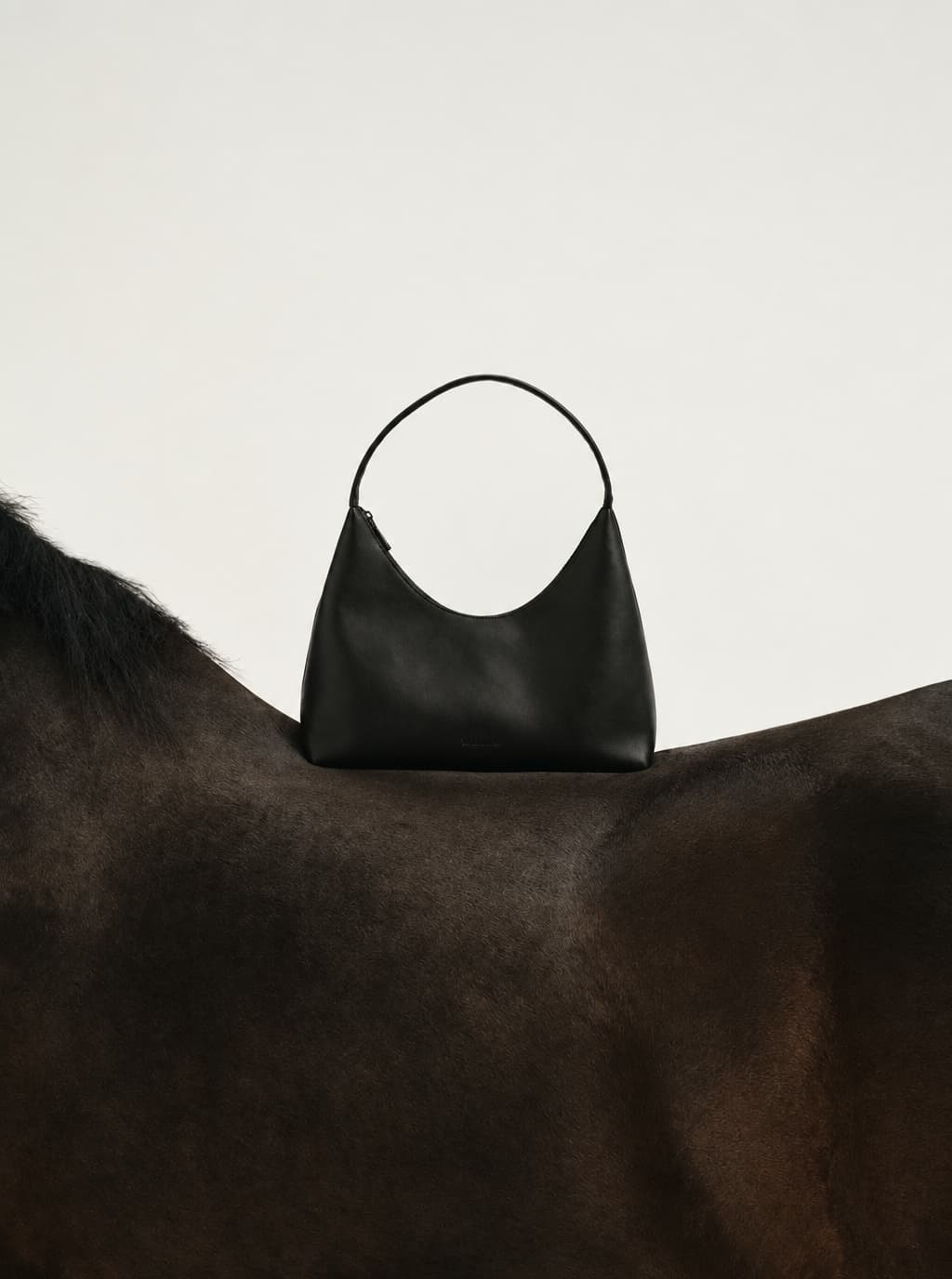
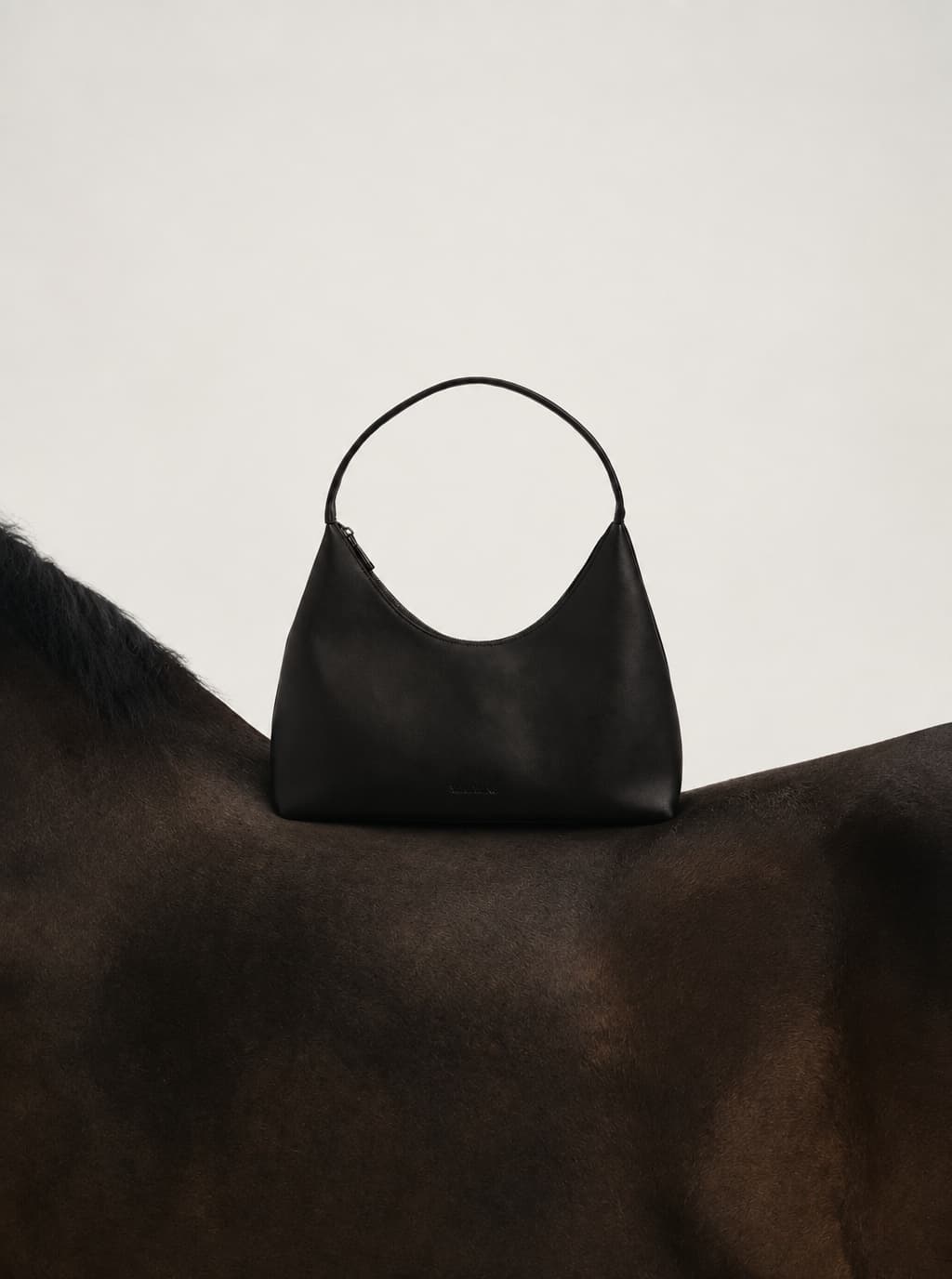
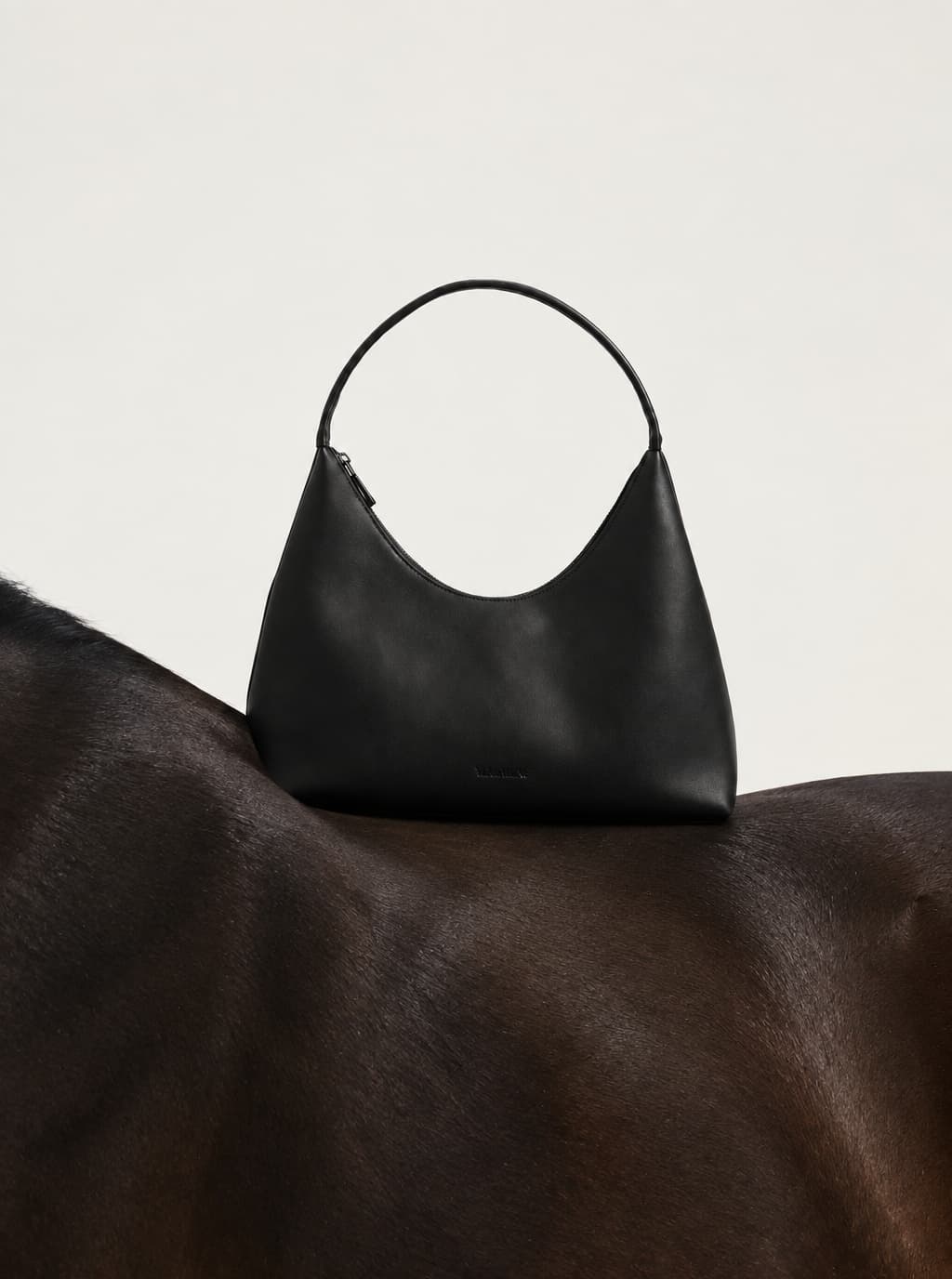
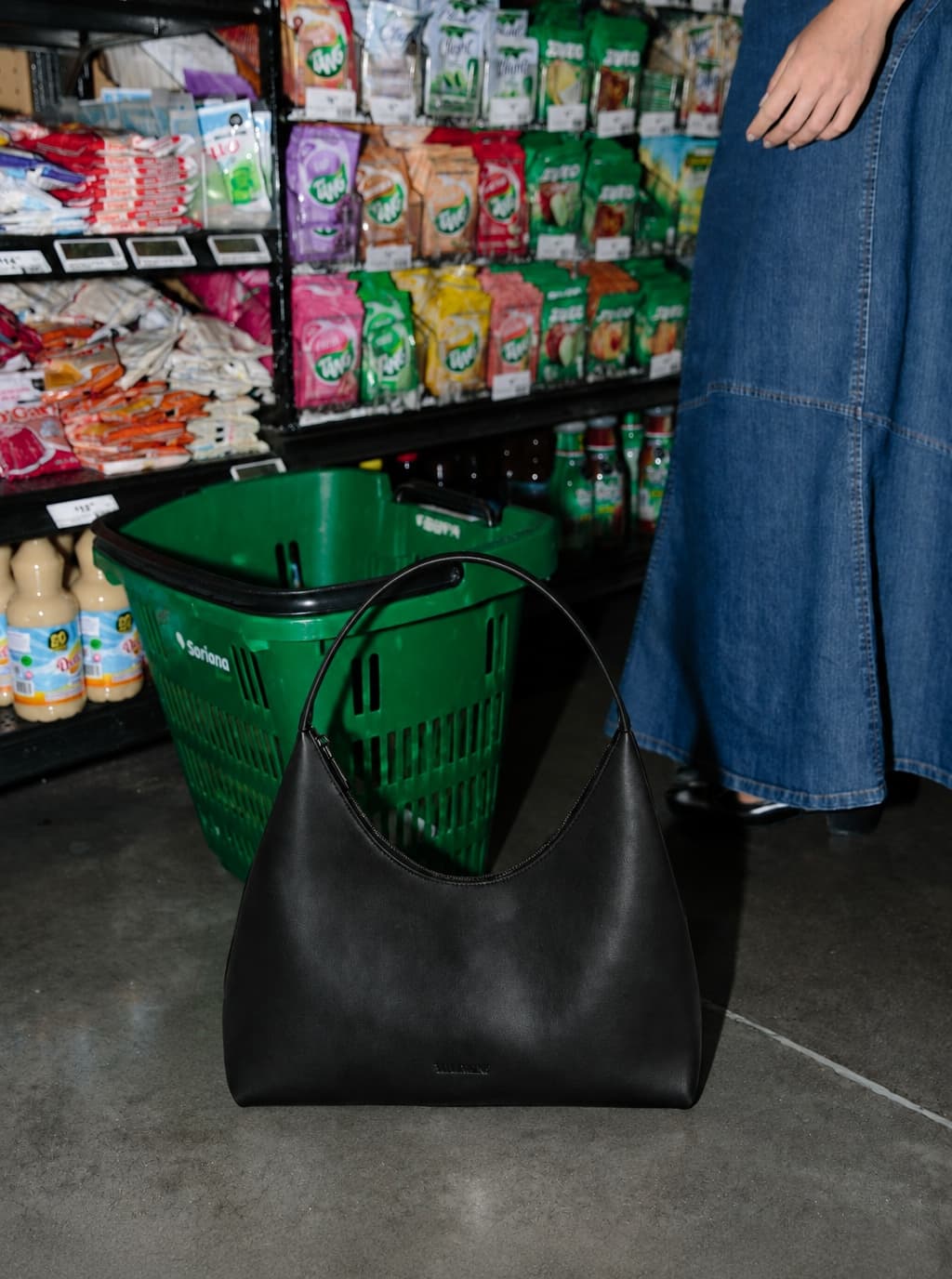
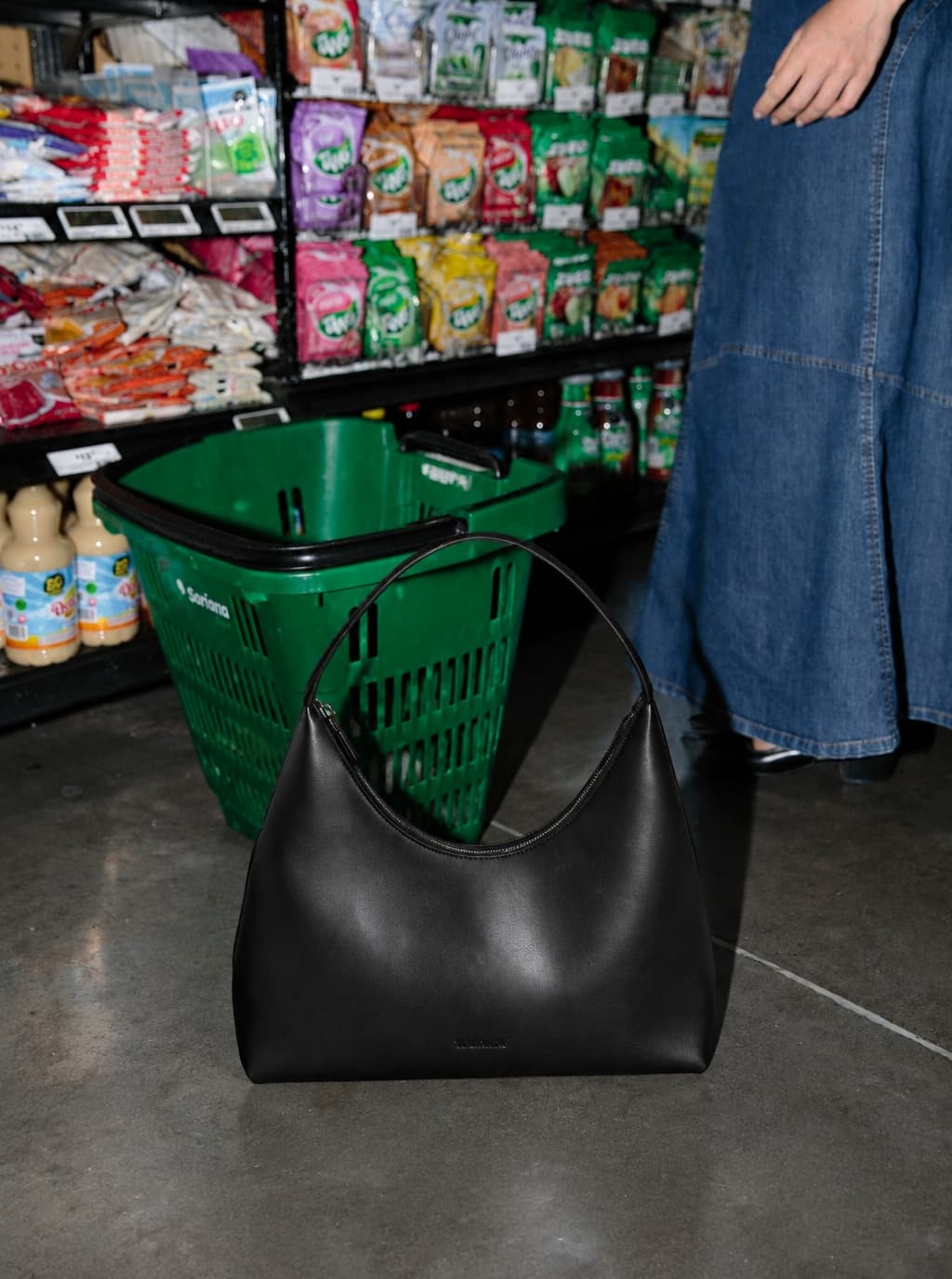
Clear product focus
Keep the product shape, material, color, and selling points readable.
AI product photography
Start with your product photo and an idea. Explore visual directions, save the one you choose as a Style, and reuse it across products and new collections.
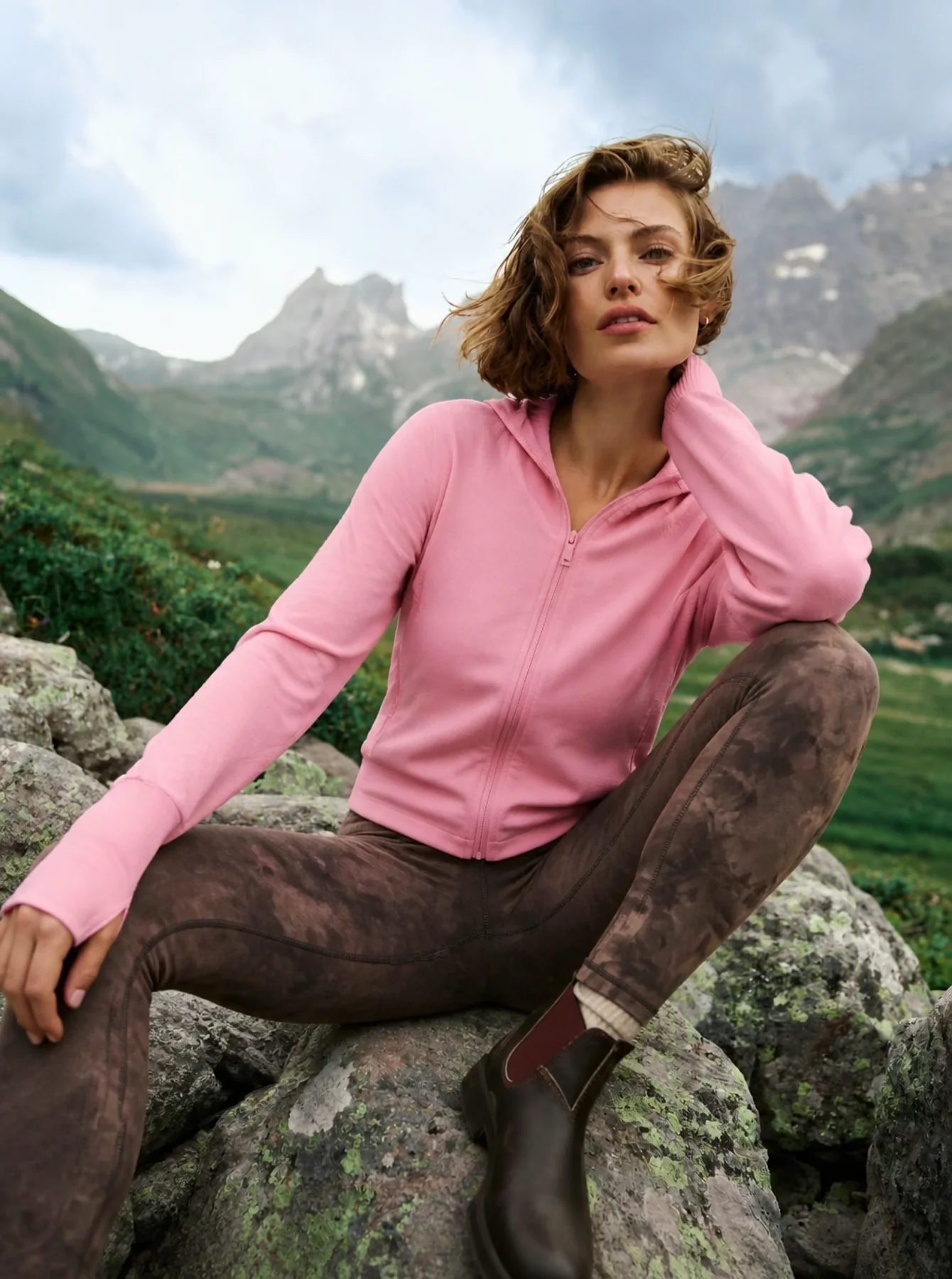
Example outcome
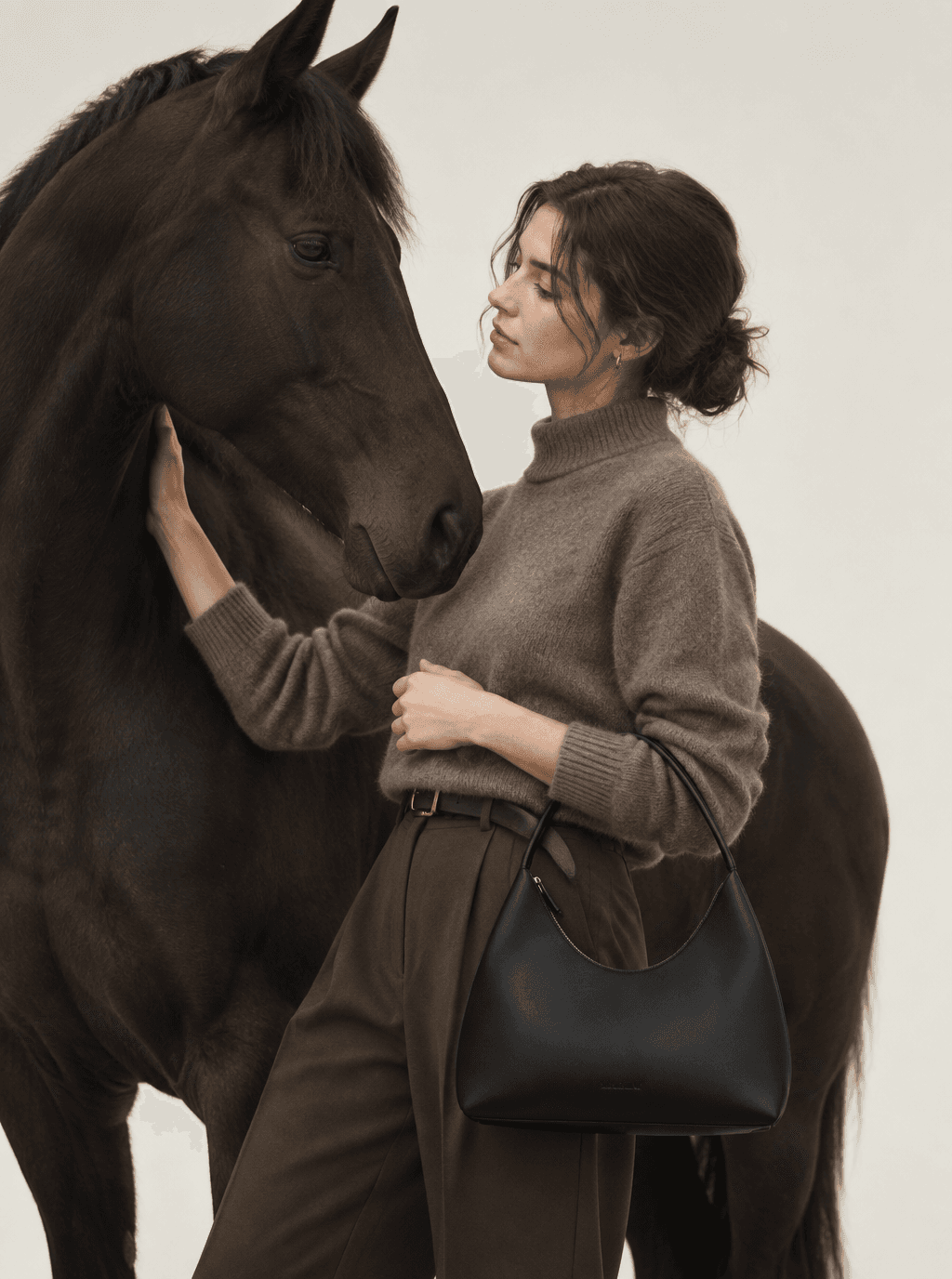
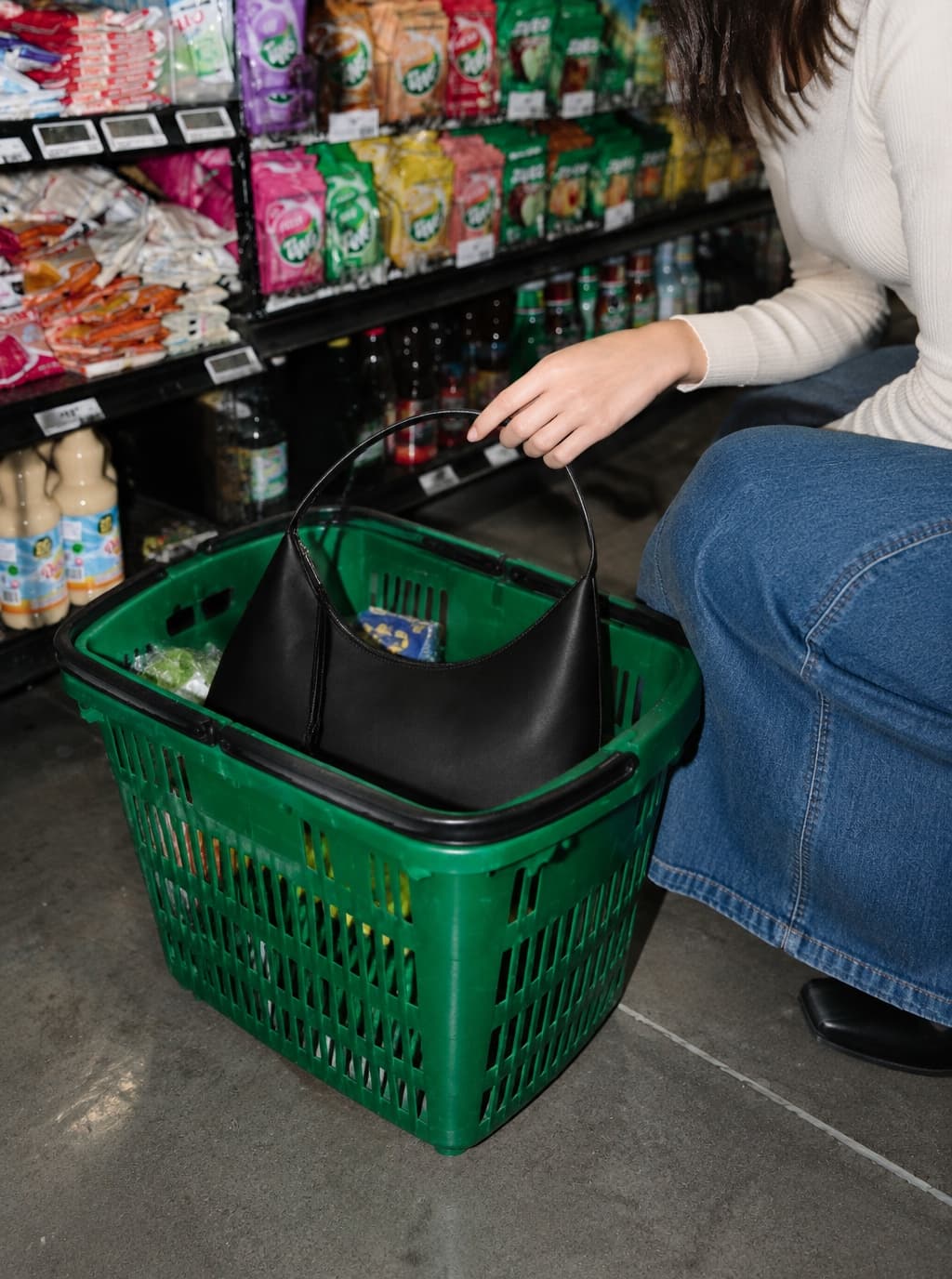
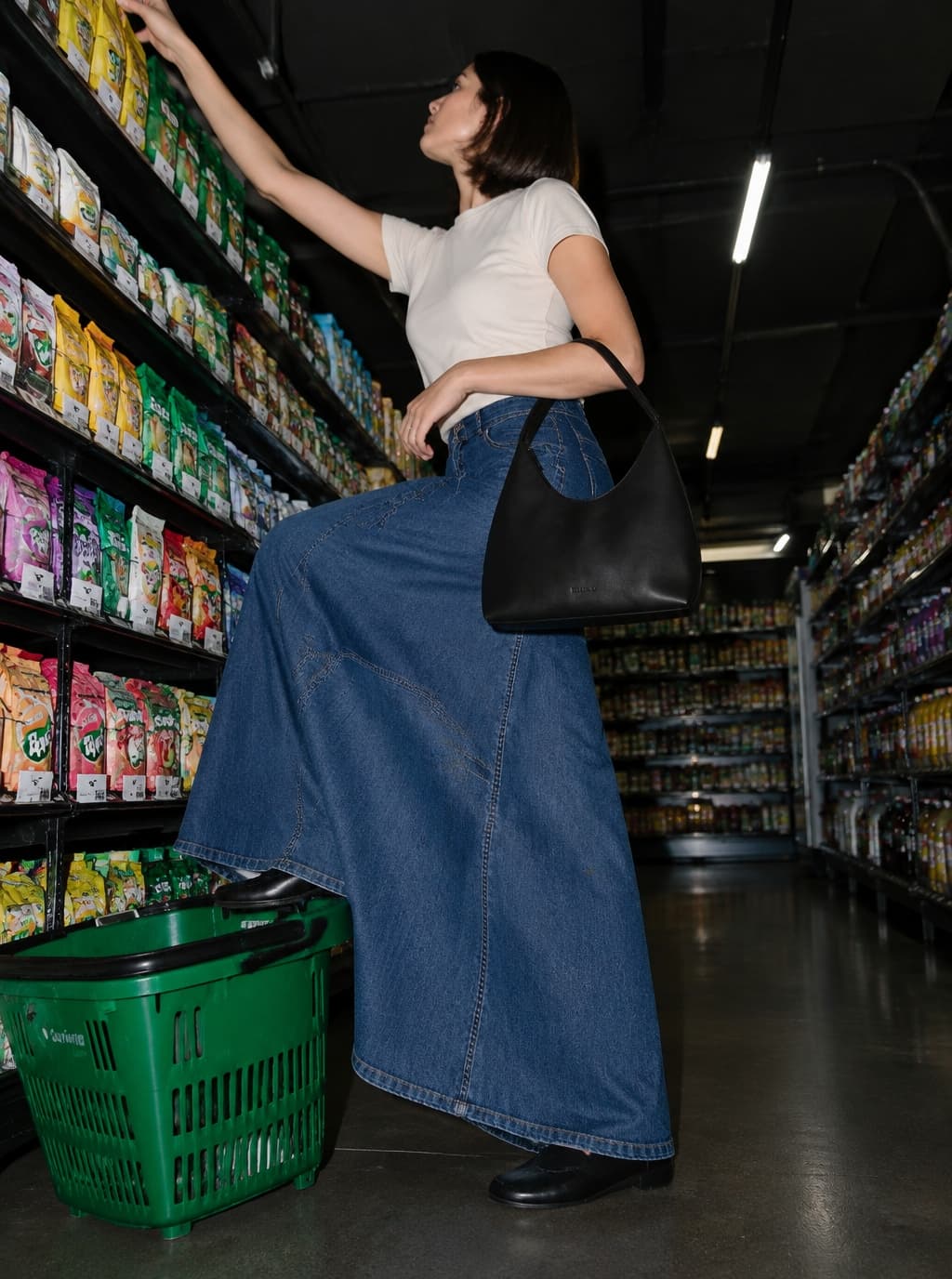
One product direction extended into product, model, and campaign-ready images.
Start with an image you love. Keep its visual direction as you create people, products, stills, and motion.
Bring a model, product, outfit, or mood image to set the direction.
Keep the light, color, framing, and styling cues you want to reuse.
Carry that direction into portraits, product shots, and lookbooks.
Bring a selected frame to life while keeping the person and outfit aligned.
Bring your product and an idea. Explore a visual direction, save it as a Style, and use it across your next collection.
Explore references against your brief. Compare the light, composition and mood before choosing what fits.
Save the direction you choose so you can return to it for your next project.
Apply the Style to another product and explore new variations. Review each result against your product photo.
Try a fresh take.
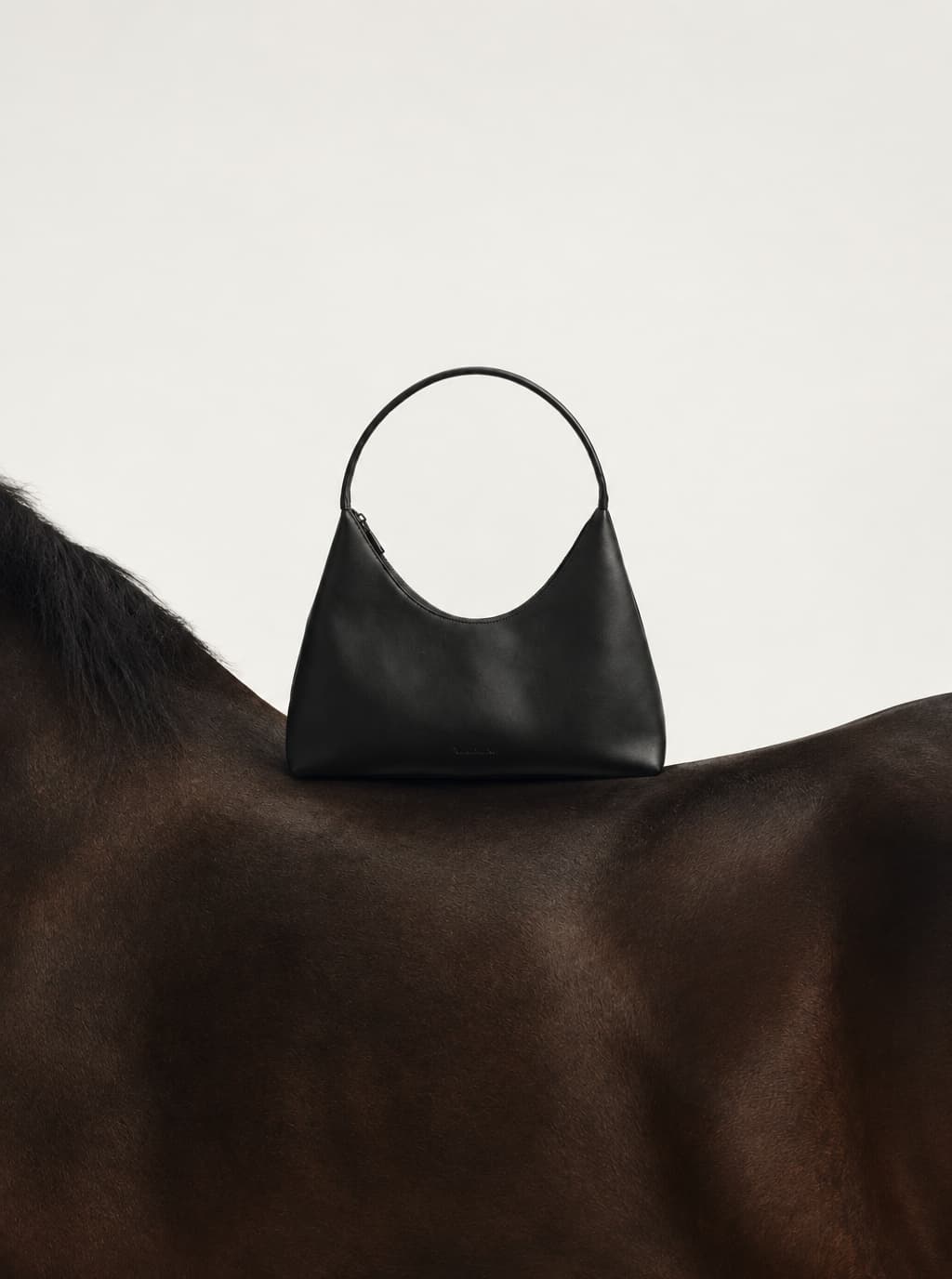
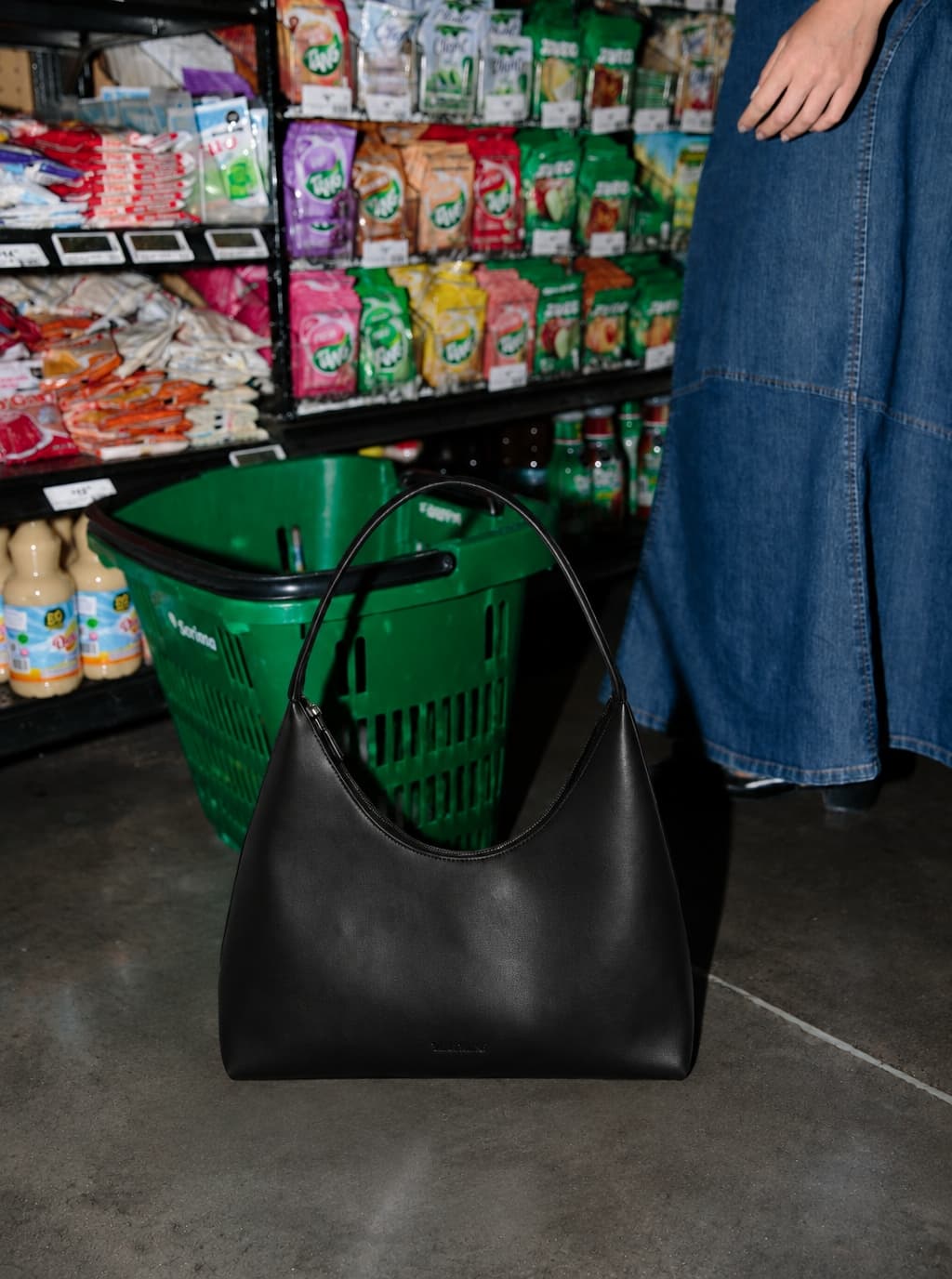
01
Keep the product shape, material, color, and selling points readable.
02
Extend one reference into a set with shared lighting and color language.
03
Create hero images, scene shots, social covers, and detail-page visuals.
04
Turn selected stills into short motion shots and ad-ready clips.
From source to usable assets
Start from the product truth, then build the hero, scene, detail, and model views needed across launch surfaces.
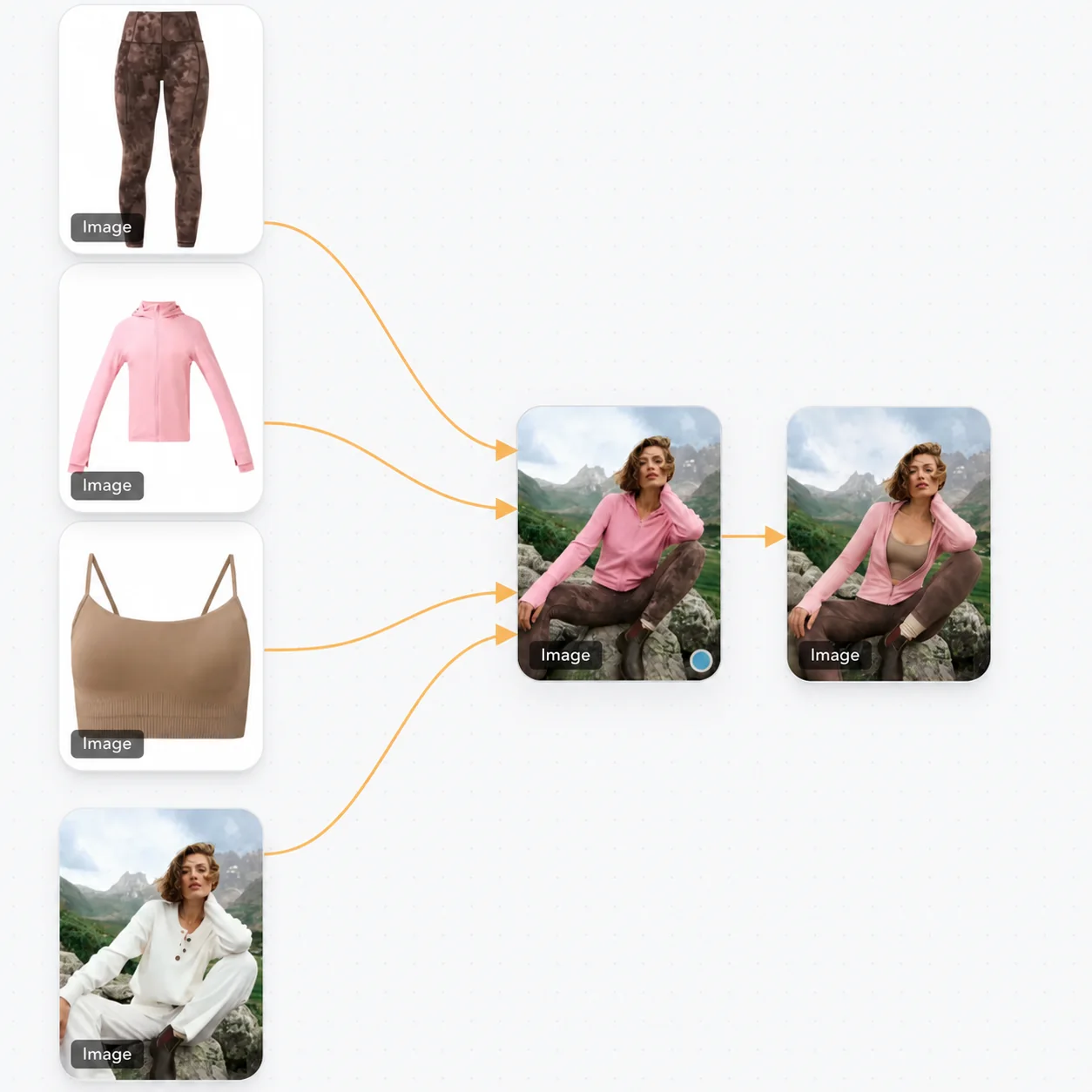
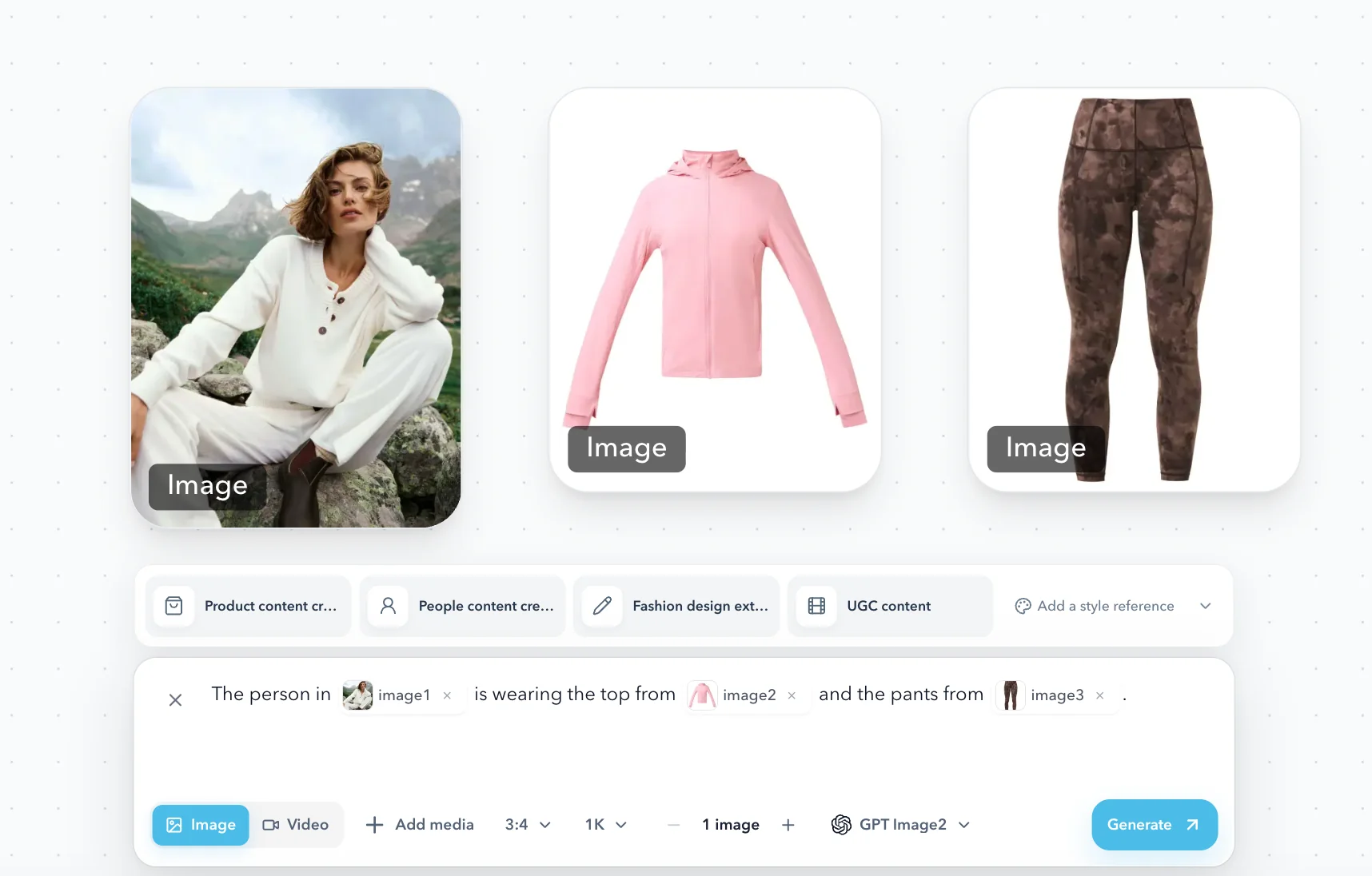
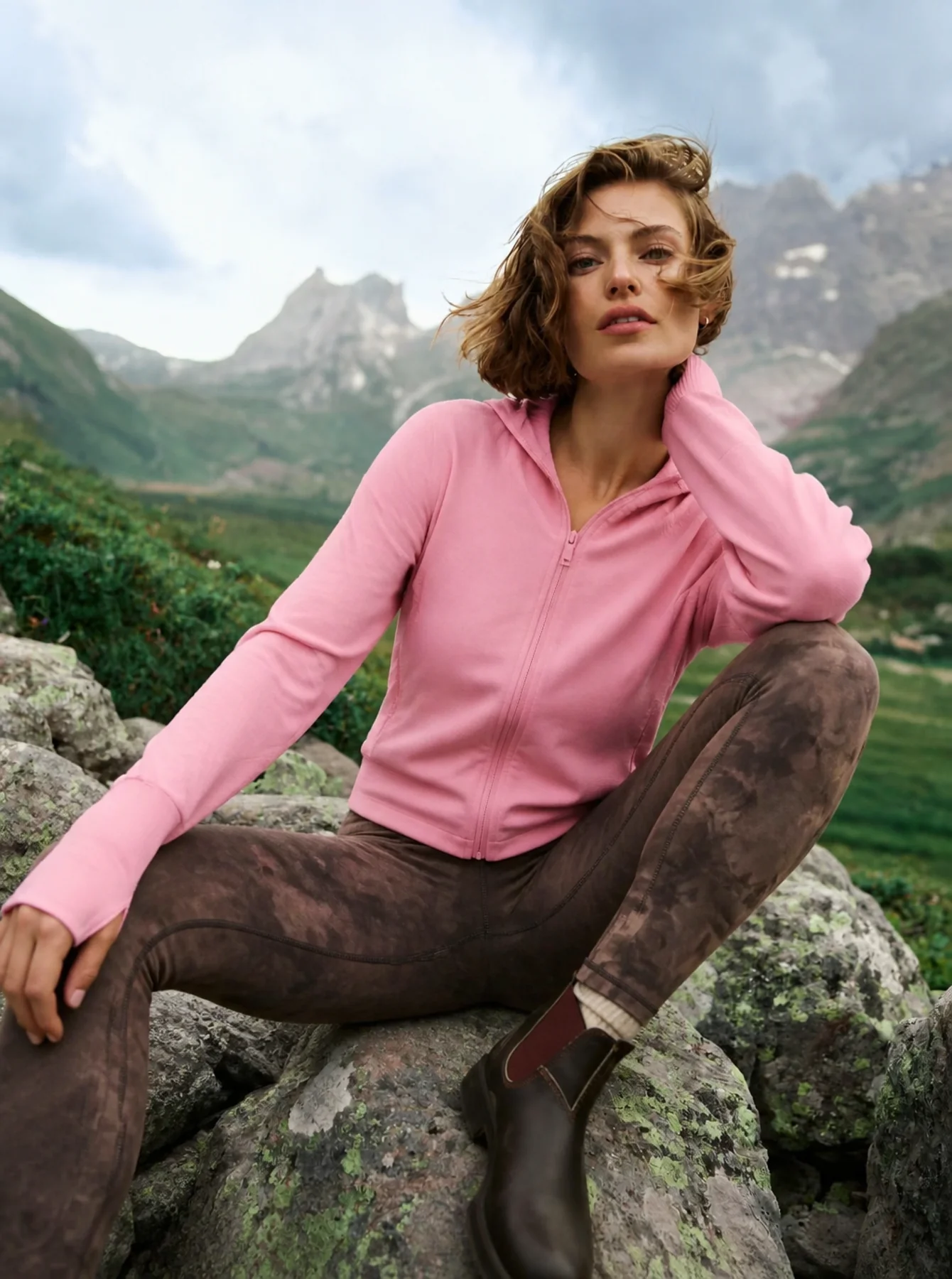
A clear three-step workflow
Random AI images can look good individually but fail as a brand set. A direction-first workflow locks the visual system, then generates options around the product.
Upload your product photo and describe the mood, audience and images you want to create. Add references if you already have them.
Explore references against your brief, compare the options, and save your chosen direction as a Style.
Apply the Style to another product, explore variations, and check each result against the original product image.
Built for real production teams
Use the workflow during launch planning, content production, or campaign testing when the same product must work across several surfaces.
Ecommerce teams building hero, listing, and detail-page images
Brand teams comparing lifestyle and campaign directions
Content teams adapting one product into social and short-video assets
Step-by-step production guide
FAQ
Fashion, beauty, accessories, footwear, bags, and lifestyle products work especially well when you need a consistent launch direction.
No. Start with a reference image for lighting, composition, and mood, then add short notes about product details.
Yes. A selected product still can be extended into a short video, camera move, or social teaser.
Start from a trustworthy reference and build a coherent product visual set around it.
Start creatingRelated use case
AI Clothing Photos
Related use case
Ecommerce Images