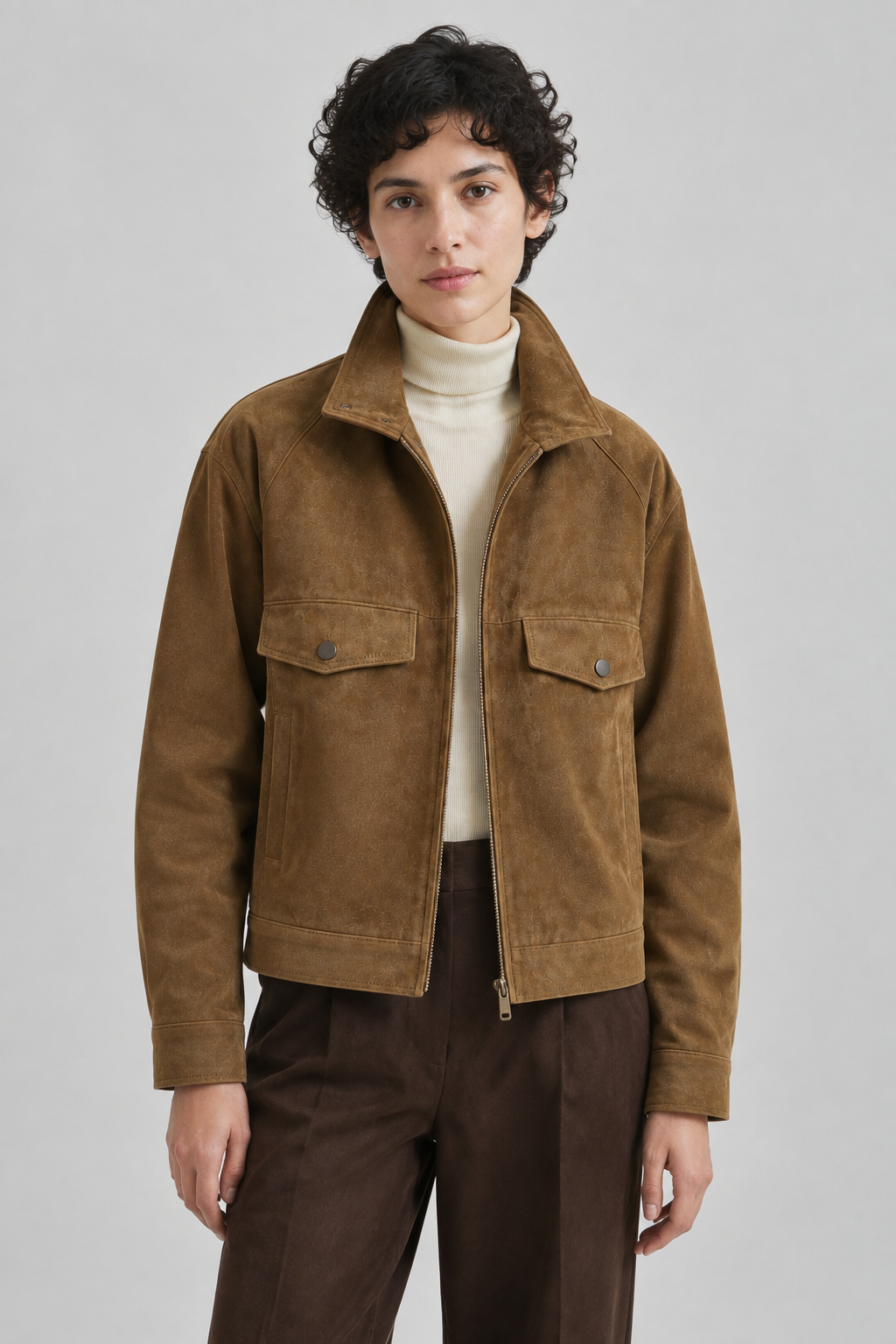
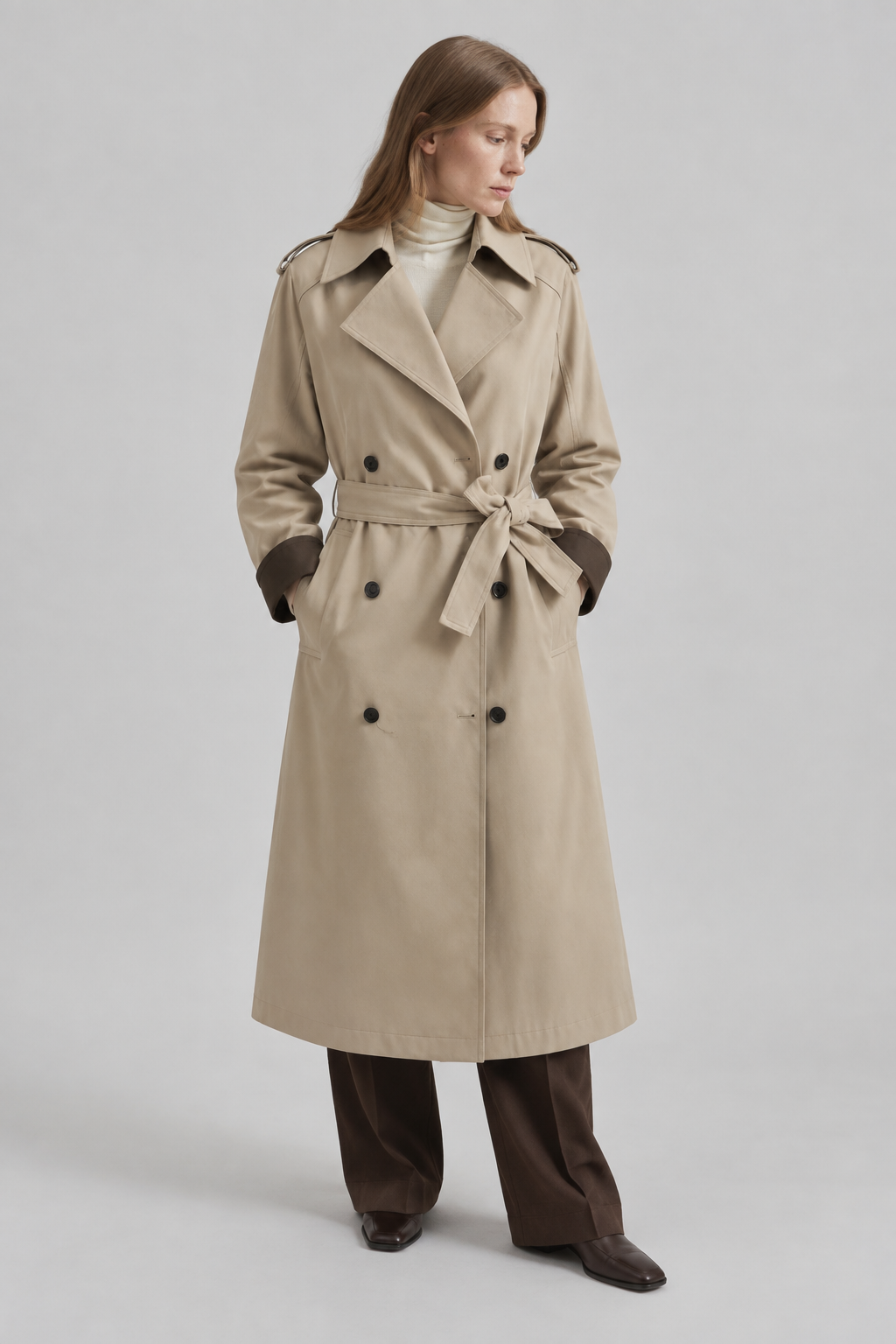
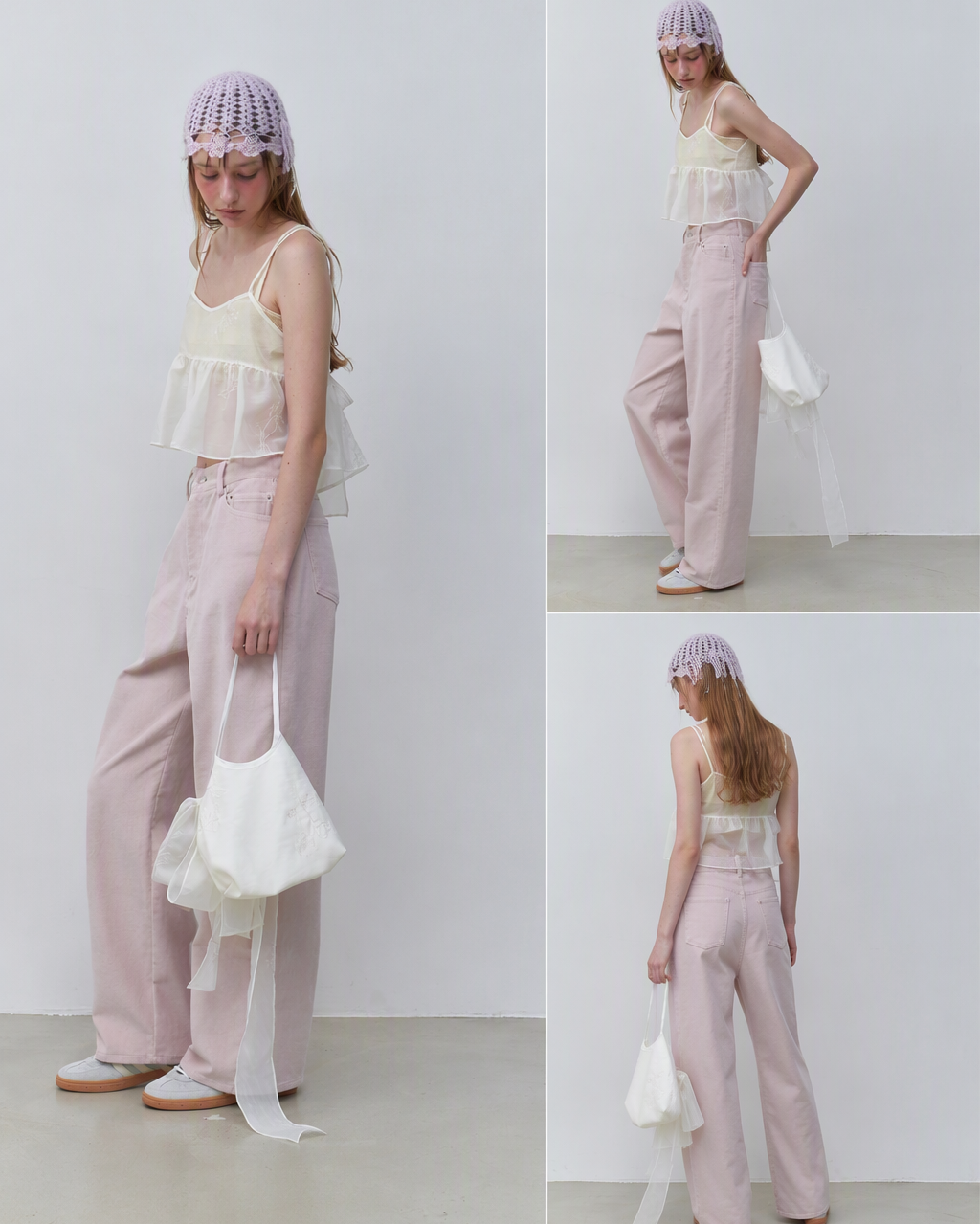
reference image to ads

Turn a reference image into usable ad creative directions.

Stop starting from blank prompts. Upload the image, product, or moodboard that already feels right, then generate new ad visuals, posters, and social assets around it.
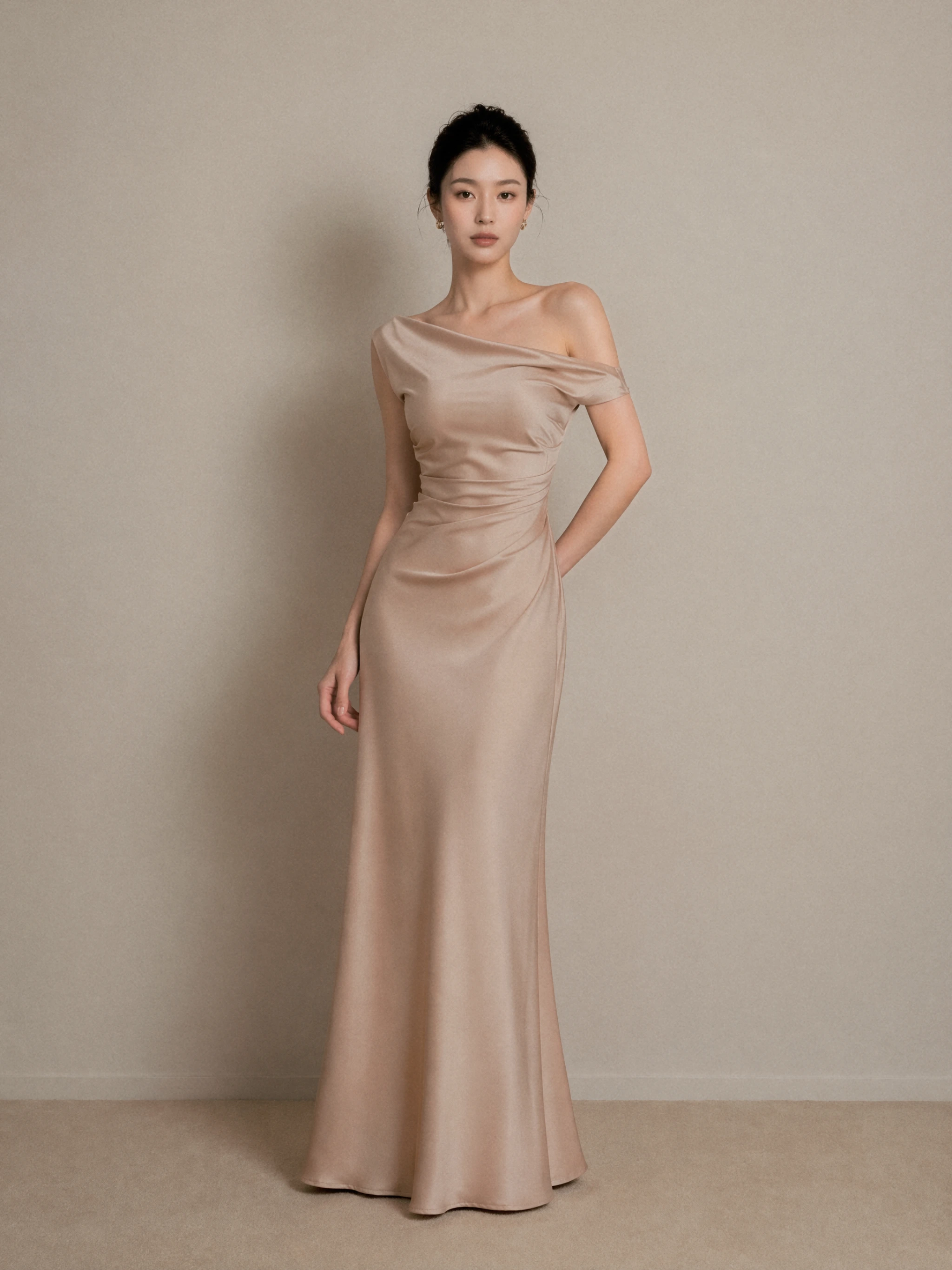
Reference sets the toneProduct-aware outputMultiple ad surfacesEditable workflow

Reference

AI lookbook reference image with beige jacket, lace layers, sunglasses, and soft fashion editorial lighting
AI lookbook output showing a beige jacket outfit in a low-angle front editorial viewAI lookbook output showing the beige jacket and black bag from a back detail angleAI lookbook output showing a beige jacket outfit from the side profile
AI lookbook output showing the beige jacket outfit as a front full-body product image

Generated outputs

Neutral resort reference to multi-angle lookbook

01

Upload assets, get shots

Product, background, and model images can all become the starting point.

02

Generate around the reference

A clear visual direction means fewer random attempts.

03

No complex prompt needed

Style, lighting, and composition follow the reference.

Case examples

Real assets become usable visuals.

AI product photography example showing multiple apparel and accessory product images turned into a complete model look

Combine flat product images into a full styled look

Upload apparel, bags, skirts, shoes, and other product images to preview a complete model styling result for styling and creative review.

AI model product image example combining a model library pose with a handbag product photo

Use the model library with product images for new angles

Choose a model, upload a product image, add a short prompt, and generate different poses or angles for batch product visual output.

AI lookbook scene example showing the same outfit model generated into a coastal terrace editorial scene

Place the same outfit into different editorial scenes

Select backgrounds from the scene library, such as a coastal terrace or controlled studio light, to compare campaign moods for the same outfit.

AI fashion design example turning white garment sketches into realistic model lookbook visuals

Turn fashion sketches into realistic garment visuals

Upload fashion sketches or pattern ideas and generate model visuals that support design review, pattern discussion, and early collection proposals.

AI lookbook generation example extending black and white fashion sketches into a model series

Extend design concepts into a lookbook series

Transform black-and-white silhouette sketches into a connected model series for comparing proportions, fabric drape, and brand direction.

Case breakdown

One reference image becomes a full editorial set.

The same look can continue into front, side, back, detail, and full-body shots.

Reference
AI lookbook reference image with beige jacket, lace layers, sunglasses, and soft fashion editorial lighting

Reference to multi-angle editorial

Neutral resort reference to multi-angle lookbook

The workflow keeps the beige jacket, lace layering, sunglasses, and soft-light mood, then generates front, back, side, and full-body views for lookbook and ecommerce review.

AI lookbook output showing a beige jacket outfit in a low-angle front editorial view
Low-angle front editorial
AI lookbook output showing the beige jacket and black bag from a back detail angle
Back detail view
AI lookbook output showing a beige jacket outfit from the side profile
Side profile view
AI lookbook output showing the beige jacket outfit as a front full-body product image
Front full-body view

Reference

AI lookbook reference image with black leather coat, sunglasses, high heels, and studio fashion styling

Style replication and detail images

Black leather reference to full-body and detail shots

Starting from a black-and-white leather coat reference, the workflow generates back, front, side, and leather belt detail views for showing material, silhouette, and styling.

AI lookbook output showing a black leather coat from a back three-quarter angle
Back three-quarter view
AI product detail output showing black leather texture, zippers, and belt close-up
Leather and belt detail
AI lookbook output showing a black leather coat in a front full-body studio editorial
Front full-body view
AI lookbook output showing a black leather coat from the side profile
Side styling view

Why it works

A reference image often explains taste better than a paragraph.

Teams usually know what they like, but turning that into a stable prompt is hard. Reference-led generation lets the system read the visual difference directly.

01

Upload the reference

Use an ad sample, competitor style, product image, or moodboard.

02

Define the output goal

Specify whether you need a poster, social cover, ad image, or video starting frame.

03

Generate and refine

Move usable results into the canvas for edits, resizing, background work, and motion.

Use references to reduce creative translation loss.

Turn abstract taste into ad visuals that can be generated, compared, and edited.

Will the reference image be copied?+

The goal is to understand the visual direction and create a new image. Always confirm rights and platform rules before commercial use.

Can I upload a product image?+

Yes. Use the product image as the subject and another reference as the visual or scene direction.

Can this make ecommerce ad visuals?+

Yes. It can generate ad backgrounds and visual directions, while final typography and layout should still be reviewed.

Reference Image to Ads | DOBIDOBI AI Ad Creative Generator