AI ecommerce image generator
One product photo. A complete set of ecommerce images.
Create product hero images, benefits visuals, packaging details and lifestyle scenes from your product photo. See the complete four-image lip tint example below, then start a set for your own store.
Open the product detail template. Sign in to add your photo and brief, then choose the available generation options.
The original product photo
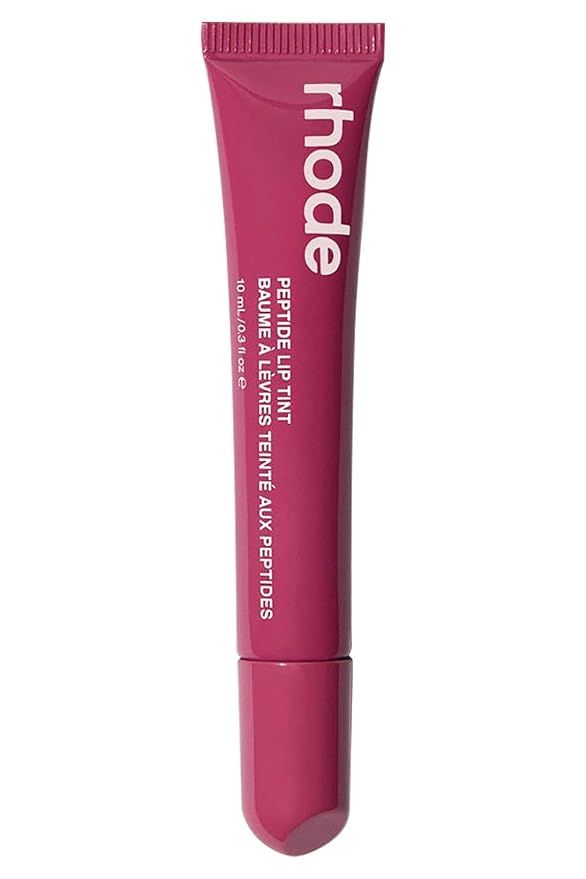
One generation run
- Complete set
- 4 images
- Generation time
- 71 seconds
- Credits used
- 1556 credits
This run produced four images in 71 seconds and used 1556 credits. Your next task’s settings and credit quote are shown before generation.
One source · Four original outputs
Four images. Four ways to present one product.
This lip tint set combines a product hero, benefits image, packaging close-up and lifestyle scene. All four original outputs are shown here. Select an image to view it at full size.
1080 × 1440 px · PNG
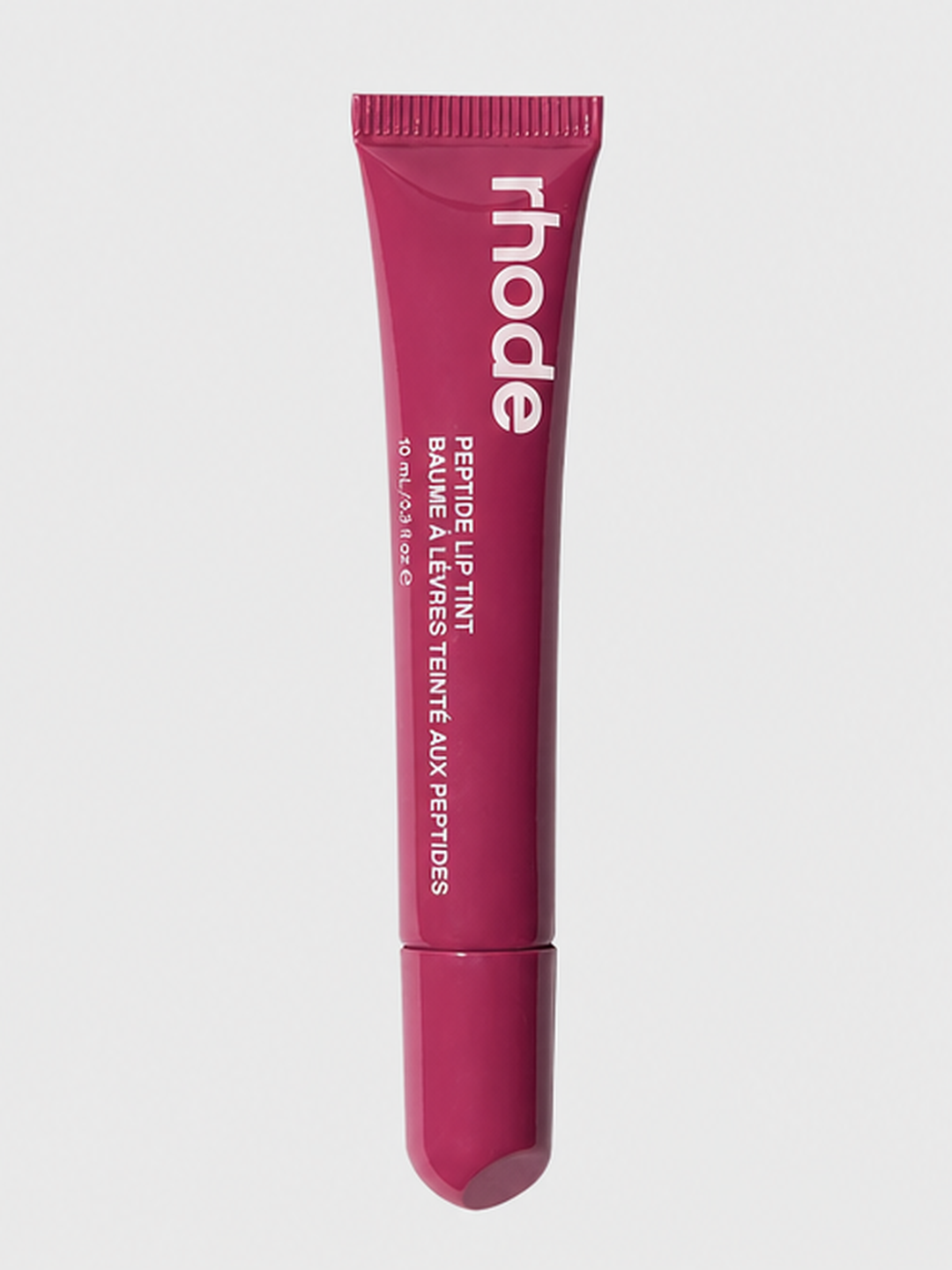
Product hero
A clear front view that introduces the product and its packaging.
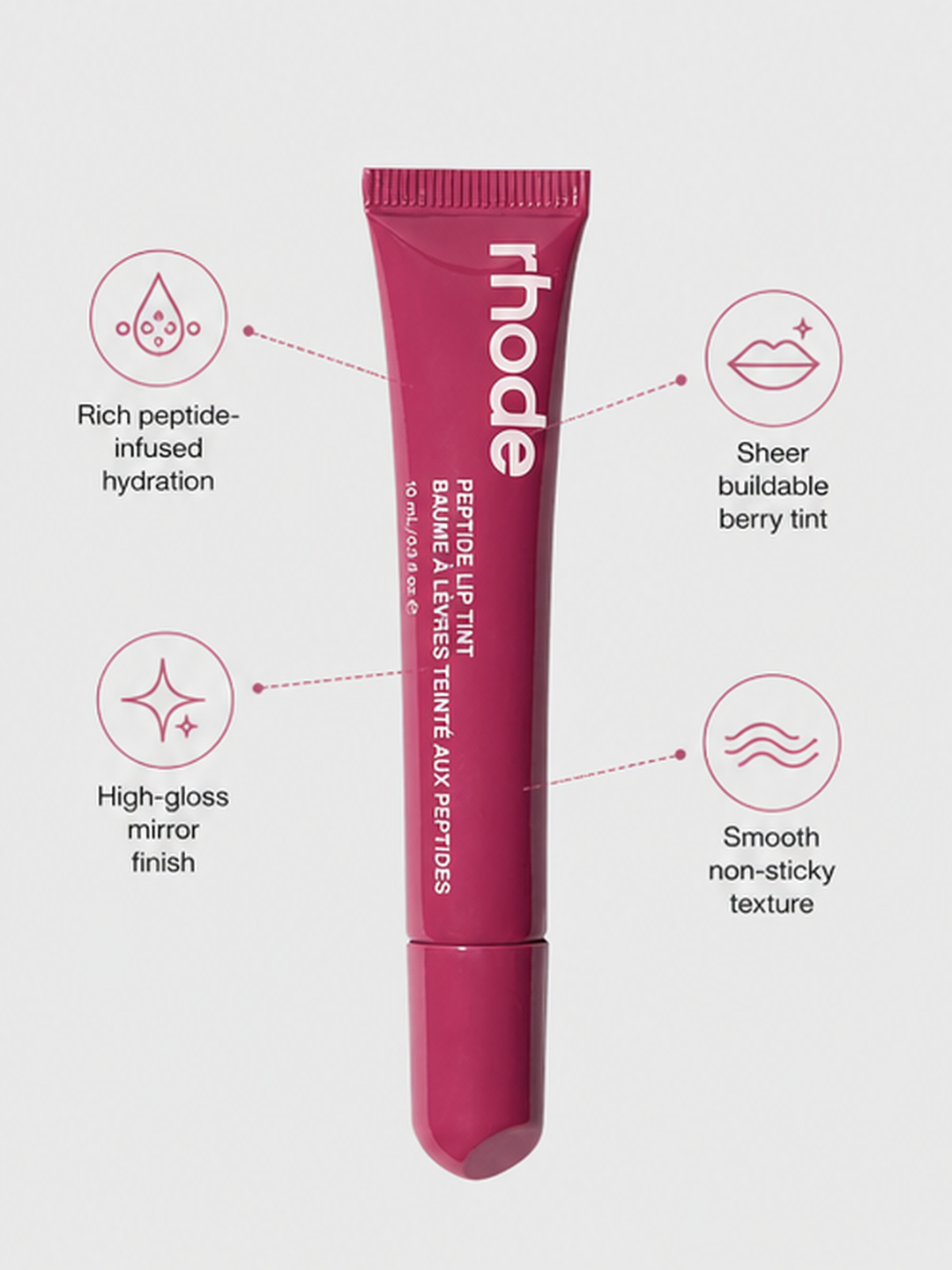
Benefits image
A marketing layout that brings the product and its selling points together.
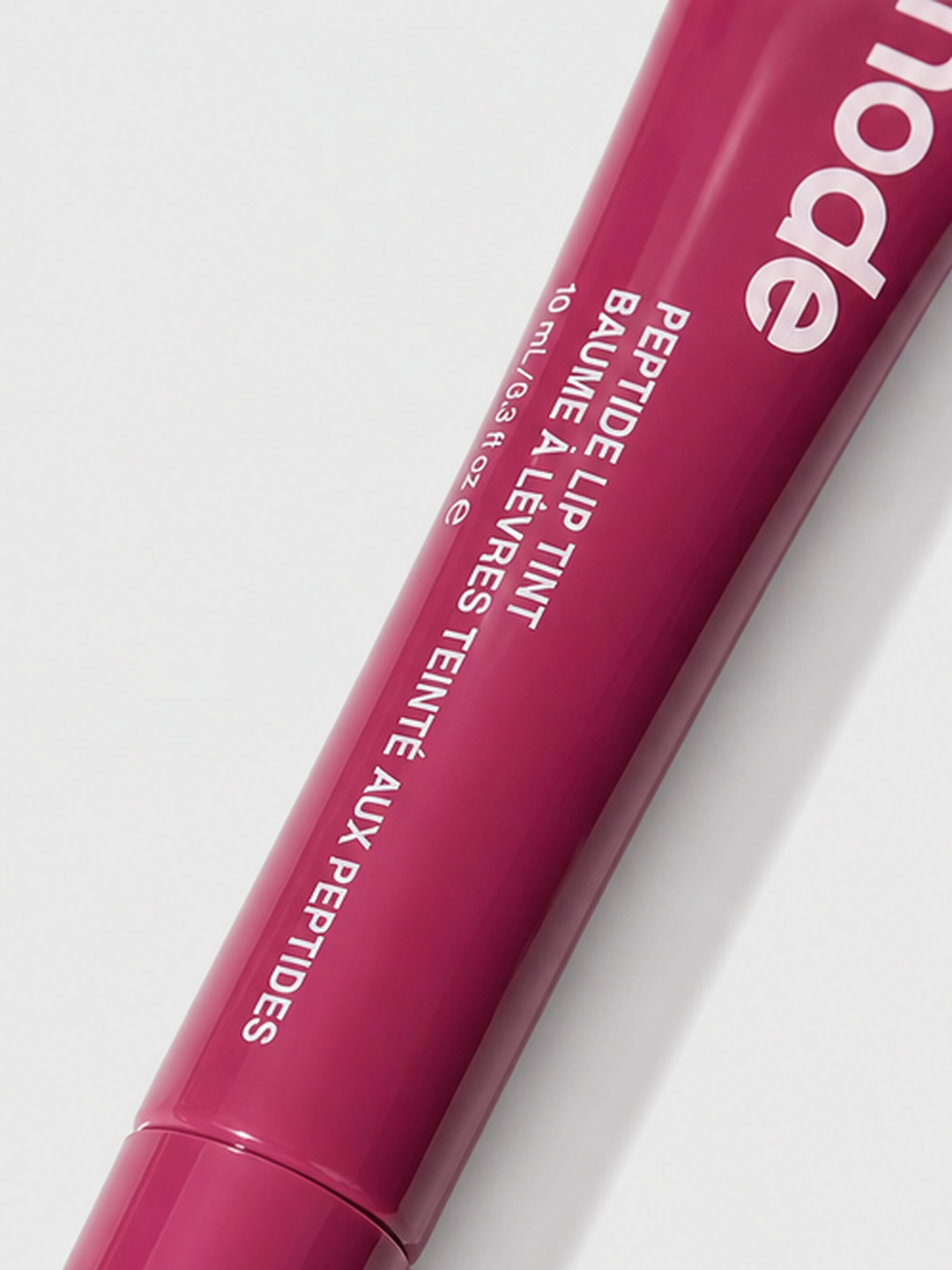
Packaging detail
A closer view of the tube, cap and printed packaging.
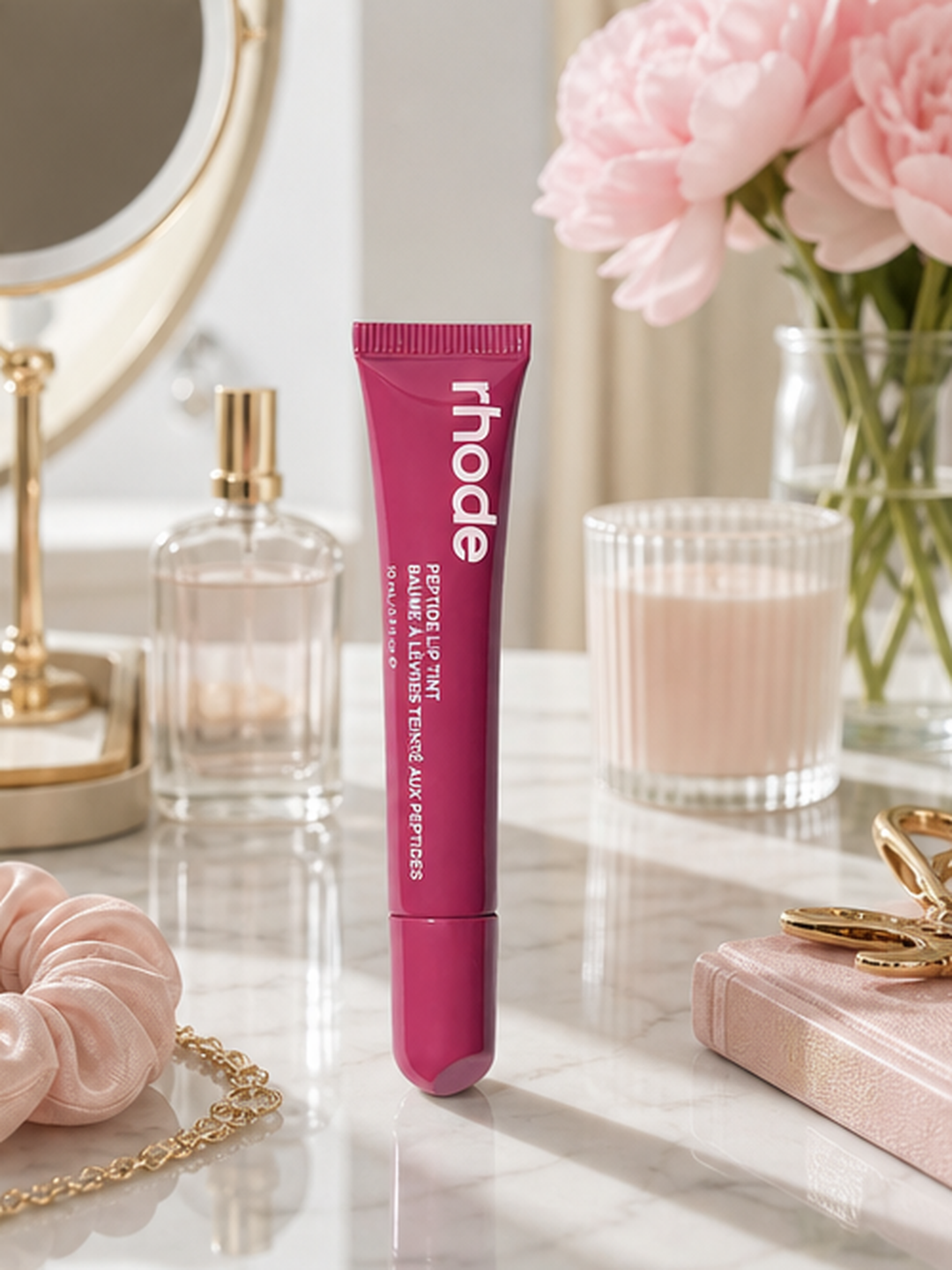
Lifestyle scene
A vanity setting that places the product in a beauty routine.
Build a set for your next product
Add your product photo, explain its selling points and choose a visual direction in the product detail workflow.
How to create your ecommerce image set
- 01
Choose a clear source photo
Start with a photo of the exact item you are selling. Keep the brand, packaging and defining product details visible.
- 02
Set up the product detail template
Add your photo in the product detail workflow. Describe the product, selling points, image purposes and visual direction, then choose your settings.
Follow the four-image walkthrough - 03
Choose images for your store
View the complete set, compare the images with your product and choose where to use each one.
Give every image a job
Use the set across your product page, store and marketing content. Choose the image that fits what you want to show.
- Introduce the product with a clear hero image.
- Make its selling points easy to scan.
- Bring packaging details closer.
- Show the product in a relevant lifestyle setting.
Ecommerce image generation questions
How is this different from white background photography?
The product detail workflow helps you build a set of ecommerce content images. If your immediate task is an isolated product presentation on white, use the dedicated white background workflow linked below.
Can I process my entire catalog at once?
This page starts a workflow from a product image. It does not promise bulk catalog import or automatic publication to your store. Check the template options for the individual task you want to run.
Can the set include selling points and lifestyle images?
Yes. This example includes a benefits image and a vanity scene alongside the product hero and packaging detail. Add your own product information and marketing direction when setting up your task.
How do I check the price and available settings?
View current plans on the pricing page. The product detail workflow shows its available image options and the credit amount for the task before generation.