AI fashion model images
How to Use an AI Fashion Model Generator for Ecommerce Launches
A practical workflow for turning a flat-lay or garment photo into consistent on-model visuals for product pages, campaigns, and social content.
By DOBIDOBI Editorial Team·8 min read·Updated
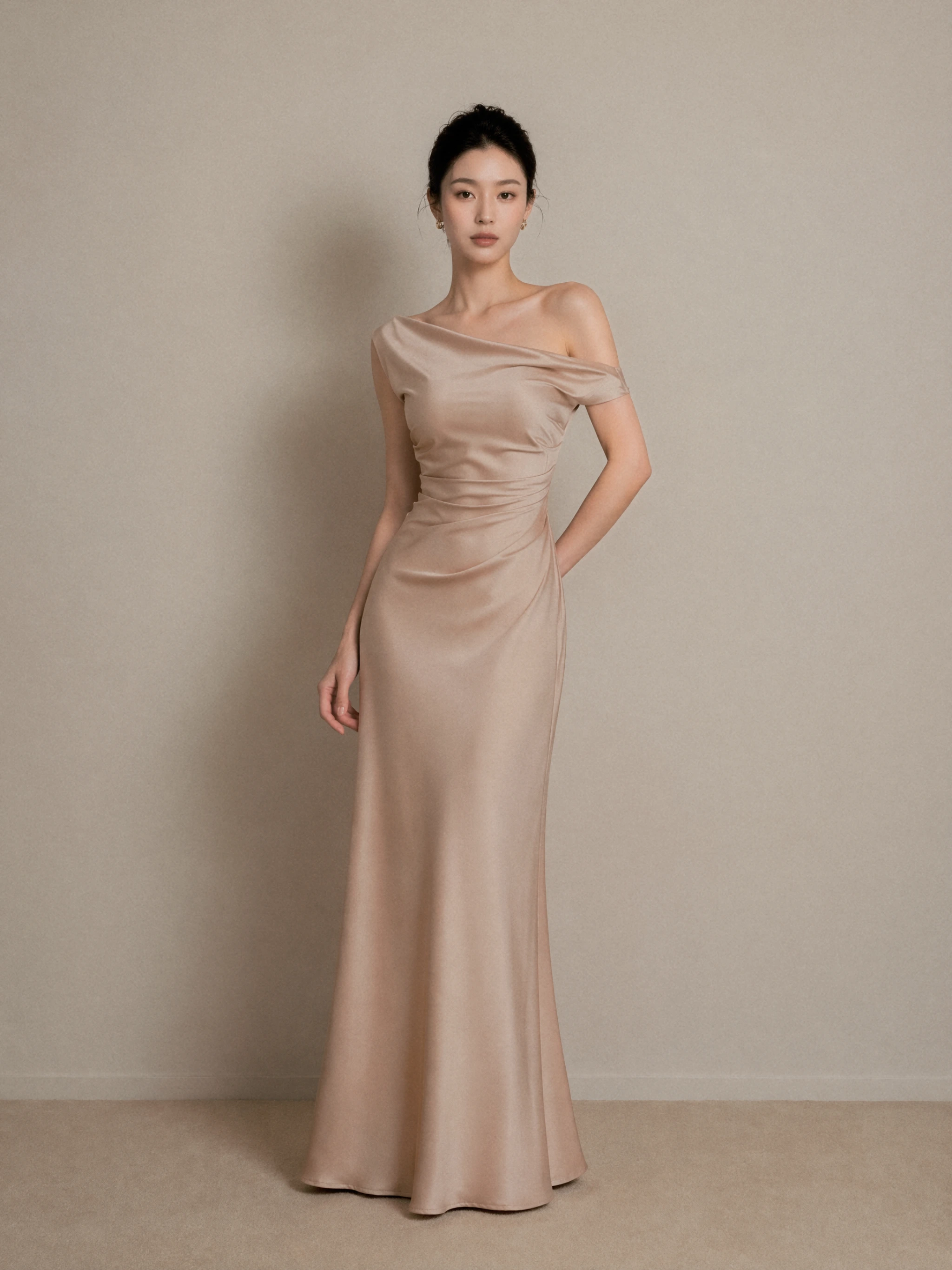
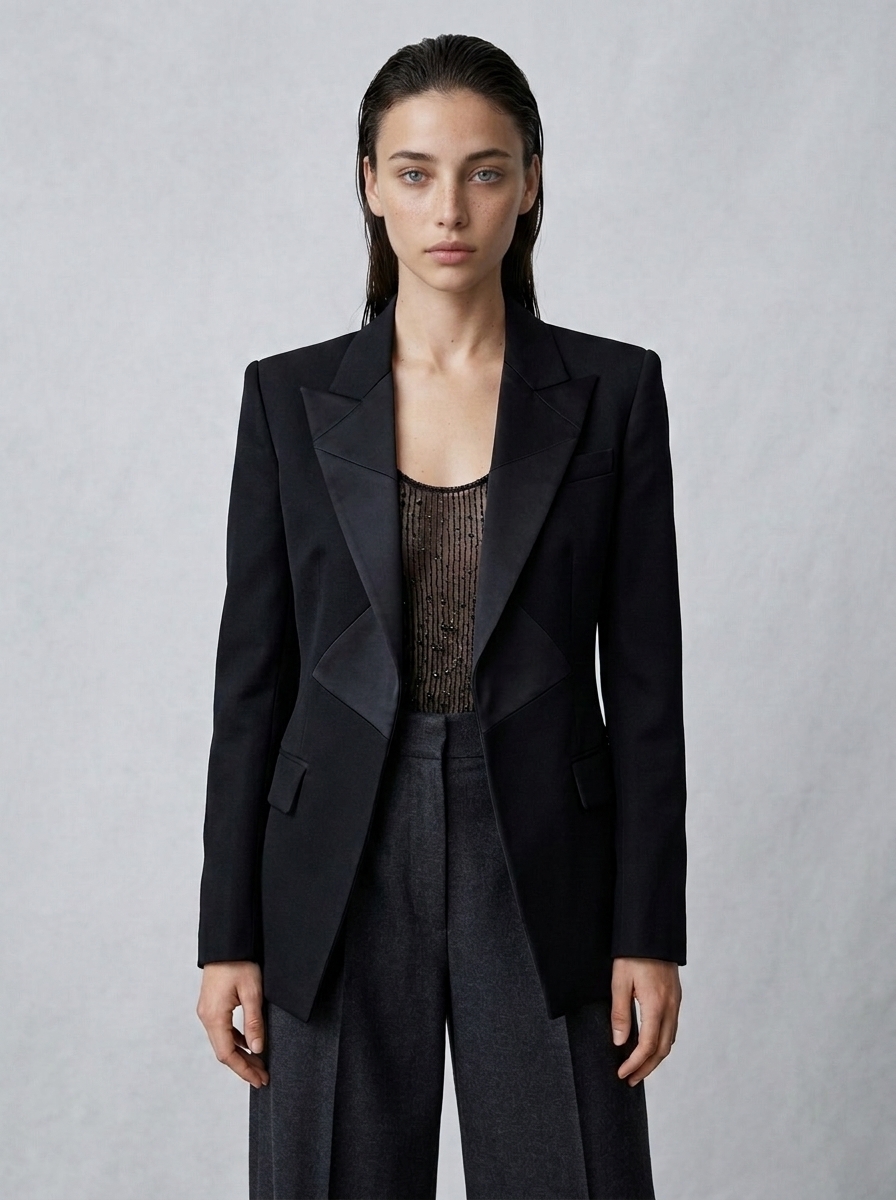
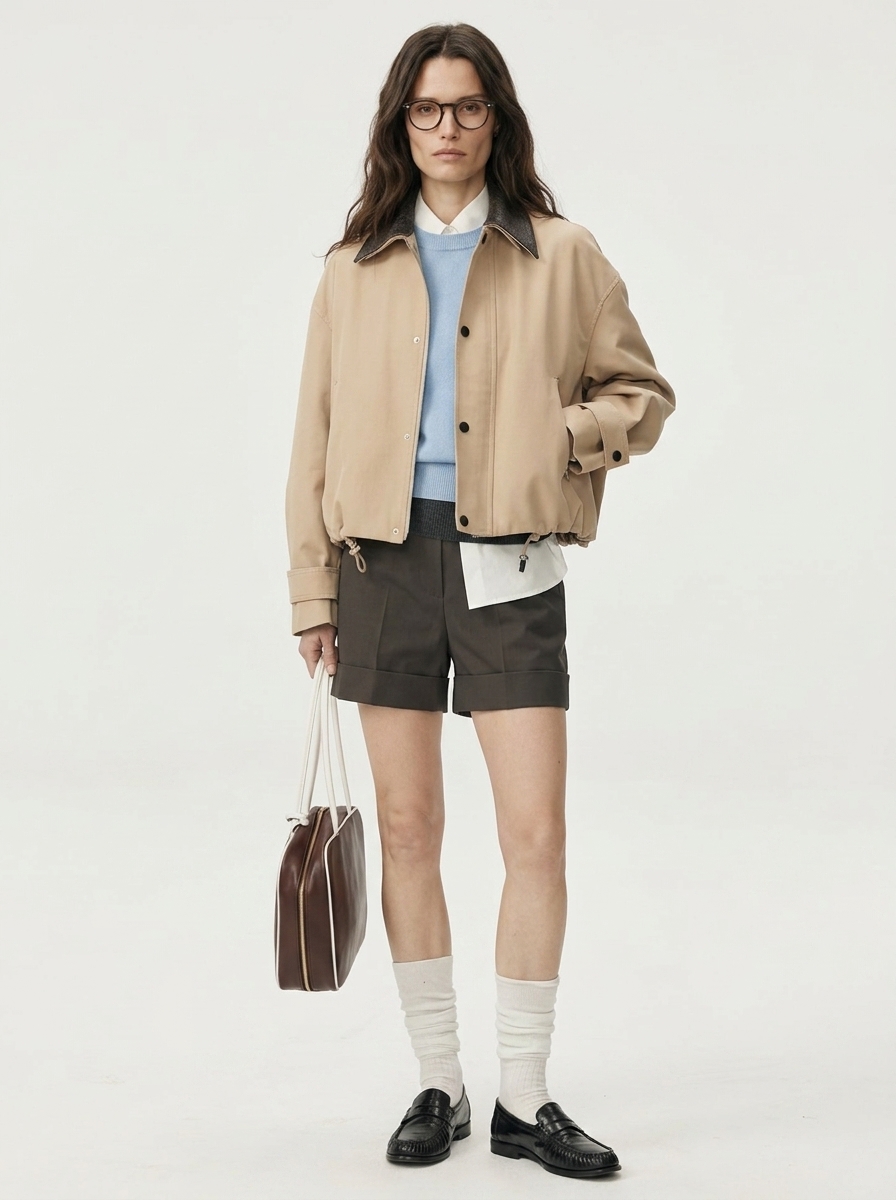
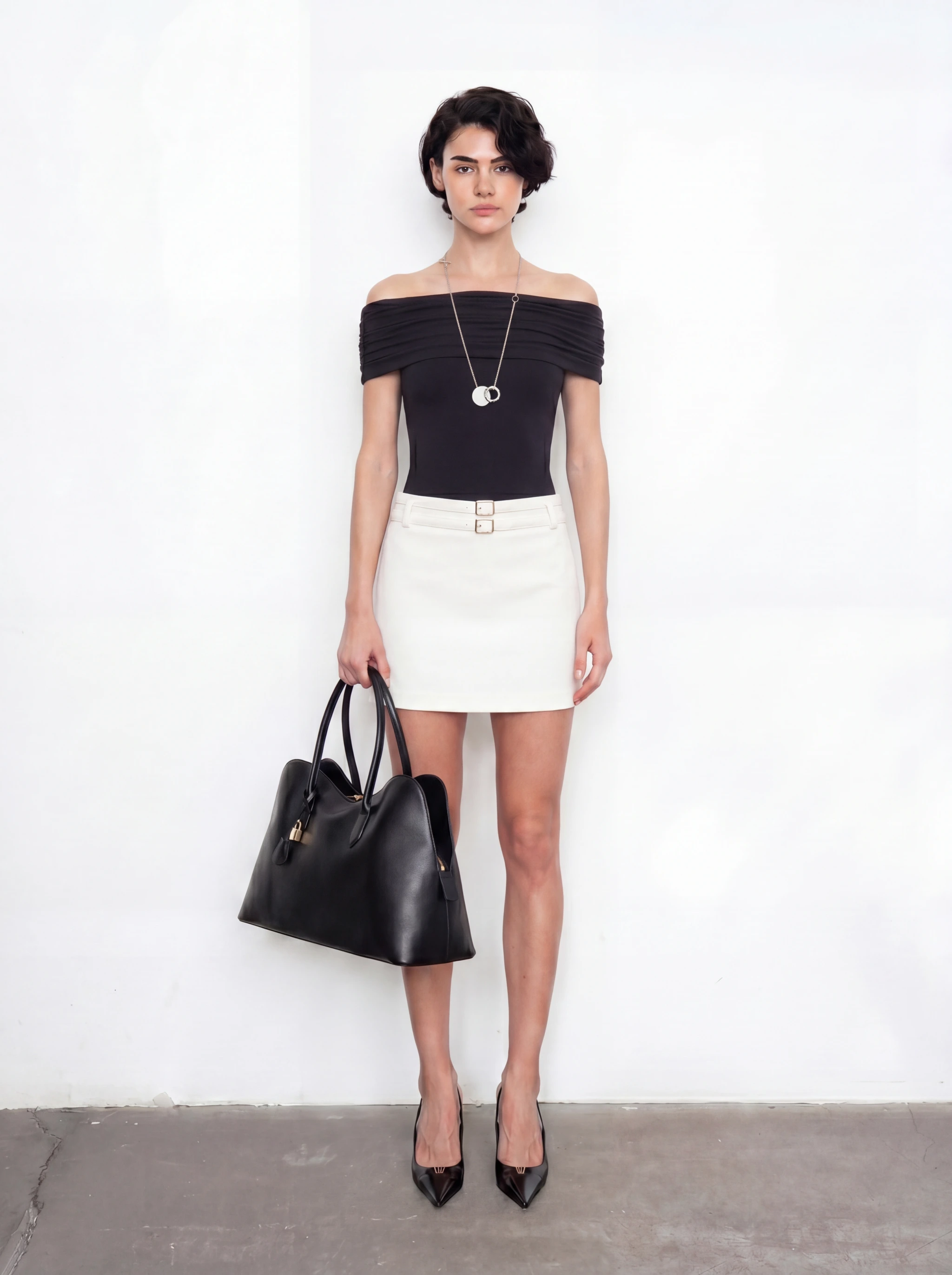
Key takeaways
- Start with a clear garment image and define what must not change.
- Choose the model, pose, setting, and channel before generating.
- Review garment accuracy before judging the overall aesthetic.
- Build a coordinated launch set from one approved direction.
- Use AI output as a reviewed production asset, not an automatic final image.
What an AI fashion model generator should help you do
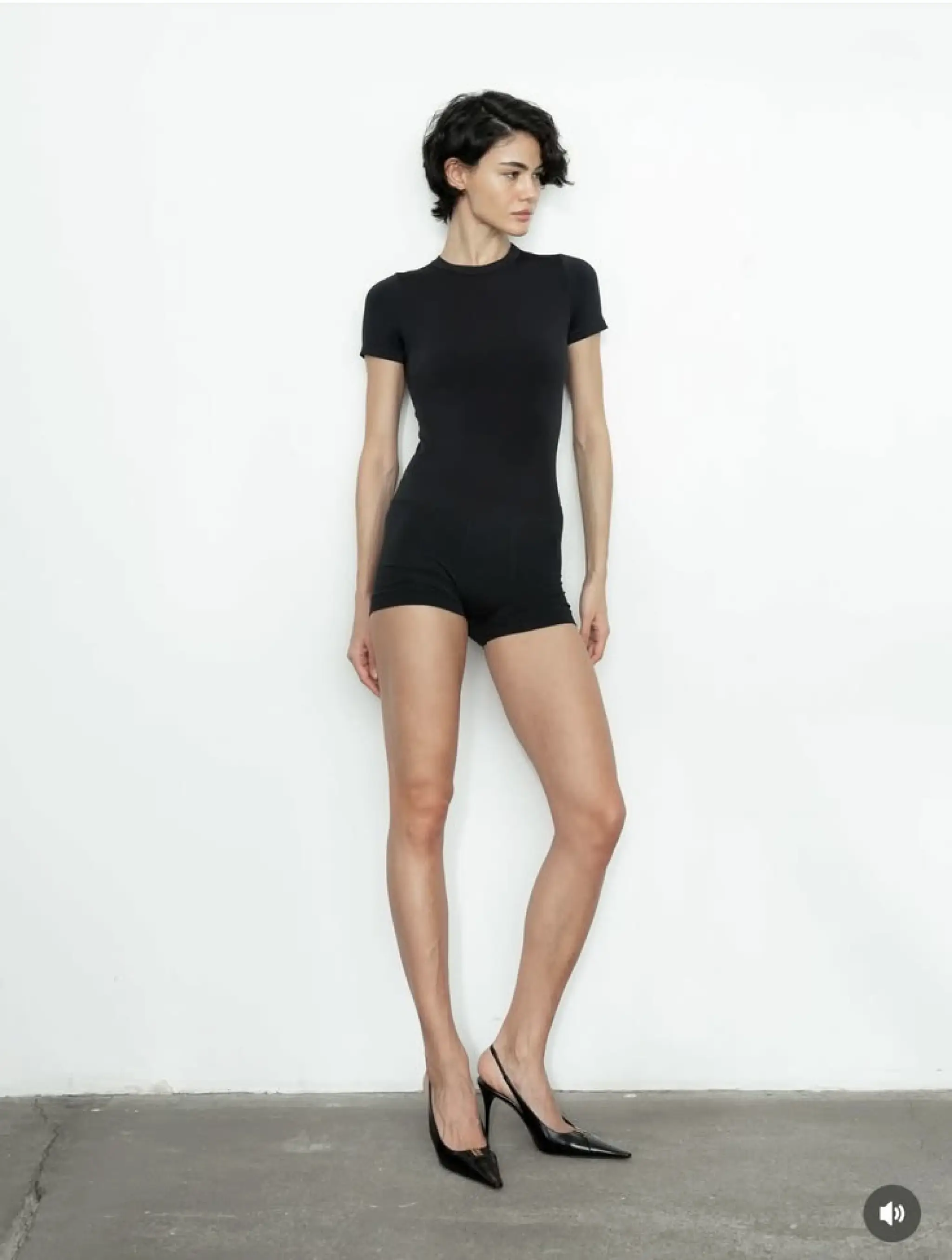
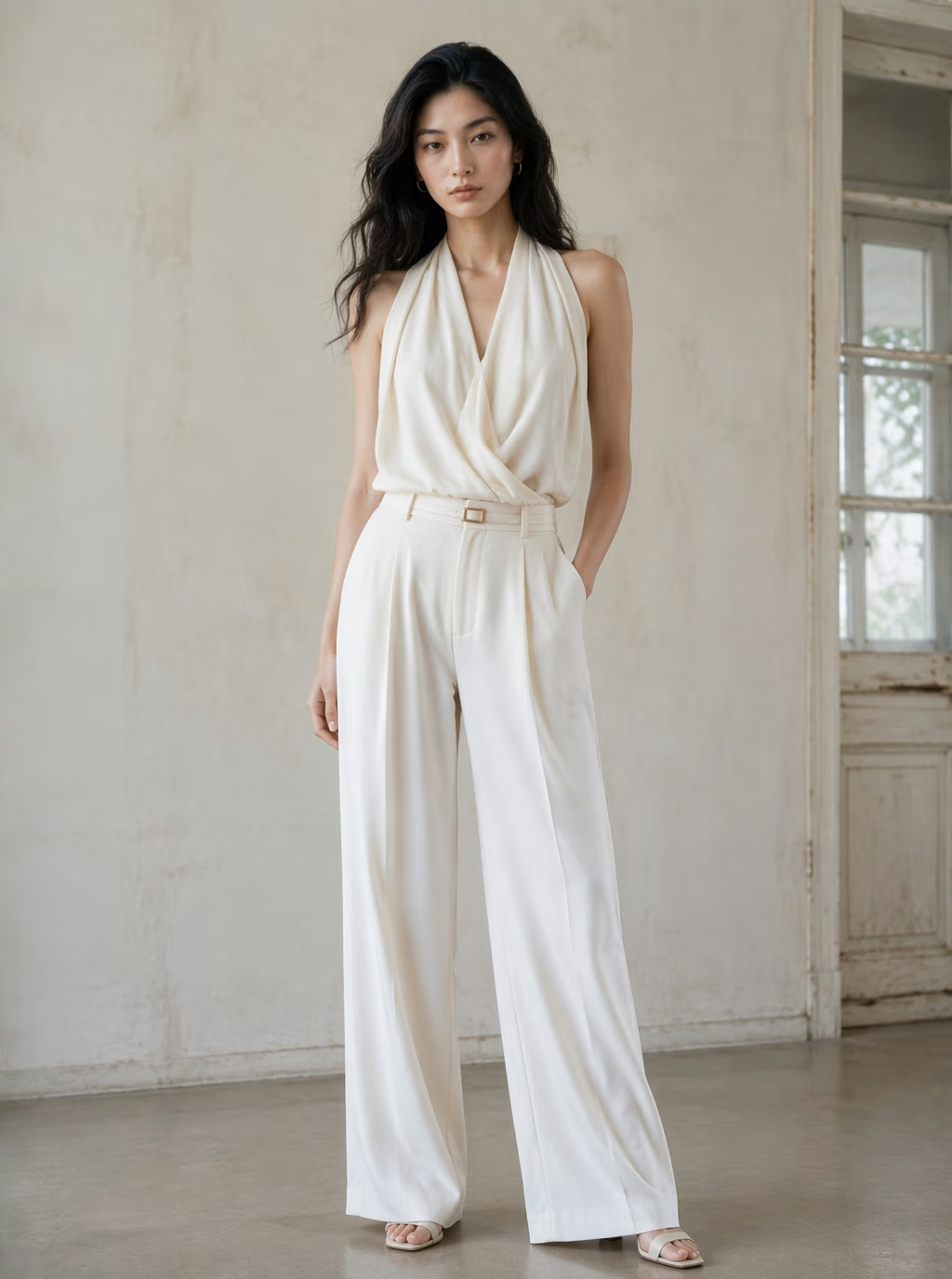
An AI fashion model generator places a real garment or product onto a generated model without requiring a new photo shoot for every concept. The most useful workflow is not “generate a model.” It is “turn one approved garment into a coordinated set of on-model images for specific ecommerce and campaign needs.”
That distinction matters. A visually impressive image can still be unusable if the garment color shifts, the neckline changes, a logo disappears, or the model pose hides the product. Start by defining the business goal and the product details that must remain accurate.
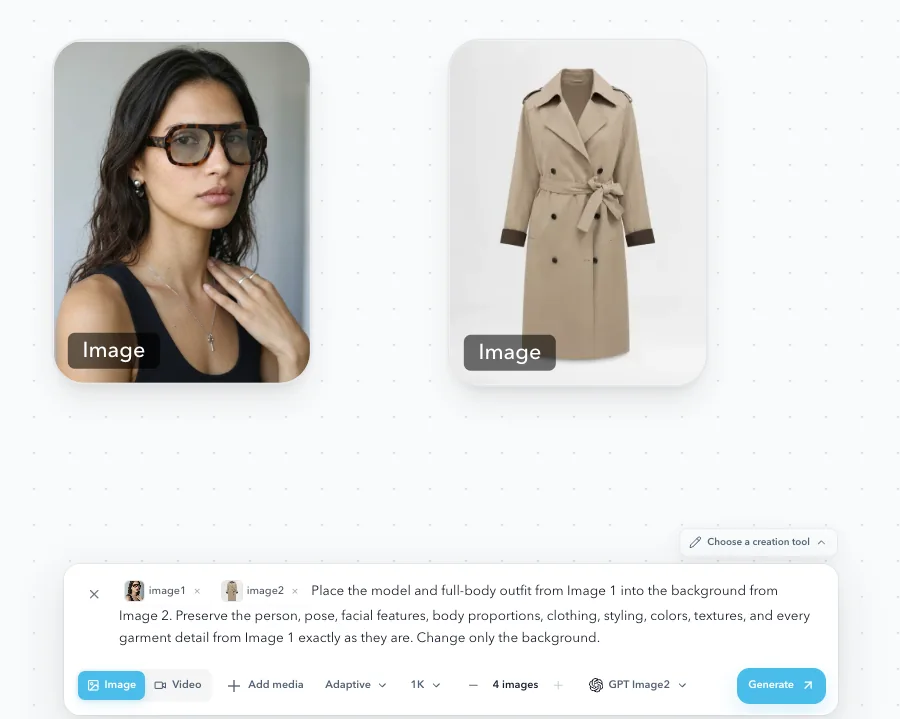
Step 1: prepare the garment image
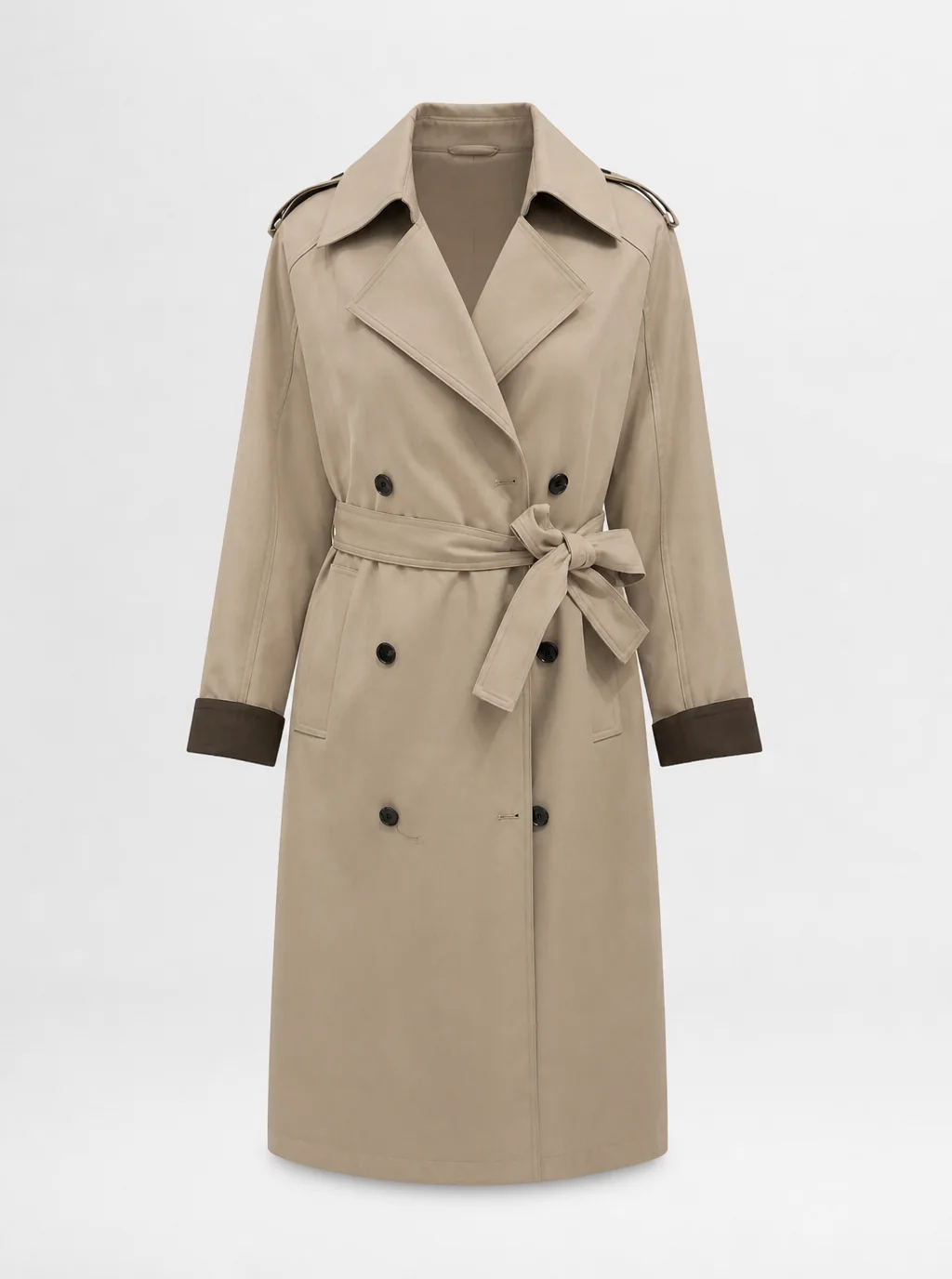
Use a clean, well-lit image with the full garment visible. Avoid heavy shadows, folds that hide construction, hands covering the product, or low-resolution crops. For patterned garments, logos, hardware, and unusual seams, add close-up reference images when the workflow allows it.
Before generation, record the non-negotiable details: color, print placement, length, silhouette, neckline, sleeves, closures, and branding. This becomes the review checklist for every result.
Step 2: define the model and launch context
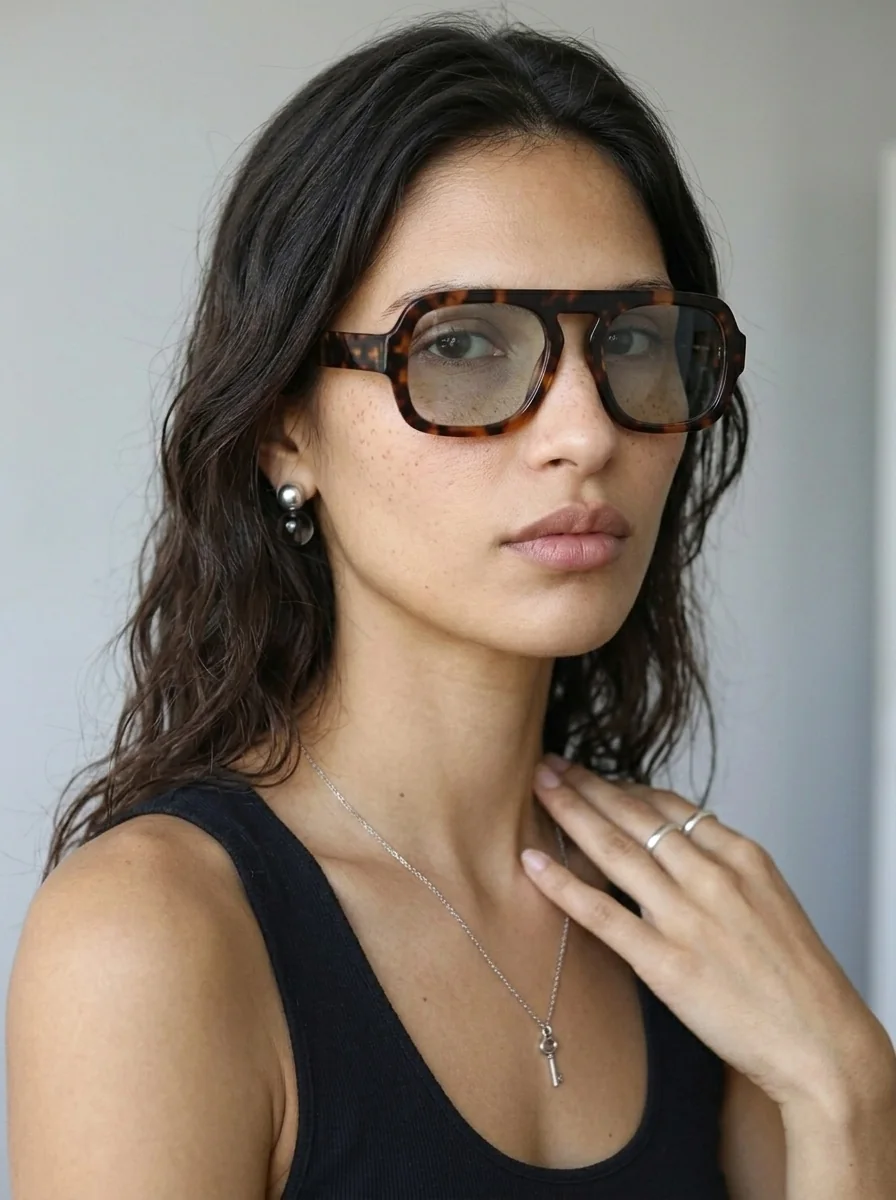
Choose the model based on the customer and the campaign, not only on what looks fashionable. Consider age range, presentation, body type, pose, and the level of diversity needed across the set.
Then define where the image will be used. A product-detail page needs a clear view of fit and silhouette. A paid-social image may need stronger emotion and negative space for copy. A lookbook should maintain a consistent visual rhythm across multiple products.
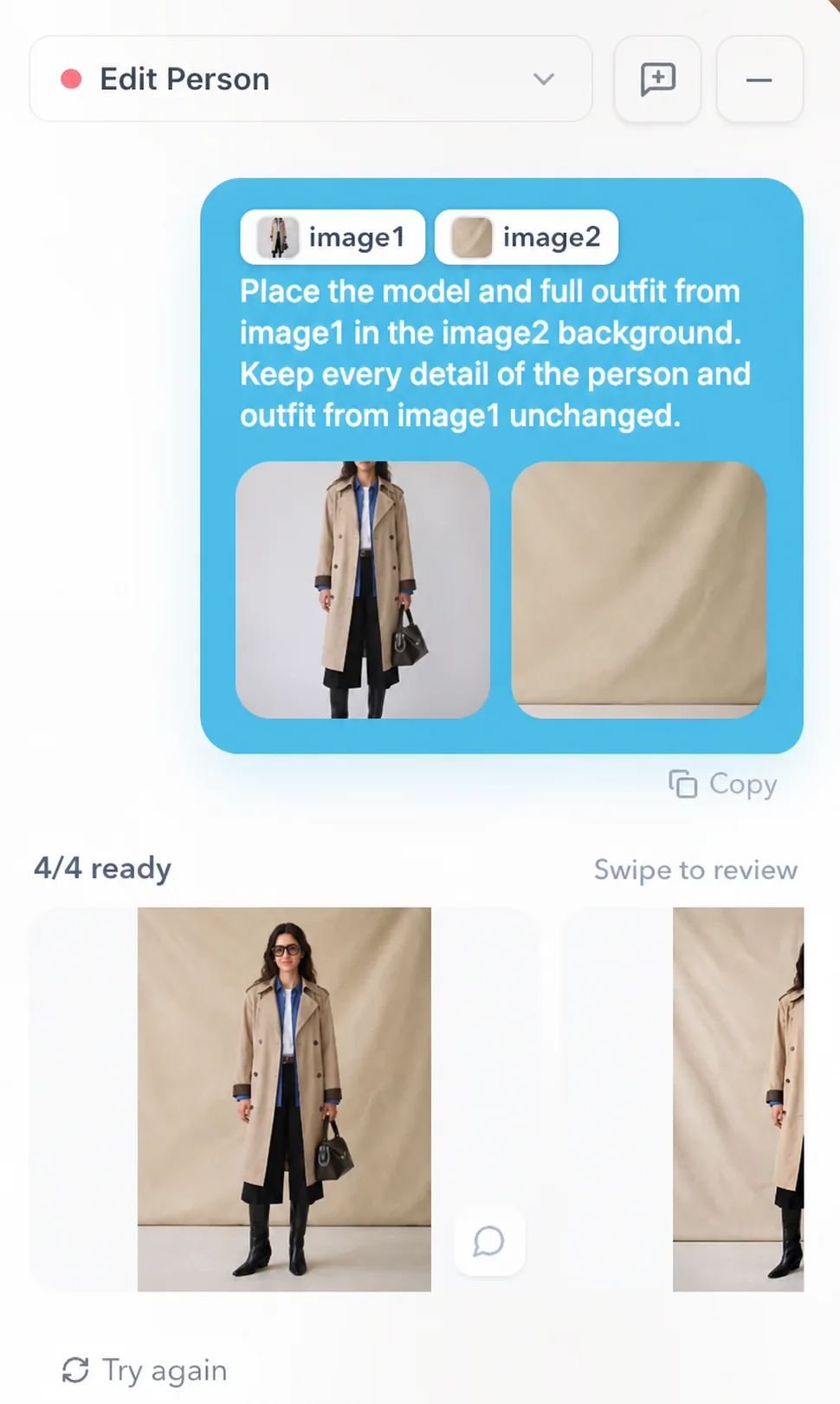
Step 3: generate directions before producing volume
Begin with a small set of directions that vary one decision at a time, such as pose or background. Do not generate dozens of final assets before confirming that the garment, model, and visual direction work together.
Select one direction based on product accuracy, brand fit, and channel usefulness. Once approved, extend it into the required angles and formats.
Step 4: review the garment before the model
Check the product in a fixed order. If a material product detail is wrong, treat the image as a concept, not a publishable ecommerce asset. Human review is especially important when the image could affect a shopper’s understanding of fit, construction, or included features.
- Color and pattern.
- Silhouette and proportion.
- Neckline, sleeves, seams, and closures.
- Logo, text, hardware, and accessories.
- Natural fit and interaction with the body.
- Hands, face, anatomy, and background artifacts.
Step 5: build a coordinated launch set
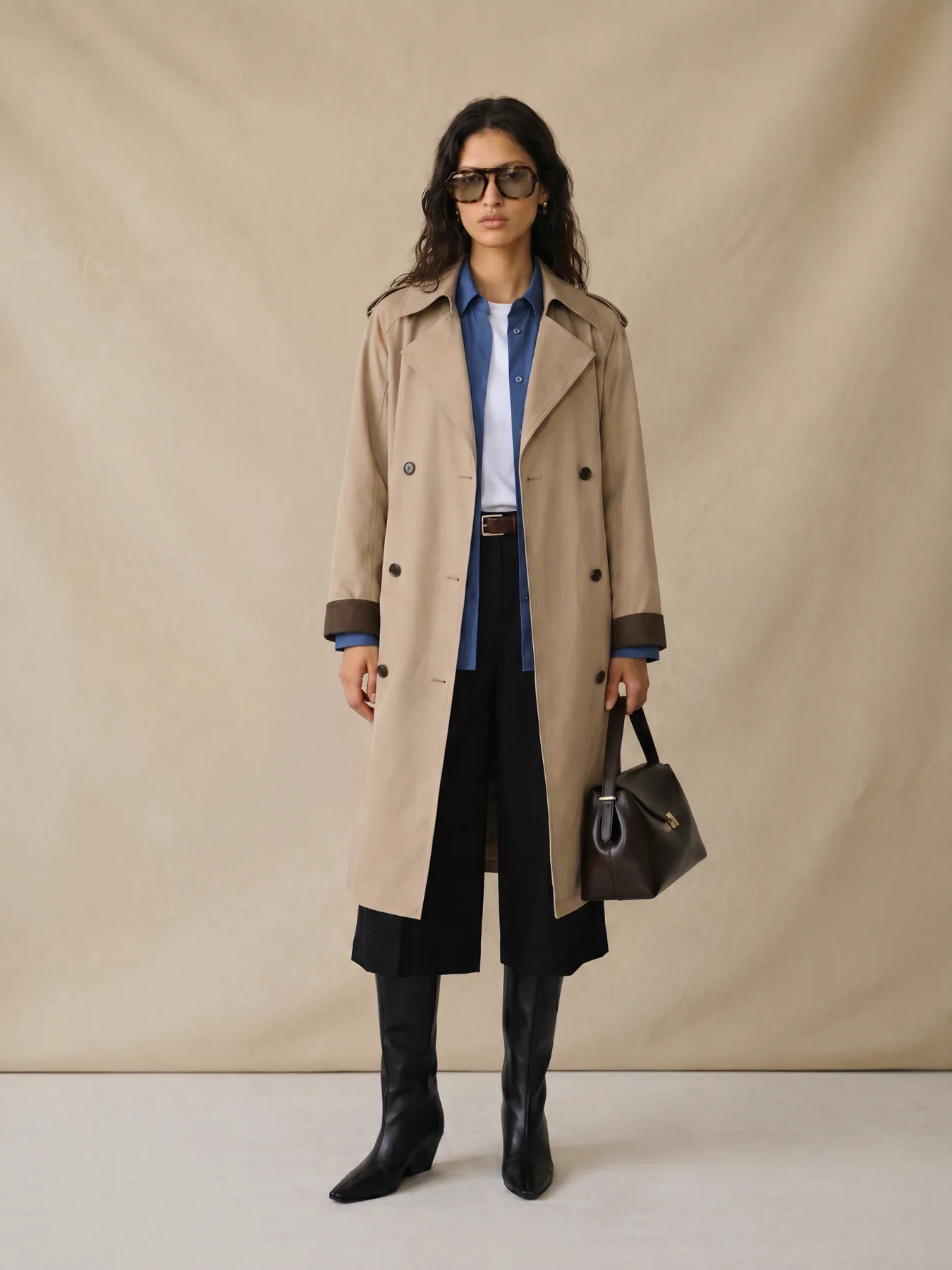
Keep the garment source and selected visual reference consistent while adapting the composition for each channel. This creates continuity without forcing the same crop to do every job.
- Clear front-facing on-model image.
- Side or back view when relevant.
- Detail crop showing fabric or construction.
- Lifestyle frame for social content.
- Ad variation with clean space for copy.
- Approved still that can anchor a short video.
Common mistakes to avoid
- Generating before defining the use case. The right image depends on whether it is for a listing, lookbook, ad, or social post.
- Approving the mood before the garment. Attractive lighting cannot compensate for a changed product.
- Changing too many variables at once. It becomes difficult to learn whether the model, pose, background, or reference caused the improvement.
- Publishing without disclosure or review. Follow the policies and labeling requirements that apply to the market, platform, and use of synthetic media.
Decision table
How AI model images fit the ecommerce workflow
| Stage | What AI helps with | What humans must review |
|---|---|---|
| Design review | Preview fit, styling, and model mood | Garment structure and silhouette accuracy |
| Launch preview | Create social covers and campaign directions | Brand tone, rights, and trademark safety |
| Product page | Add lifestyle and angle variations | Color, material, sizing, and platform rules |
| Ad testing | Expand scenes, ratios, and moods | Safe areas, claims, and disclosure requirements |
Checklist
AI fashion model image checklist
- The garment matches the source image.
- The model and pose fit the target customer and channel.
- The product remains visible and commercially understandable.
- Hands, anatomy, text, logos, and backgrounds have been reviewed.
- Each output has a defined placement and ratio.
- Final files include descriptive filenames and alt text.
FAQ
Can AI fashion models replace traditional shoots?+
They can reduce the cost and time required for early direction testing and asset expansion. Traditional photography may still be preferable when exact fit, movement, texture, talent rights, or high-stakes campaign production requires it.
Can I turn a flat-lay image into an on-model photo?+
Yes. A clear flat lay is a strong starting point, especially when the garment’s silhouette and details are visible. Complex draping, transparent materials, and hidden construction require closer review.
How do I keep the same style across multiple products?+
Approve one model and visual direction first, then reuse the same reference, lighting logic, background, and crop system. Change the product while keeping the campaign rules stable.
Create your first on-model launch set
Start with one clear garment image, approve the direction, and expand it into the angles and formats your launch actually needs.
Open AI fashion model generatorKeep reading