01
Single-garment try-on
Place one priority garment on a person to explore styling, silhouette, and product visibility.
Virtual Try-On
Upload a person or approved model image, then add one garment or a complete outfit to create coordinated virtual try-on visuals for ecommerce, styling review, lookbooks, social content, ads, and campaign planning.
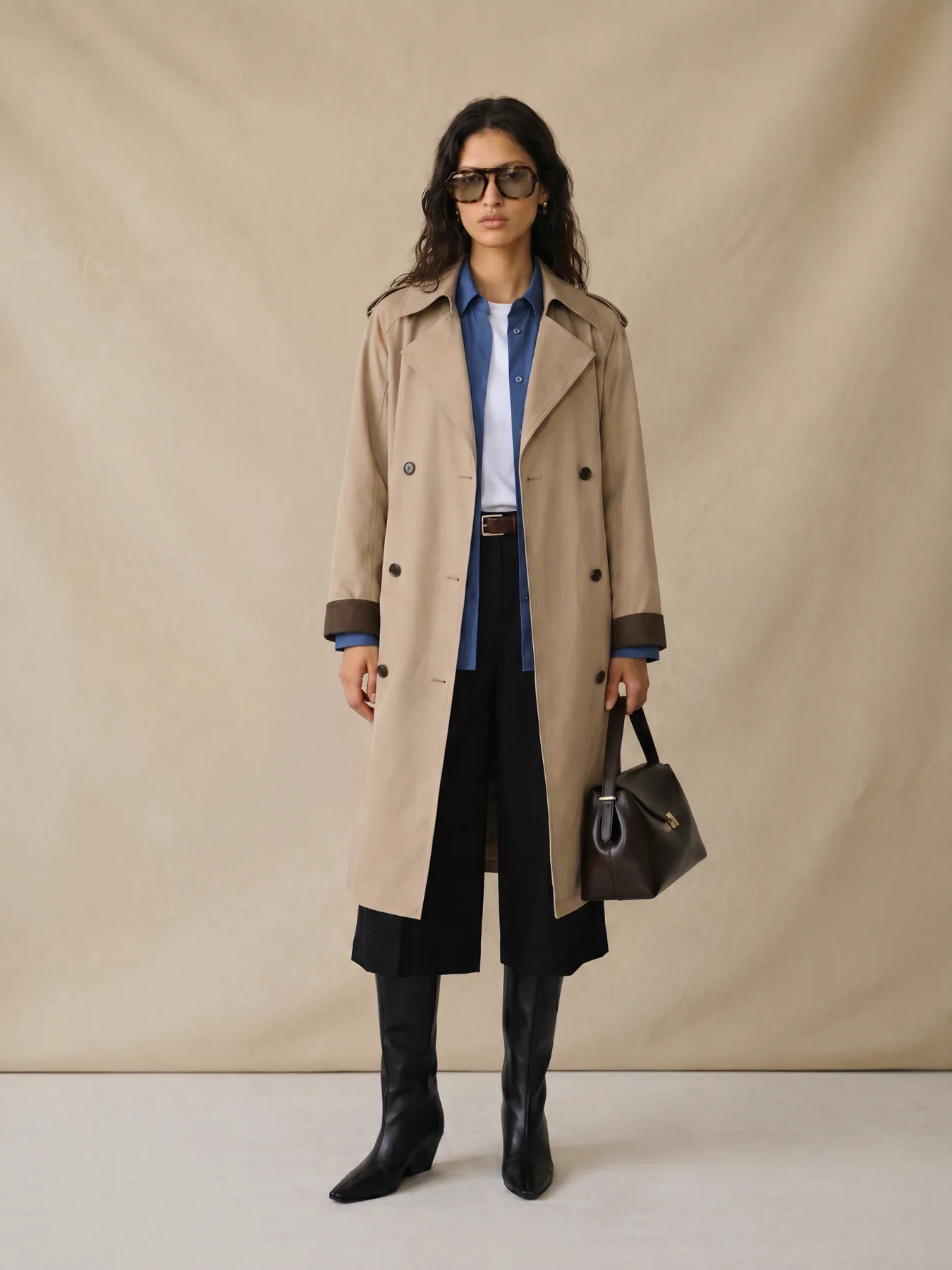
Person-led outfit visualization
Keep one approved person direction while testing garments, complete looks, alternate poses, and campaign continuations.
01
Place one priority garment on a person to explore styling, silhouette, and product visibility.
02
Combine separate clothing and accessory inputs into one coordinated visual direction.
03
Keep the same person while testing outfits, layers, accessories, poses, and settings.
04
Adapt approved try-on stills into ecommerce, lookbook, social, ad, and video candidates.
From clothing inputs to a connected set
Start with a clear person image and separate clothing assets, compare a small first round, then extend an approved result into the formats needed for product storytelling and campaign planning.
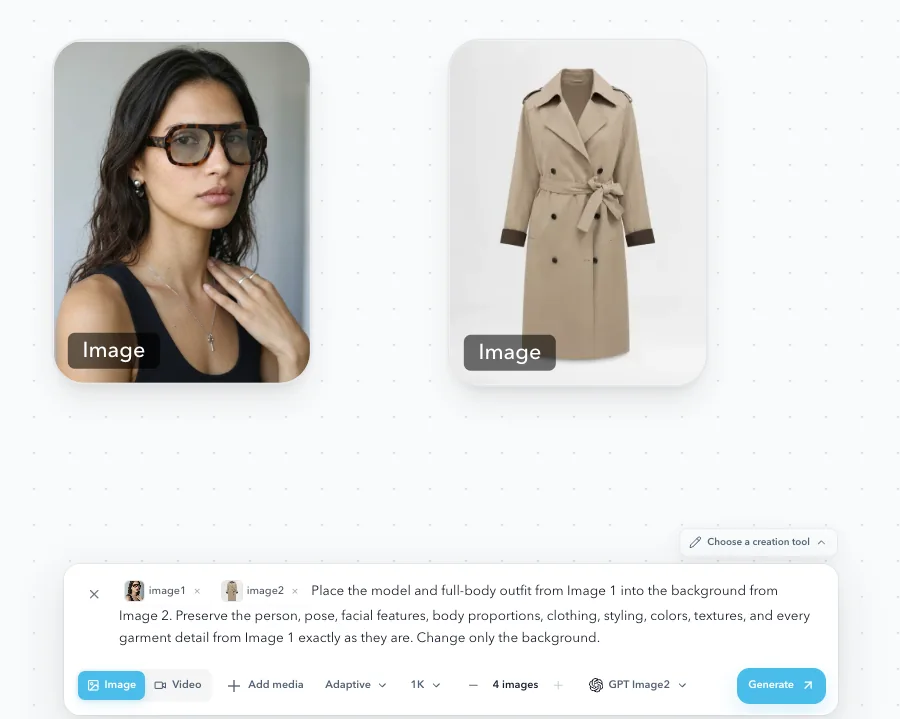
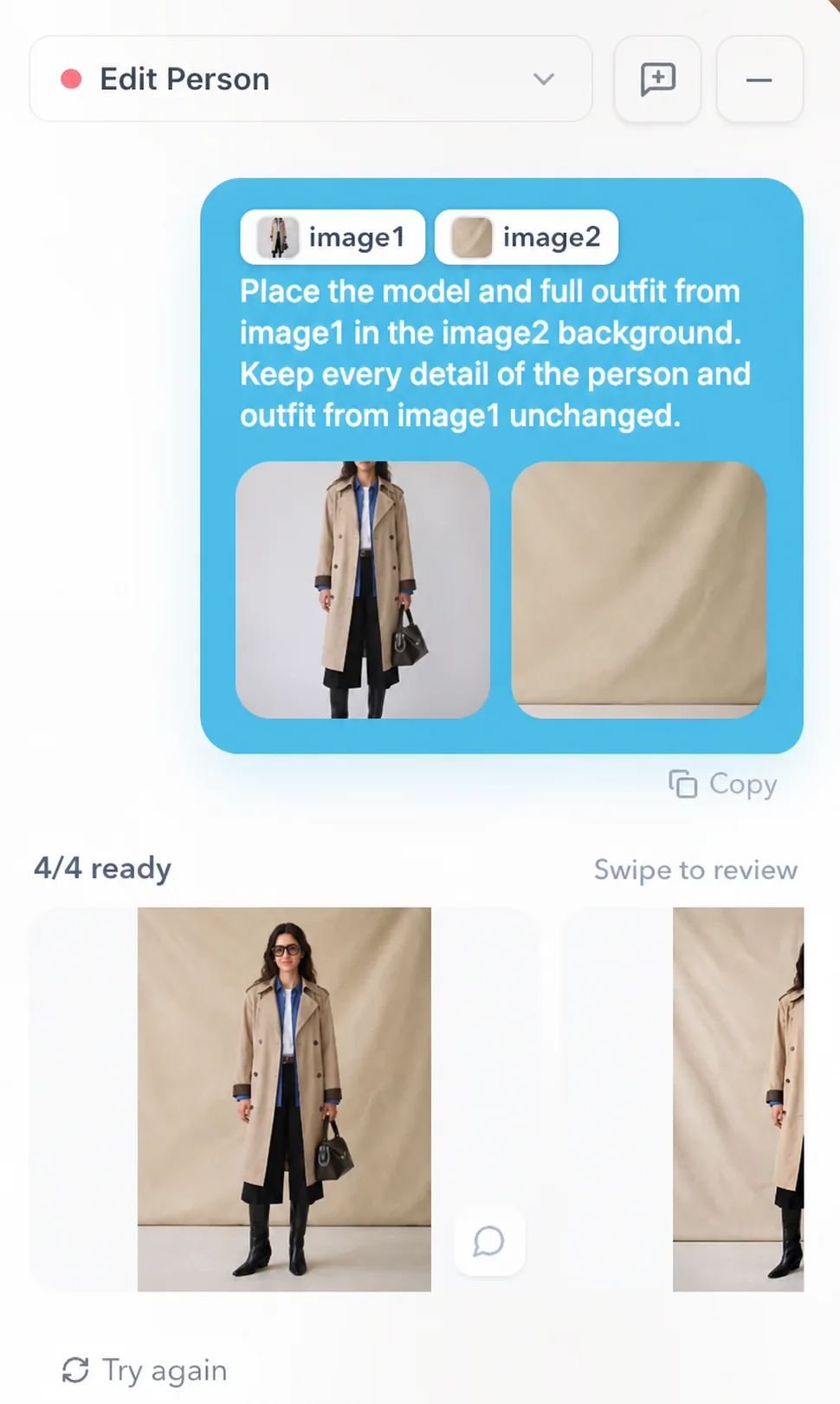
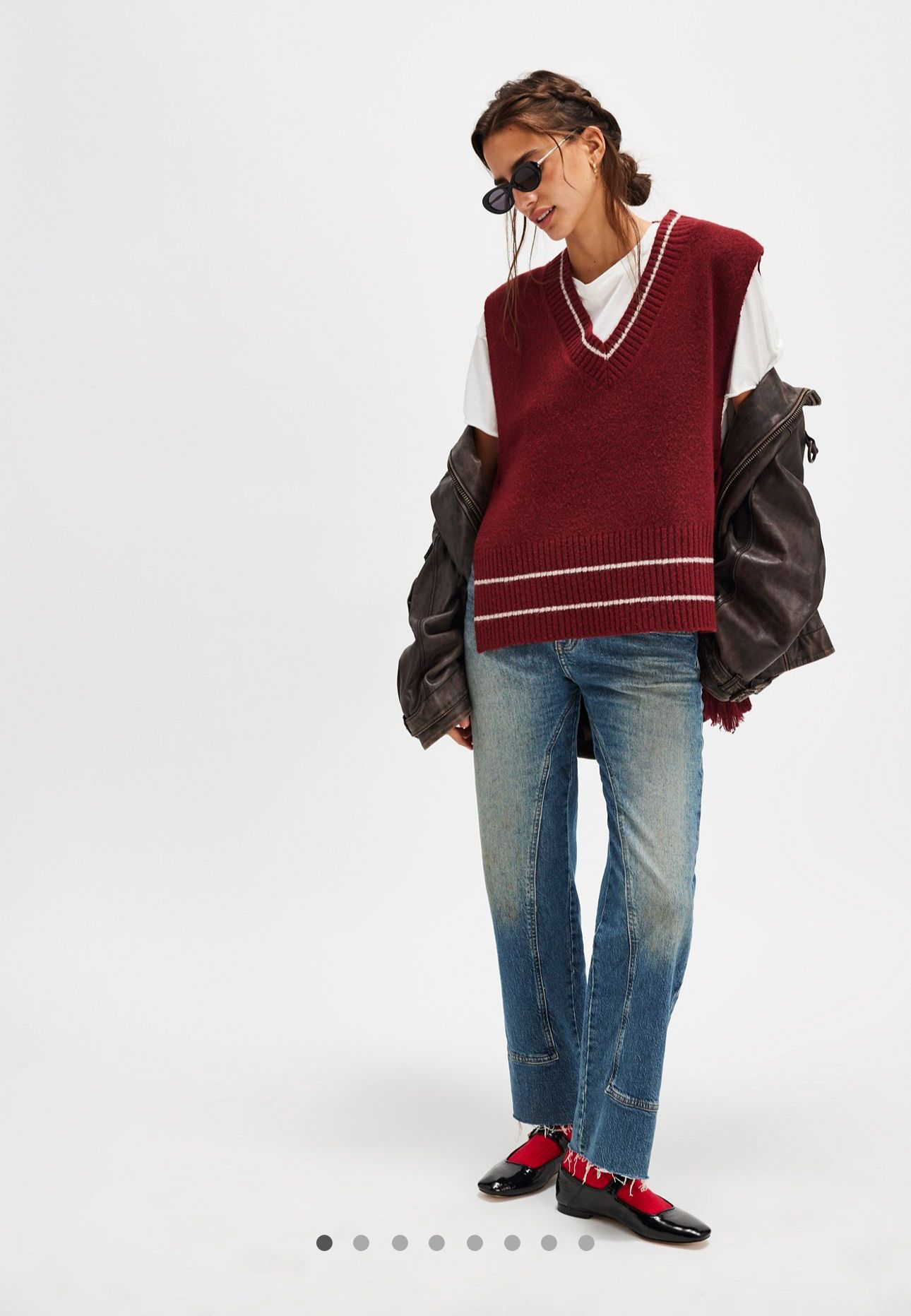
Clear inputs first
Use an unobstructed front or three-quarter person image. Provide garment images with visible shape, color, pattern, closures, logos, materials, and construction details, adding alternate views when the primary image hides important information.
Virtual try-on results are generated visualizations. They can support creative review and product storytelling, but they are not exact sizing, physical fit, drape, comfort, or purchase guarantees.
How to create a virtual try-on
Separate person, product, and visual-context inputs make it easier to compare results and continue one approved direction instead of treating try-on as an isolated outfit replacement.
Choose a clear image with a visible body and an unobstructed pose.
Upload a priority item or separate clothing and accessory images, including alternate product views when important details are hidden.
Describe or reference the intended styling, pose, setting, lighting, composition, and channel while keeping the person and product primary.
Create a small first round and compare person consistency, garment visibility, layering, proportions, hands, background, and overall styling.
Check face and body consistency, garment color, silhouette, prints, logos, closures, seams, anatomy, and artifacts.
Continue the selected result into alternate poses, closer views, lifestyle scenes, lookbook frames, channel crops, campaign layouts, and short-form video.
Person and product review
Reject or regenerate any result that could misrepresent the wearer, clothing, accessories, or construction details.
Face, body proportions, anatomy, pose, and hands remain credible.
Garment color, silhouette, pattern, logos, and text match the source.
Closures, seams, trims, materials, and construction details remain intact.
Layering and accessories are physically coherent and clearly visible.
Lighting, camera distance, and background artifacts do not distort the person or product.
Rights, channel rules, and applicable AI-media disclosures are approved before publication.
Visualization, not fit prediction
Generated try-on visuals help teams compare styling and content directions. Verified size charts, product measurements, fit notes, and customer guidance remain the authority for purchase decisions.
Built for fashion and ecommerce
01
Explore complete looks before production, campaign, collection, or merchandising reviews.
02
Create additional on-model and lifestyle candidates around real product assets.
03
Extend approved try-on visuals into social, ads, email, launch pages, and campaign concepts.
04
Prepare a reviewable try-on direction and adapt the approved route into a broader asset plan.
Related production guide
Use the AI fashion model guide for garment preparation, model and channel selection, first-round generation, product review, coordinated launch sets, and pre-publish approval.
Continue the fashion visual system
Create product-led packshots, lifestyle scenes, and supporting commercial images.
Create or refine the approved model direction used across the set.
Organize approved try-on visuals into a connected collection sequence.
Extend approved images into launch-level key visuals and promotional assets.
Turn approved try-on stills into controlled motion and social creative.
Guide styling, lighting, composition, and series consistency with a visual reference.
AI virtual try-on FAQs
AI virtual try-on combines a person or approved model image with clothing and accessory images to generate a visual preview of one garment or a complete outfit.
Sign up for a one-time gift of 500 DOBI coins that do not expire. Generation availability and coin usage depend on the selected model and task.
Using the same person image and approved direction can improve consistency, but every output still needs review for face, body proportions, anatomy, lighting, and styling.
Yes. Start with one priority garment or combine multiple clothing and accessory inputs into a complete outfit. Clear, separate product images are easier to review.
Use a clear person image with minimal obstruction and clothing images that show the full shape, color, pattern, and important details. Add alternate views when needed.
They can support styling review, ecommerce storytelling, merchandising, social content, and campaign planning after product accuracy, identity, anatomy, rights, channel rules, and disclosures are reviewed.
No. Generated try-on visuals are not exact sizing, fit, drape, comfort, or purchase predictions. Verified measurements, size charts, and fit notes remain authoritative.
Not automatically. Logos, text, prints, seams, closures, materials, layering, and construction can change, so clear sources and product-accuracy review are required.
Yes. After approving the person, garment, and still-image direction, continue selected frames into image-to-video for controlled motion, teasers, and social creative.
DOBIDOBI separates person, product, and visual-reference inputs so teams can compare results and extend an approved still into a broader fashion visual workflow.
Upload a person image, add one garment or a complete outfit, and create a reviewable try-on set for styling, ecommerce, lookbooks, social content, campaigns, and launch preparation.