01
Upload assets, get shots
Product, background, and model images can all become the starting point.
reference image AI generator
Instead of translating taste into complex prompts, upload a reference image. DOBIDOBI reads the light, composition, color, and mood, then creates new product, model, and ad visuals.
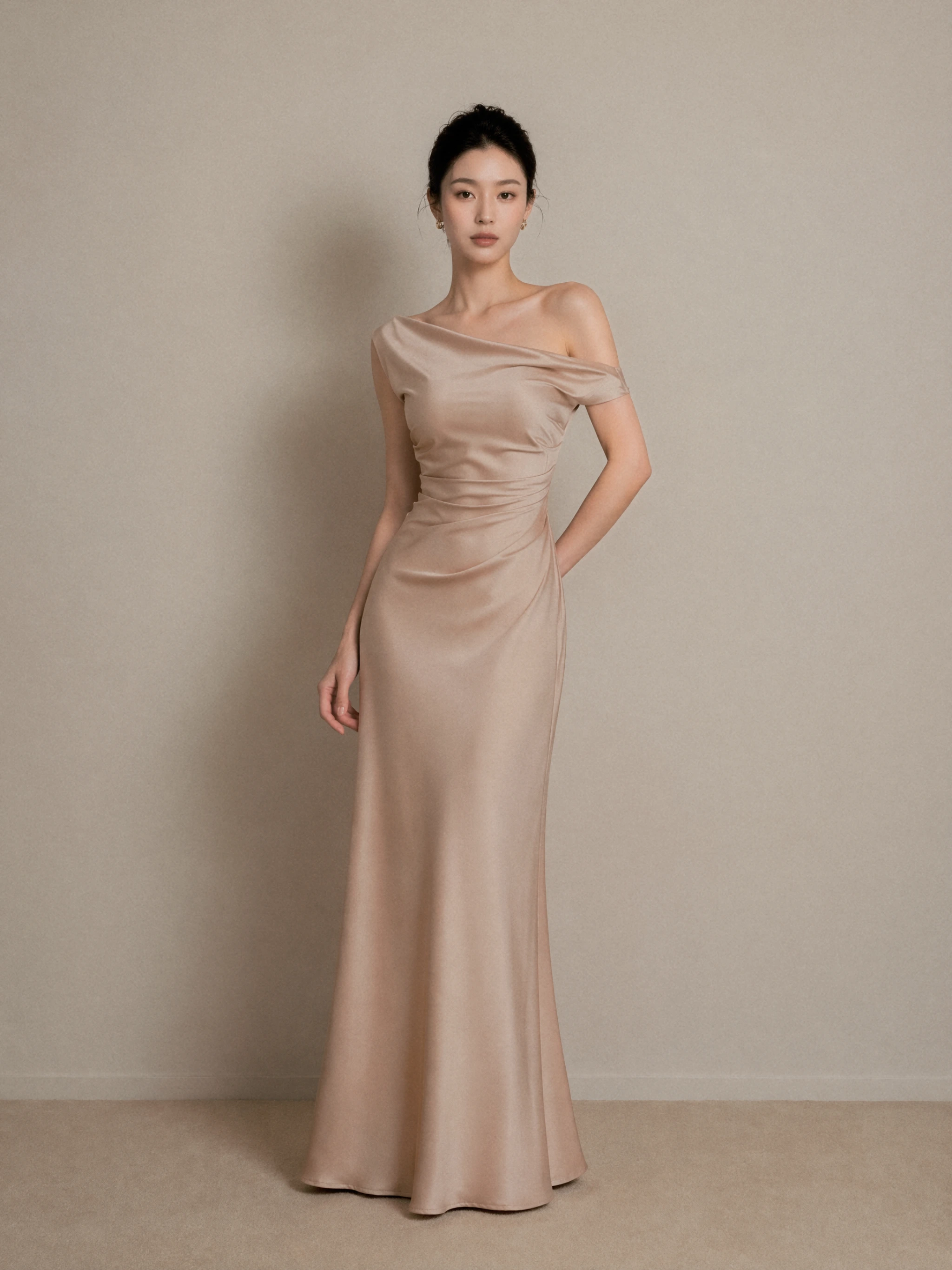
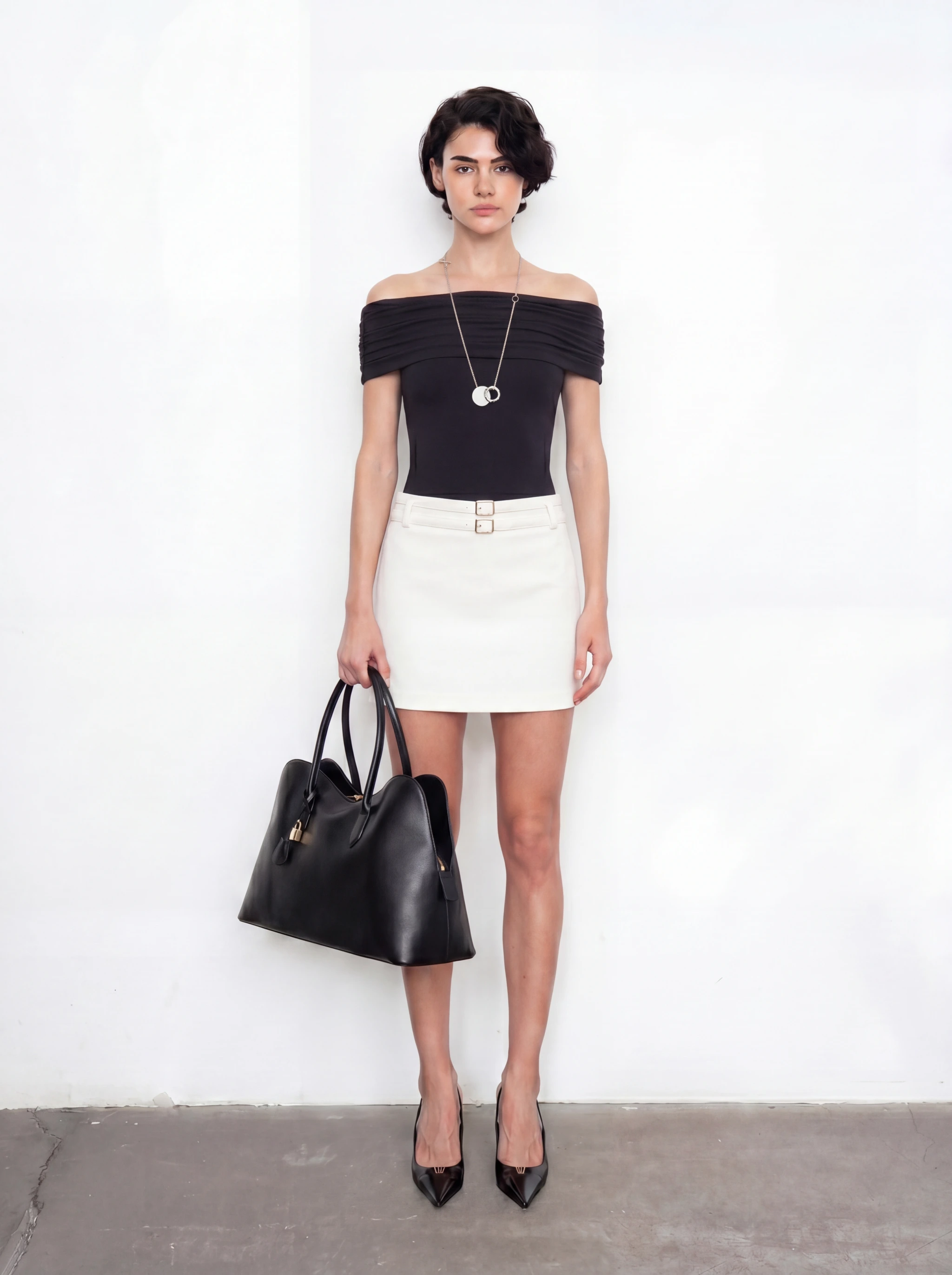
Selected site showcases: dress drape, handbag proportions and outerwear texture.
01
Product, background, and model images can all become the starting point.
02
A clear visual direction means fewer random attempts.
03
Style, lighting, and composition follow the reference.
Case examples
A satin dress showcase with soft light, visible folds and a clear silhouette.
A black handbag in a complete monochrome outfit, showing its scale alongside clothing.
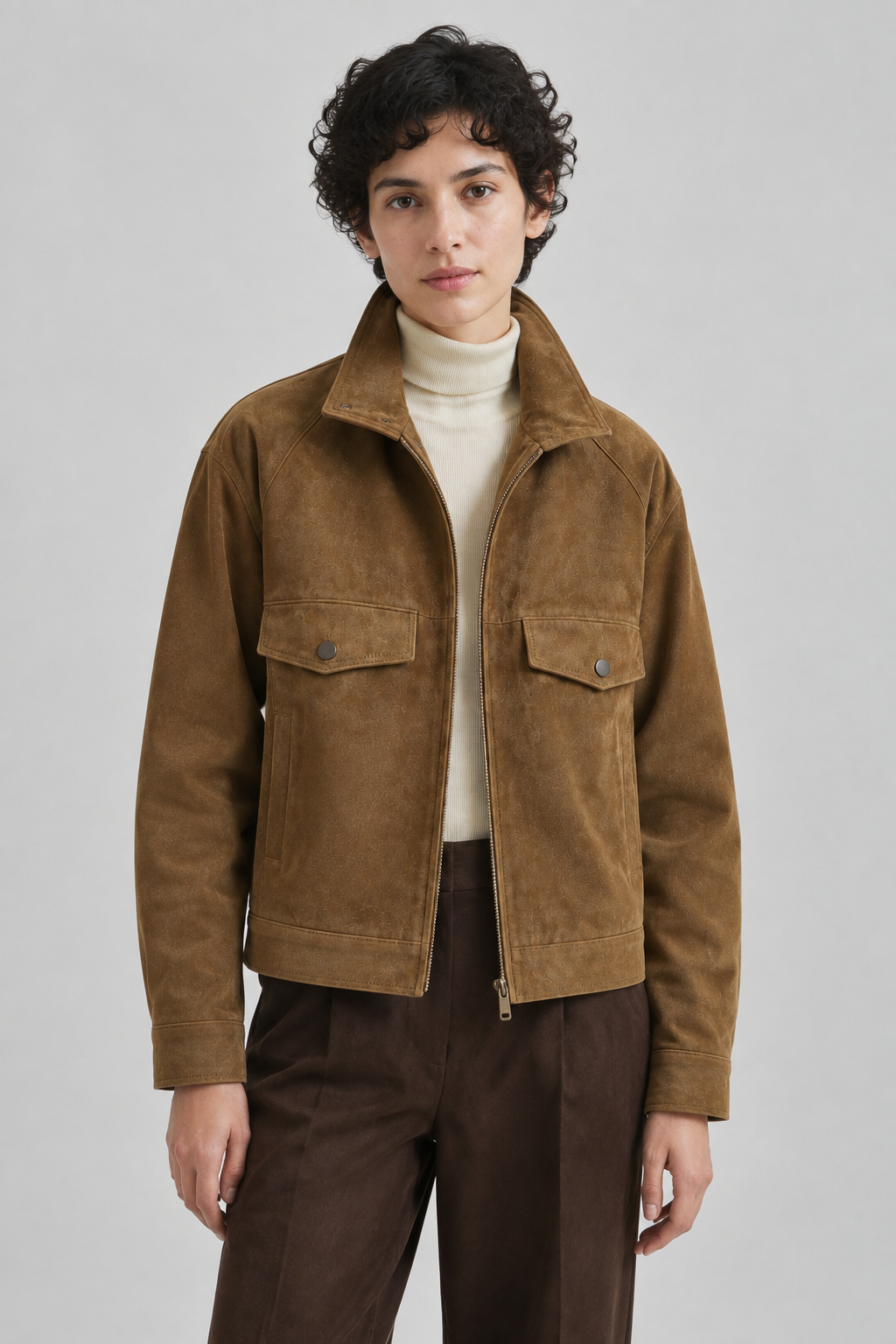
A generated jacket image from a verified project, showing suede texture, tailoring and neutral tones.
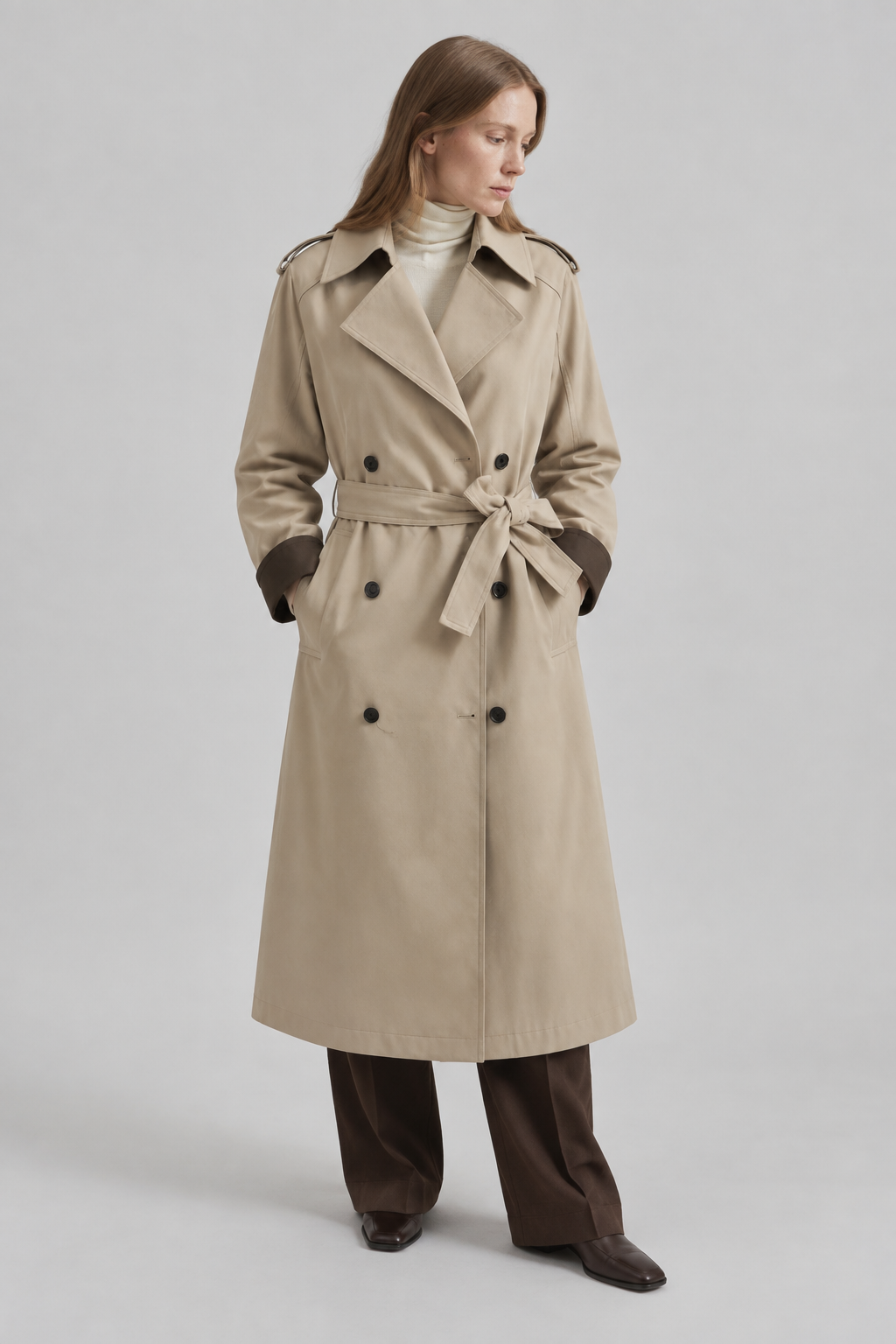
A saved photographic Style used for another product, retaining soft light and a neutral background.
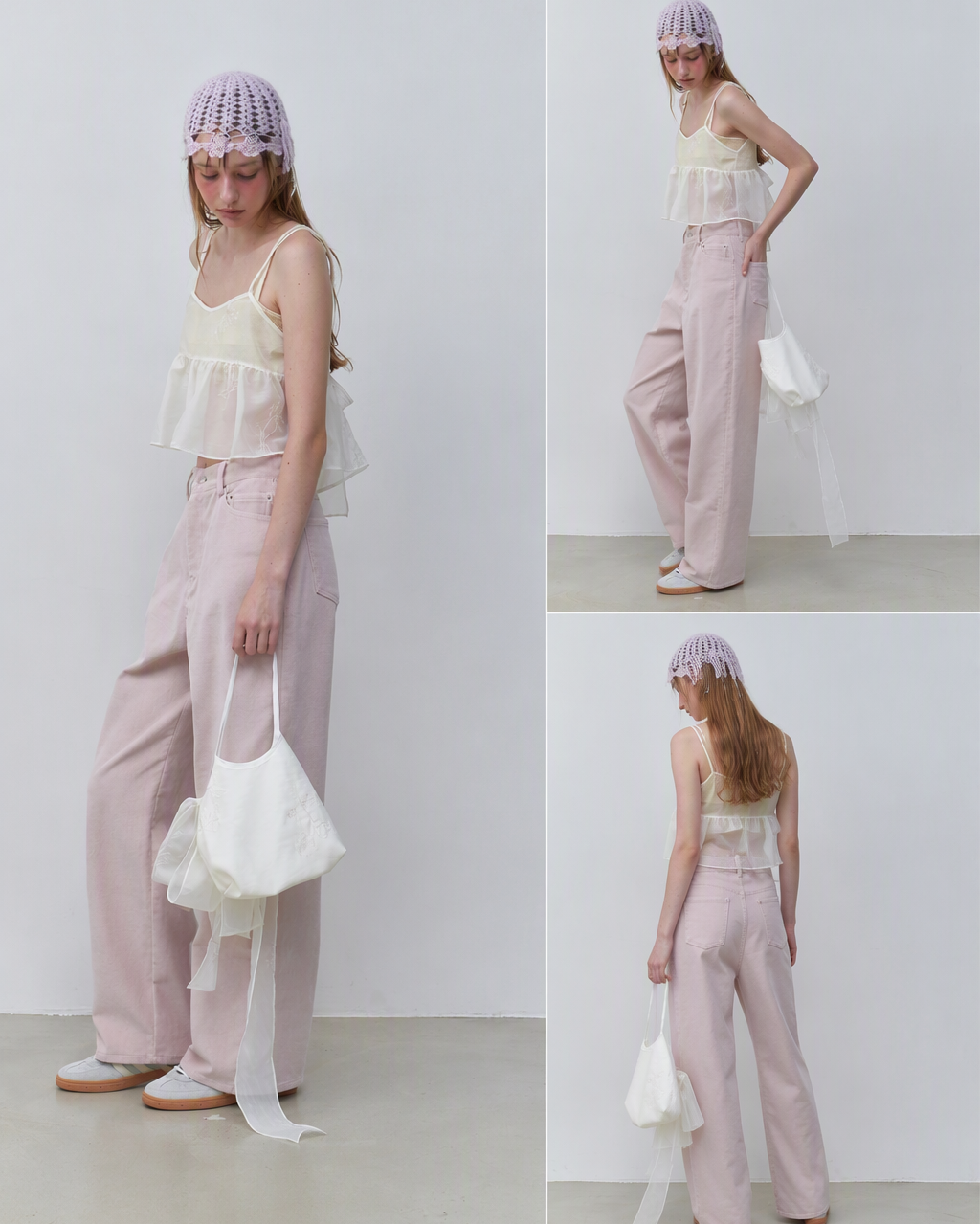
A site lookbook example combining full-body, closer and rear compositions.
Case breakdown
The same look can continue into front, side, back, detail, and full-body shots.
Reference
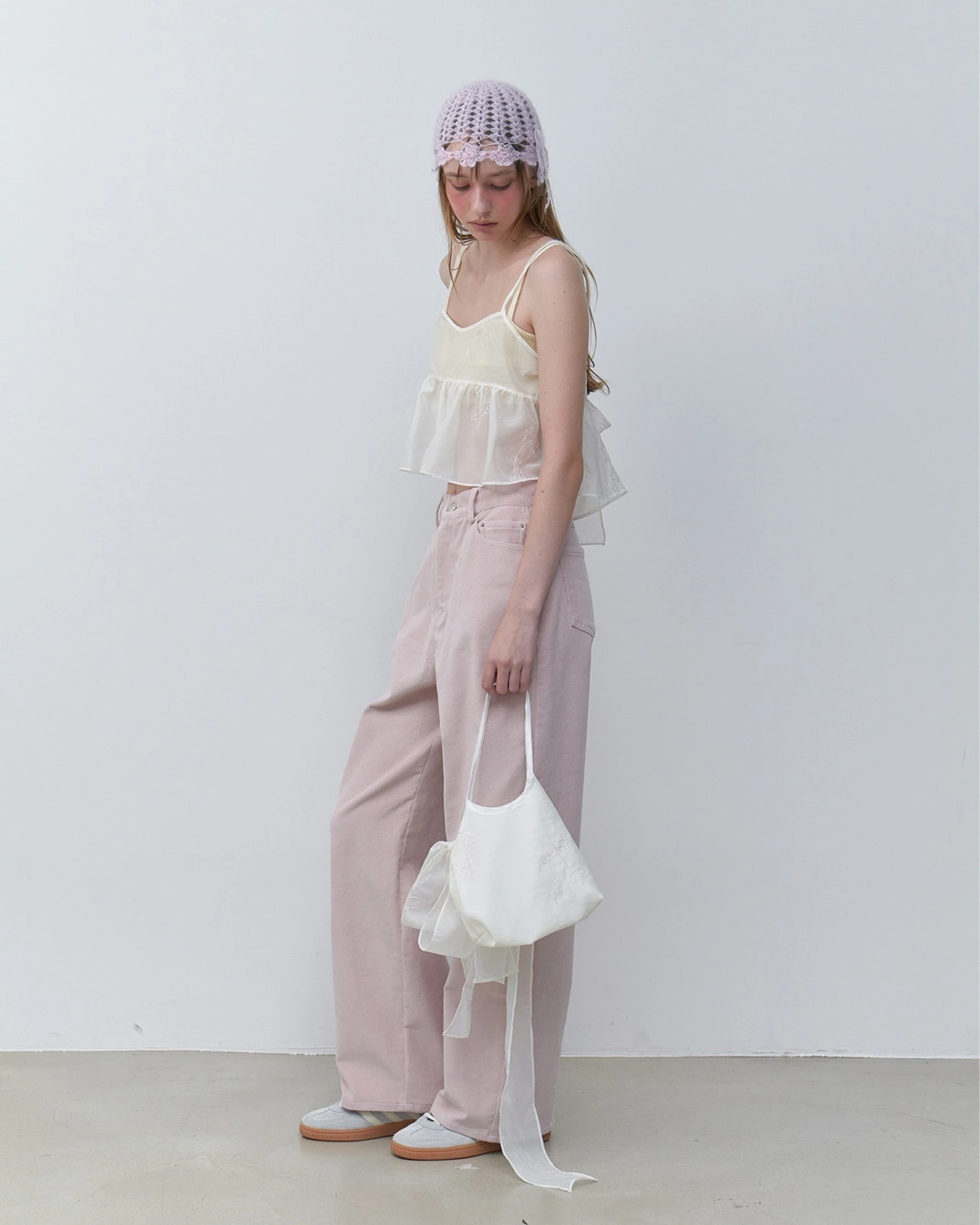
Single-image extension
The existing lookbook example extends one input into a set of full-body, closer and rear views. Review garment and accessory details before delivery.
Reference
Same Style, another product
A saved Style from a real project was used for a jacket and then a trench coat. These are generated results for two different products.
Why it works
Brand, design, operations, and photography teams may interpret words differently, but one reference can align taste quickly. DOBIDOBI turns that direction into a generative workflow.
Use a sample shot, moodboard, competitor style, product photo, or portrait.
Choose whether you need product images, model visuals, ad assets, lookbook frames, or video stills.
Add strong results to the canvas for background changes, outpainting, recomposition, or video.
Turn existing taste into a visual workflow that can be generated, compared, and edited.
The goal is to understand and extend the visual direction, not copy the original. Confirm reference rights and platform rules before commercial use.
Yes. A product photo can be the subject, while another image can provide style, scene, or lighting direction.
Brands, ecommerce teams, designers, photographers, and content teams use it to align direction and create candidate assets quickly.
Related production goals
Practical production guide
Read the step-by-step guide