AI lookbook
AI Lookbook Production Guide
A practical workflow for turning a collection brief, product images, and visual references into a coherent digital lookbook.
By DOBIDOBI Editorial Team·9 min read·Updated
Key takeaways
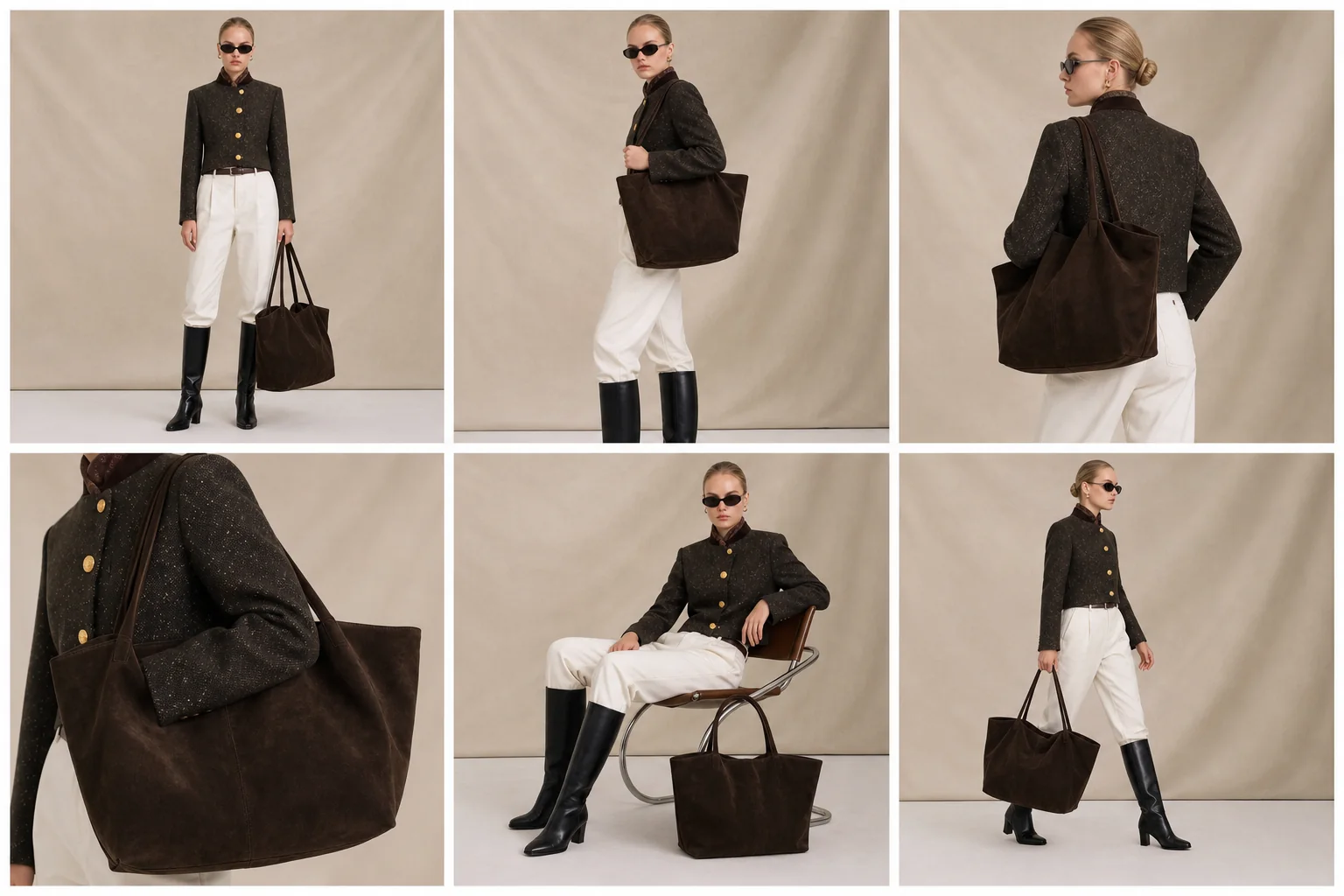
- Plan the collection story before generating individual looks.
- Define a repeatable shot list and visual system.
- Keep model mood, lighting, background, and crop rhythm consistent.
- Review product accuracy and continuity across the whole sequence.
- Design the lookbook around the reader’s decision journey.
What makes a lookbook feel like one collection
A lookbook is not simply a folder of attractive fashion images. It is a sequence that introduces a collection, establishes its visual language, shows the most important products, and gives enough detail for the viewer to understand the pieces.
AI can help test directions and produce variations, but the sequence still needs editorial planning. Without a collection brief, repeated model logic, and a shot list, the result often looks like unrelated images assembled after the fact.
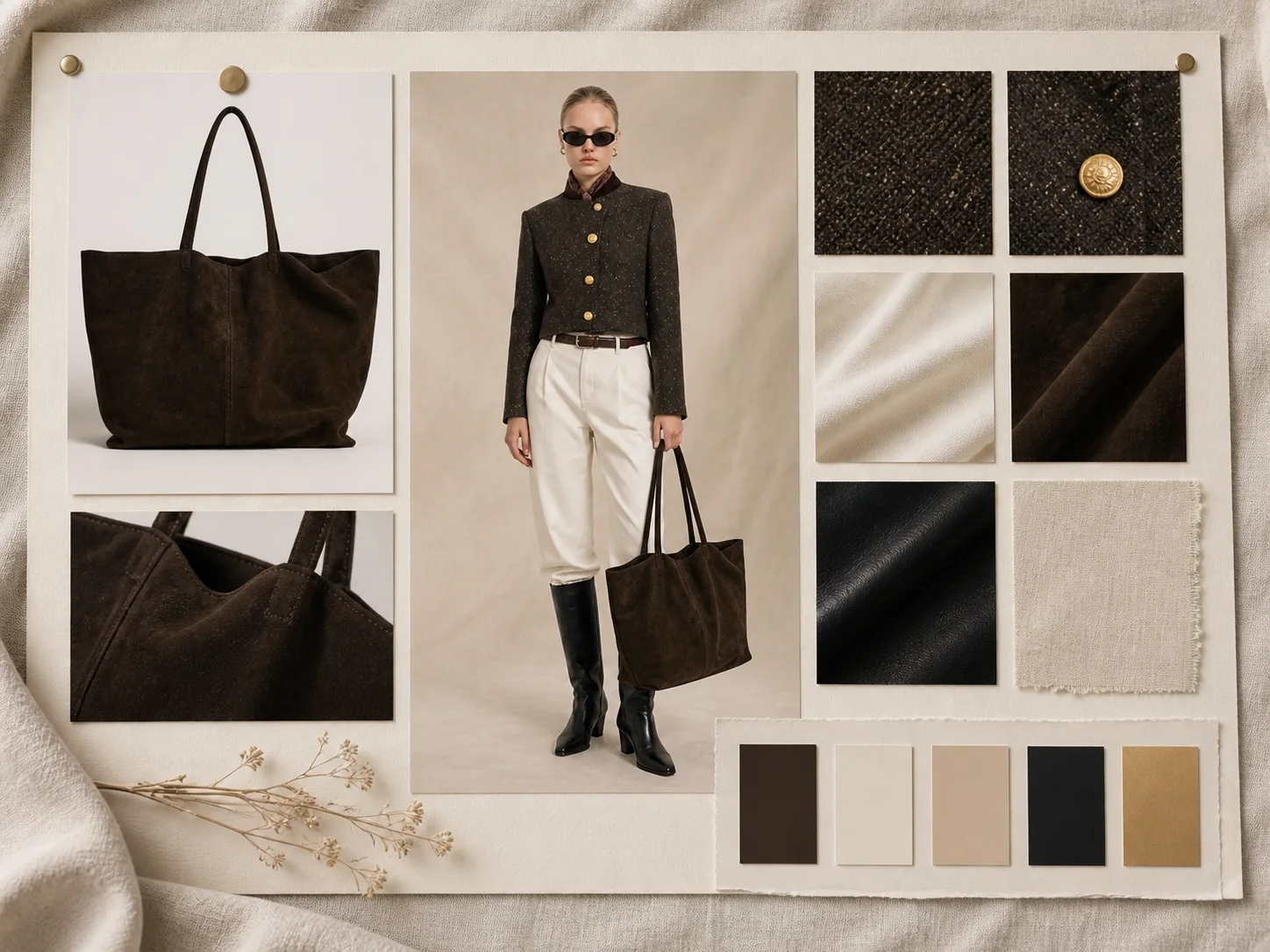
Step 1: write the collection brief
Define the audience, season, product focus, and visual mood in a short paragraph. Then list what must remain consistent. This brief becomes the standard for selecting references and reviewing outputs.
- Model or model family.
- Lighting and color palette.
- Background density.
- Camera distance and angle.
- Image ratio and crop rhythm.
- Styling rules.
- Product details that cannot change.
Step 2: plan the sequence
A simple digital lookbook can follow the structure below. Plan the order before generating volume. Knowing the role of each page prevents unnecessary images and makes the set easier to review.
- Collection opener: establishes the season, audience, and mood.
- Hero looks: leads with the strongest silhouettes or most important products.
- Supporting looks: expands the collection without repeating the same pose or crop.
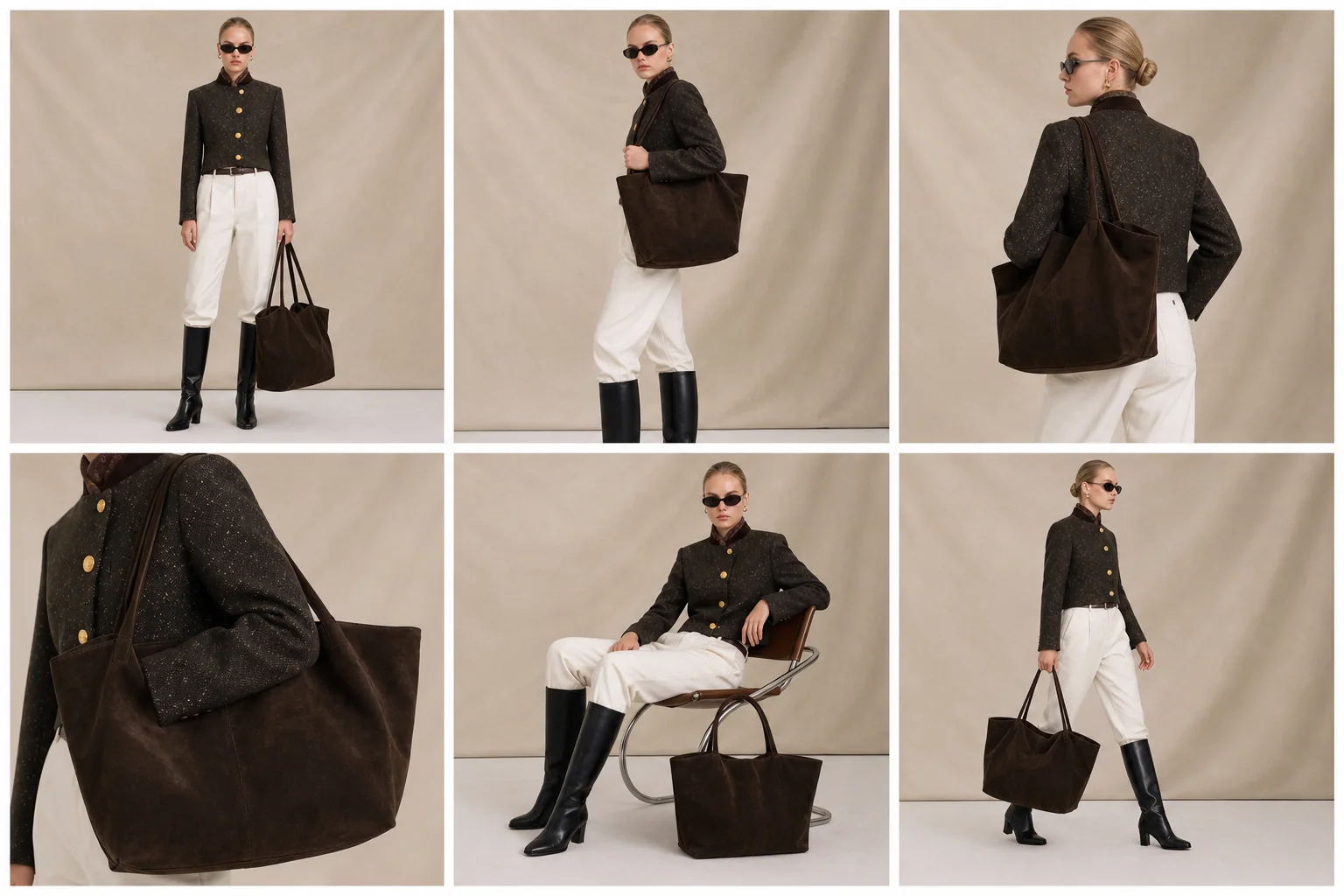
- Multi-angle and detail views: shows construction, fabric, styling, and fit where relevant.
- Closing frame: reinforces the collection identity and leads to the next action.
Step 3: build the shot list
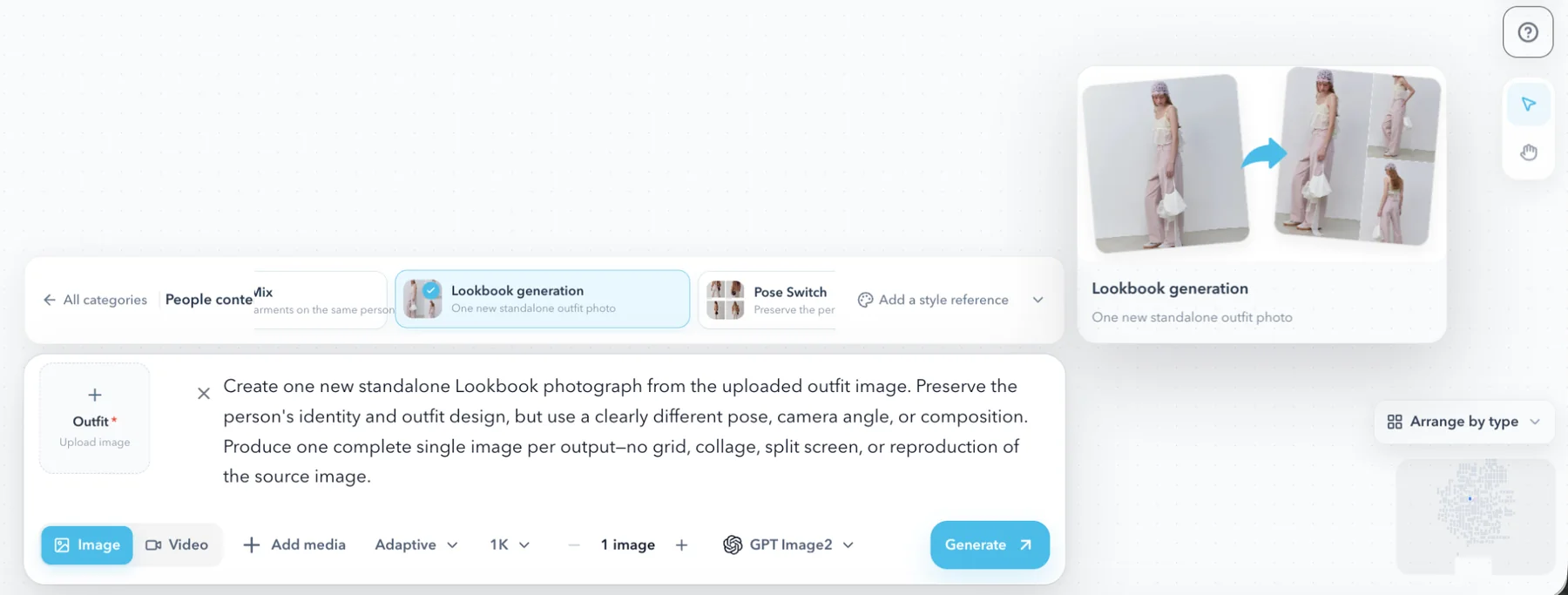
For each priority product, decide whether you need front, side, back, close detail, seated, movement, or environmental frames. Not every product needs every angle.
Keep the shot logic consistent across comparable items. For example, if every jacket has a front hero and detail crop, shoppers can compare them more easily. Reserve more experimental scenes for collection openers and campaign frames.
Step 4: lock one visual direction
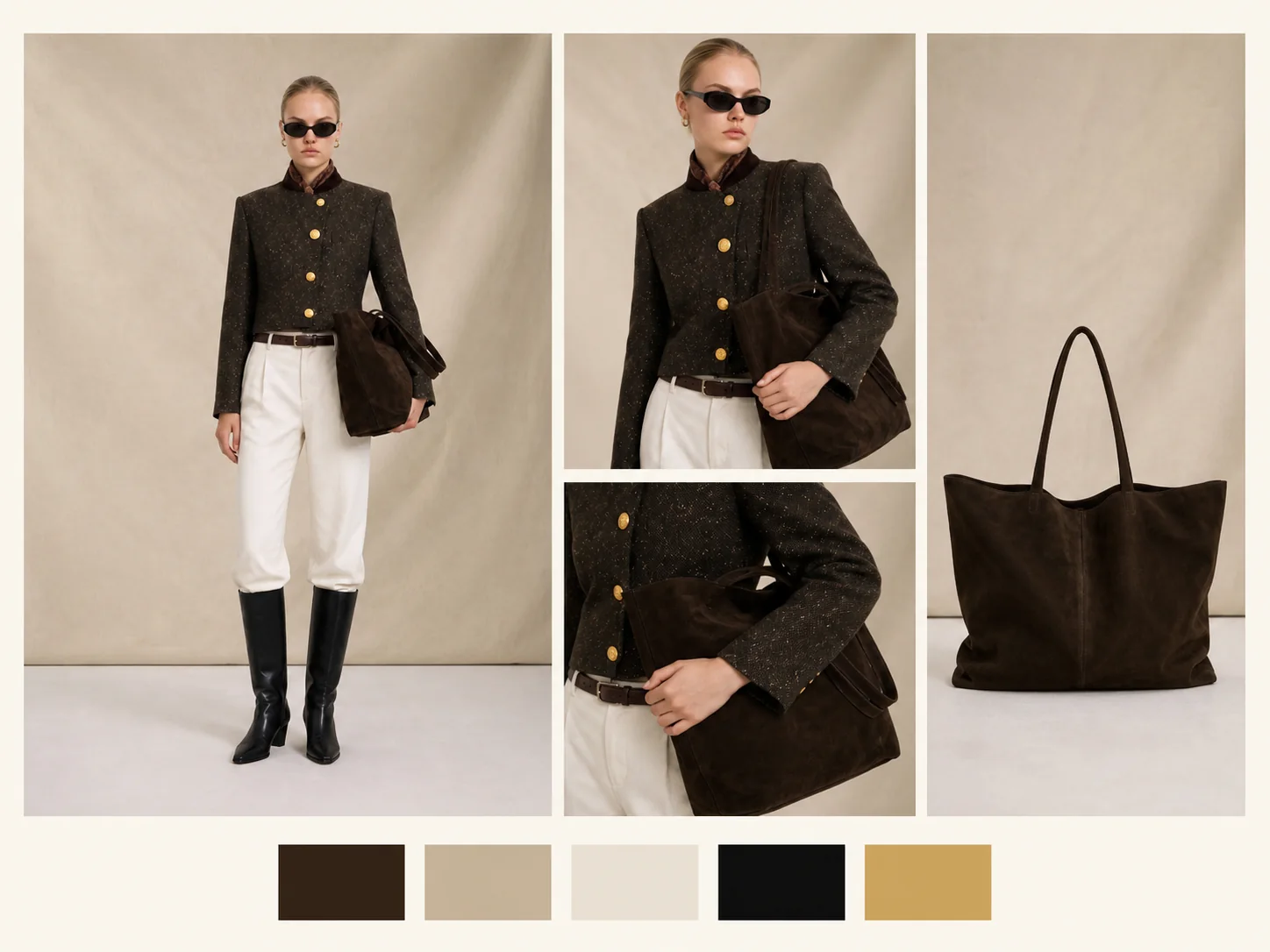
Select one approved reference direction before producing the full collection. Keep lighting, palette, model mood, and background rules stable. Introduce variation through pose, styling, and page role—not random changes to the entire visual system.
When different models are used, maintain continuity through light, framing, styling, and color treatment. Diversity and consistency can coexist when the editorial rules remain clear.
Step 5: review the sequence, not only each image
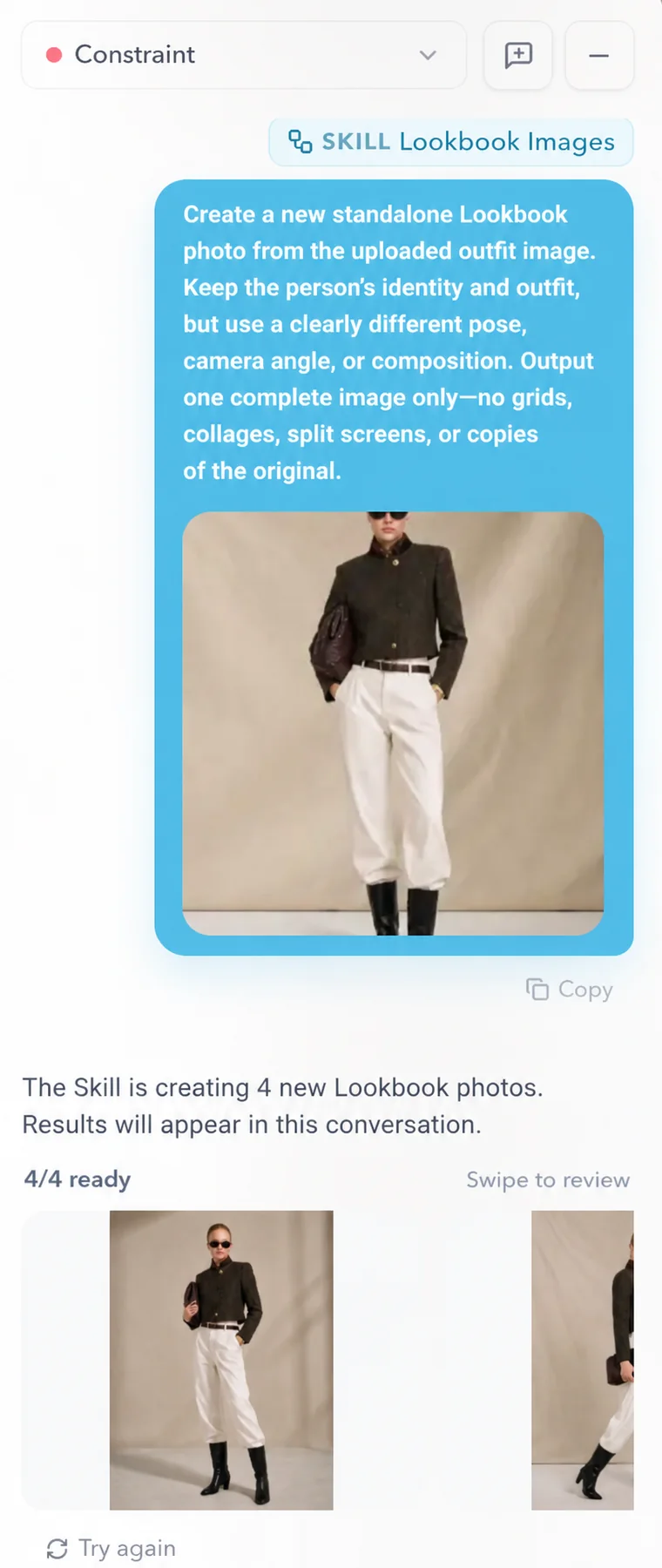
First review each product for color, silhouette, pattern, logos, closures, and construction. Then review the lookbook as a whole. A strong individual image may still be removed if it disrupts the collection rhythm.
- Does the opening establish a clear direction?
- Do adjacent pages feel intentionally related?
- Are poses and crops varied without becoming inconsistent?
- Are hero products easy to identify?
- Do detail views add useful information?
- Does the final sequence lead naturally to products or the campaign CTA?
Step 6: prepare the digital experience
Optimize images for fast loading while preserving enough resolution for the intended display. Use descriptive filenames and alt text that explain the product and scene. Link products or relevant collection pages where the format allows it.
If the lookbook is published as a webpage, include a clear title, short introduction, product paths, and a next action. A lookbook can inspire, but it should also help the viewer continue toward discovery or purchase.
Common mistakes to avoid
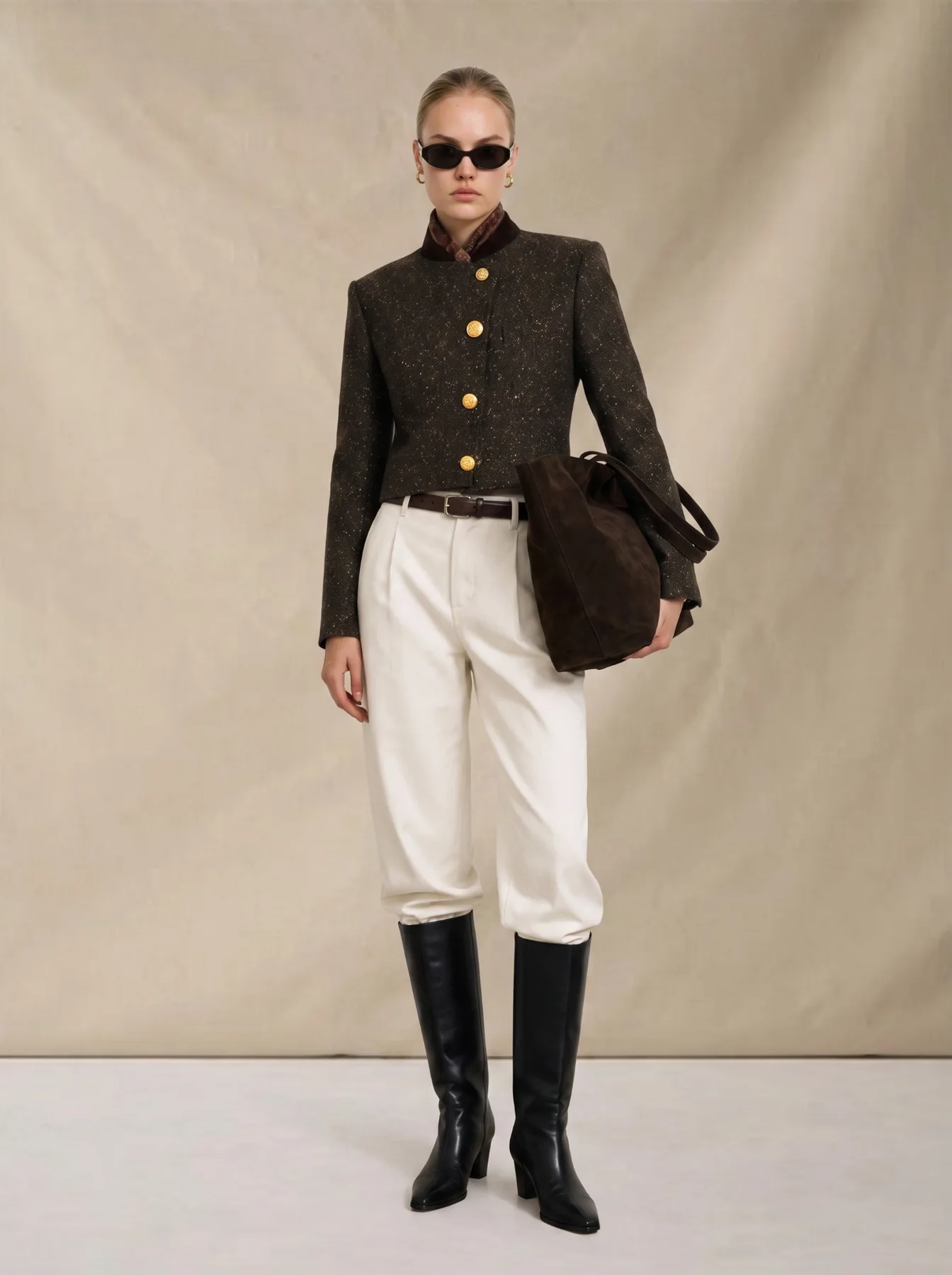
- Generating every look from a new prompt and ending with a collage instead of a collection.
- Using one pose and crop repeatedly, confusing consistency with duplication.
- Hiding product details behind mood and making the item commercially unclear.
- Skipping the sequence review even though page order changes how the collection is understood.
Decision table
Recommended AI lookbook page structure
| Module | Content focus | SEO role |
|---|---|---|
| Collection opener | Theme, season, audience | Align H1 and first paragraph with the main keyword |
| Hero pieces | Silhouette, fabric, styling | Cover long-tail and purchase intent |
| Multi-angle section | Front, side, back, detail | Improve image relevance and dwell time |
| FAQ/checklist | Generation, review, commercial use | Support answer extraction and conversion |
Checklist
AI lookbook checklist
- The collection brief and shot list are complete.
- The visual direction is approved before full production.
- Priority products have the necessary angles and details.
- Product accuracy has been checked in every frame.
- Model, light, background, and crop rhythm remain coherent.
- The final order tells a clear collection story.
- Files, alt text, links, and CTA are ready for publication.
FAQ
How many images should an AI lookbook include?+
Use enough images to tell the collection story and show the products clearly. A smaller, coherent lookbook is usually stronger than a large set with repeated or inconsistent frames.
Can an AI lookbook support ecommerce?+
Yes. It can add editorial context and additional product views, but it should connect to clear product information and should not misrepresent fit, construction, or included features.
How do you avoid a collage-like look?+
Write one collection brief, approve a single visual direction, and plan the sequence before generating the full set.
Turn a collection direction into a coherent lookbook
Plan the story, approve the visual system, and extend it into hero looks, supporting frames, and product details.
Open AI lookbook generatorKeep reading