product photography ideas
Product photography ideas: choose a direction for your next collection
Four creative directions for clothing and bags, with product photography examples and a practical way to compare references, confirm a direction and reuse a Style across products.
By DOBIDOBI Editorial Team·7 min read·Updated
Turn inspiration into your Style.
Start with an image you love. Keep its visual direction as you create people, products, stills, and motion.
Start with a reference
Bring a model, product, outfit, or mood image to set the direction.
Save your Style
Keep the light, color, framing, and styling cues you want to reuse.
Create a visual series
Carry that direction into portraits, product shots, and lookbooks.
Move from still to video
Bring a selected frame to life while keeping the person and outfit aligned.
Bring your product and an idea. Explore a visual direction, save it as a Style, and use it across your next collection.
Find your direction
Explore references against your brief. Compare the light, composition and mood before choosing what fits.
Make it your Style
Save the direction you choose so you can return to it for your next project.
Create with it again
Apply the Style to another product and explore new variations. Review each result against your product photo.
One style. More possibilities.
Try a fresh take.
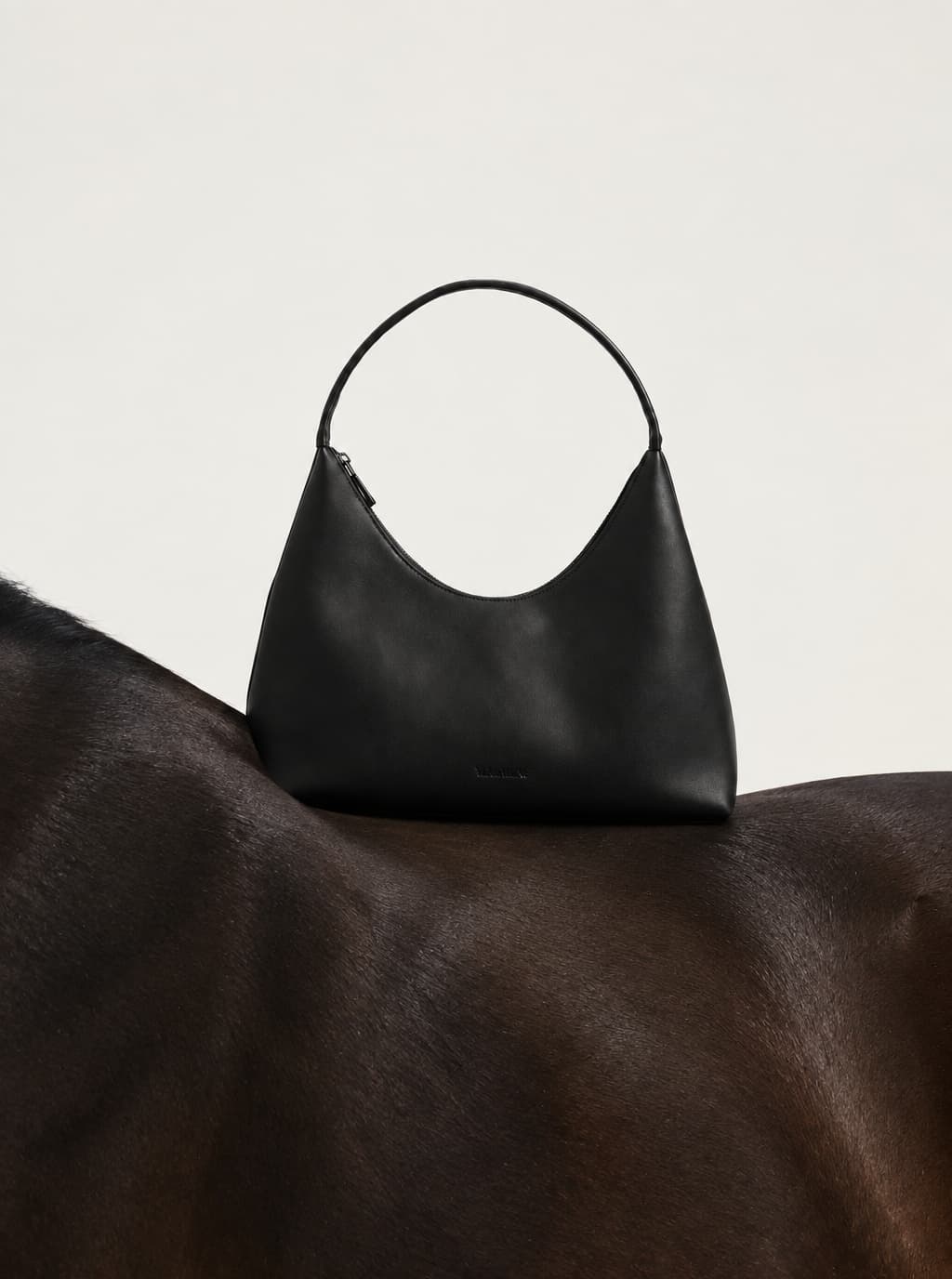
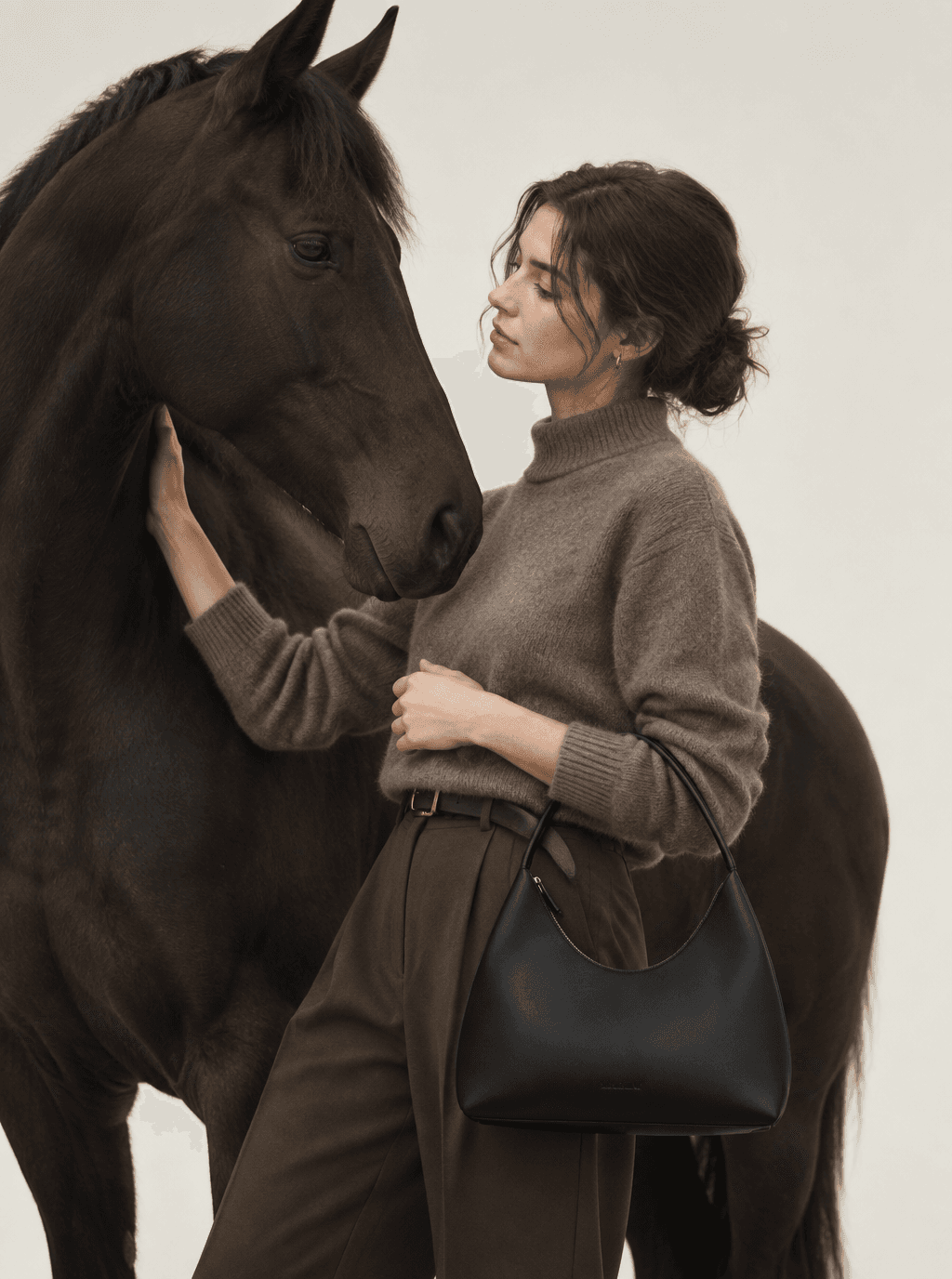
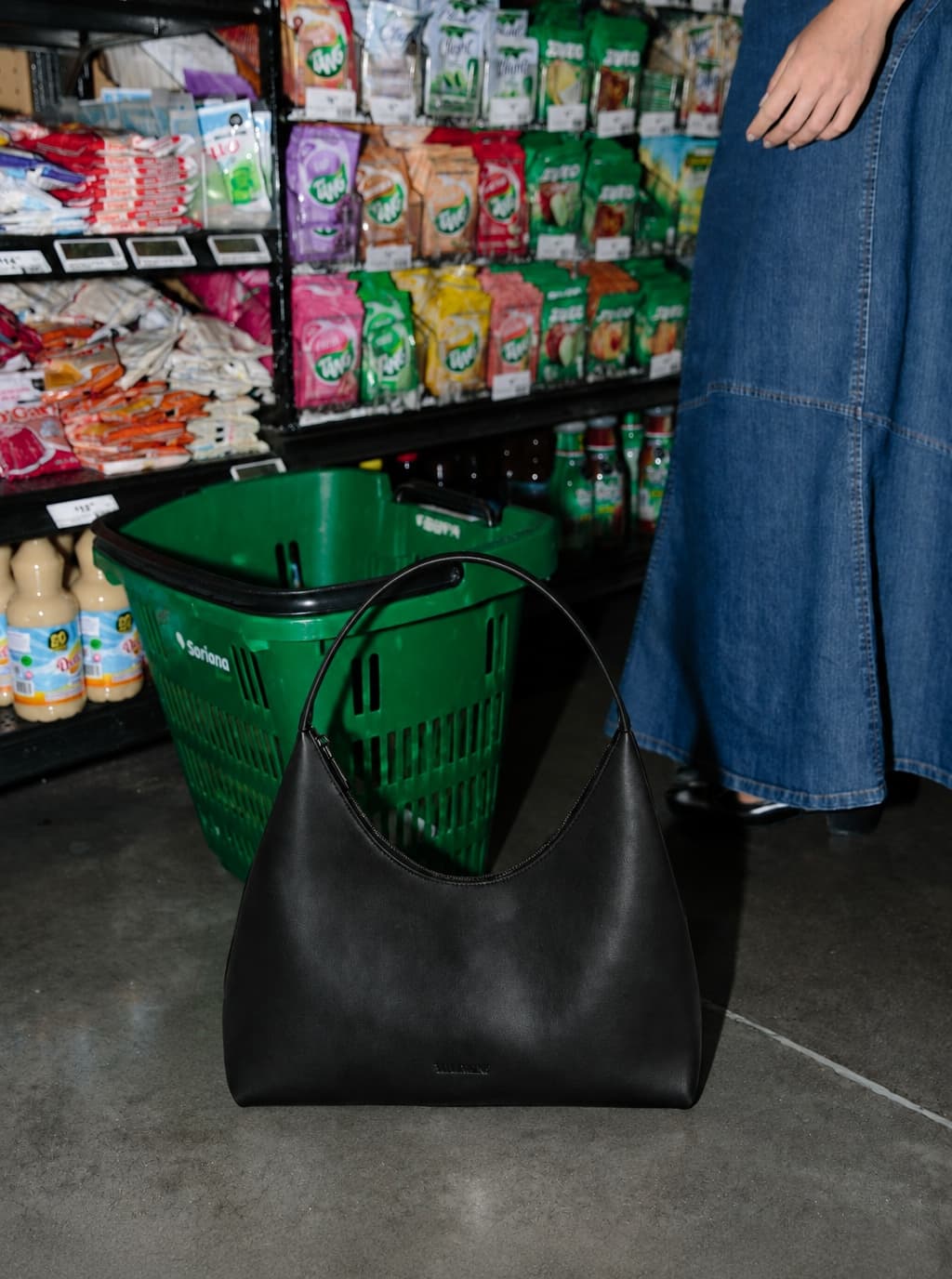
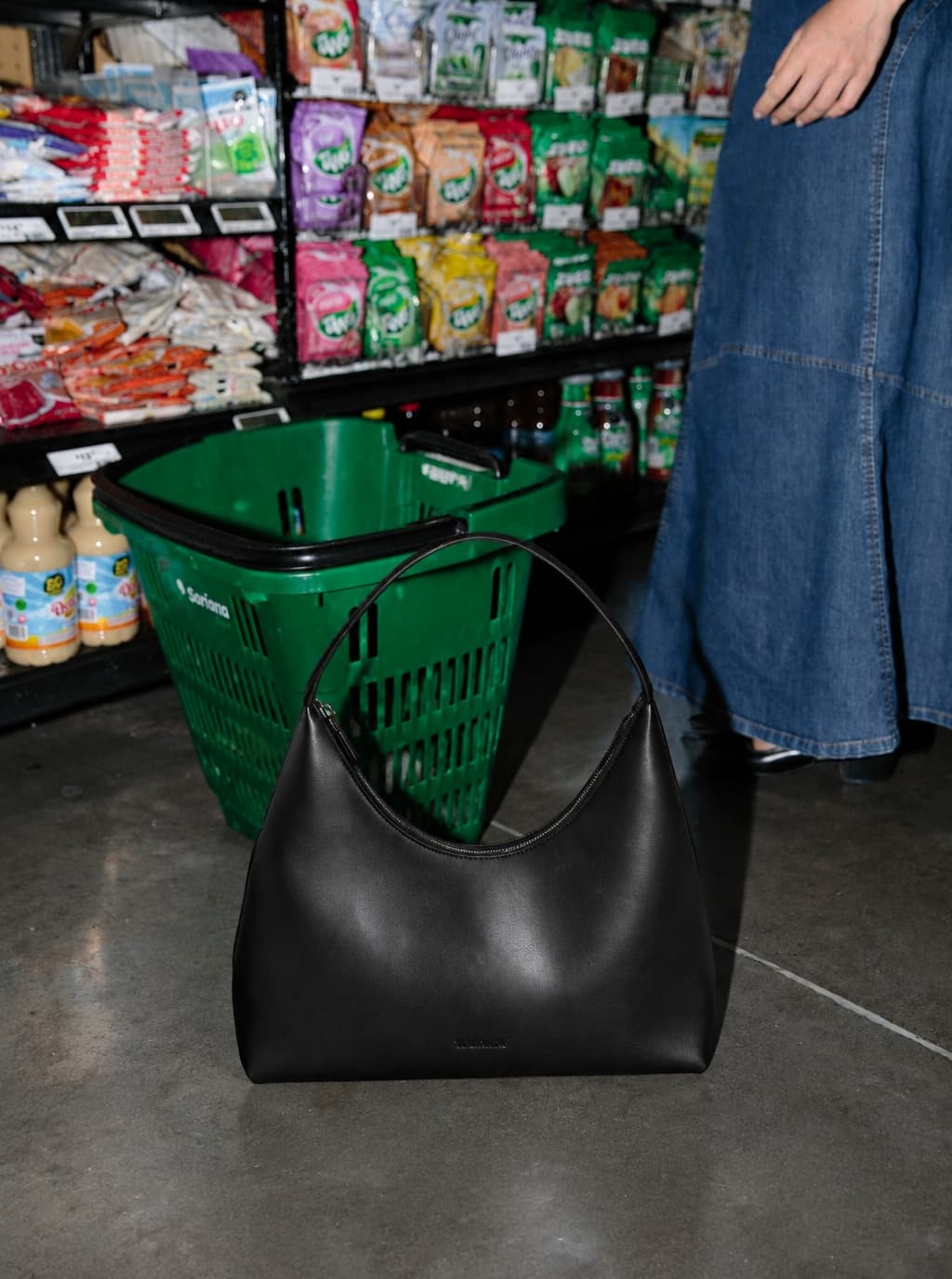
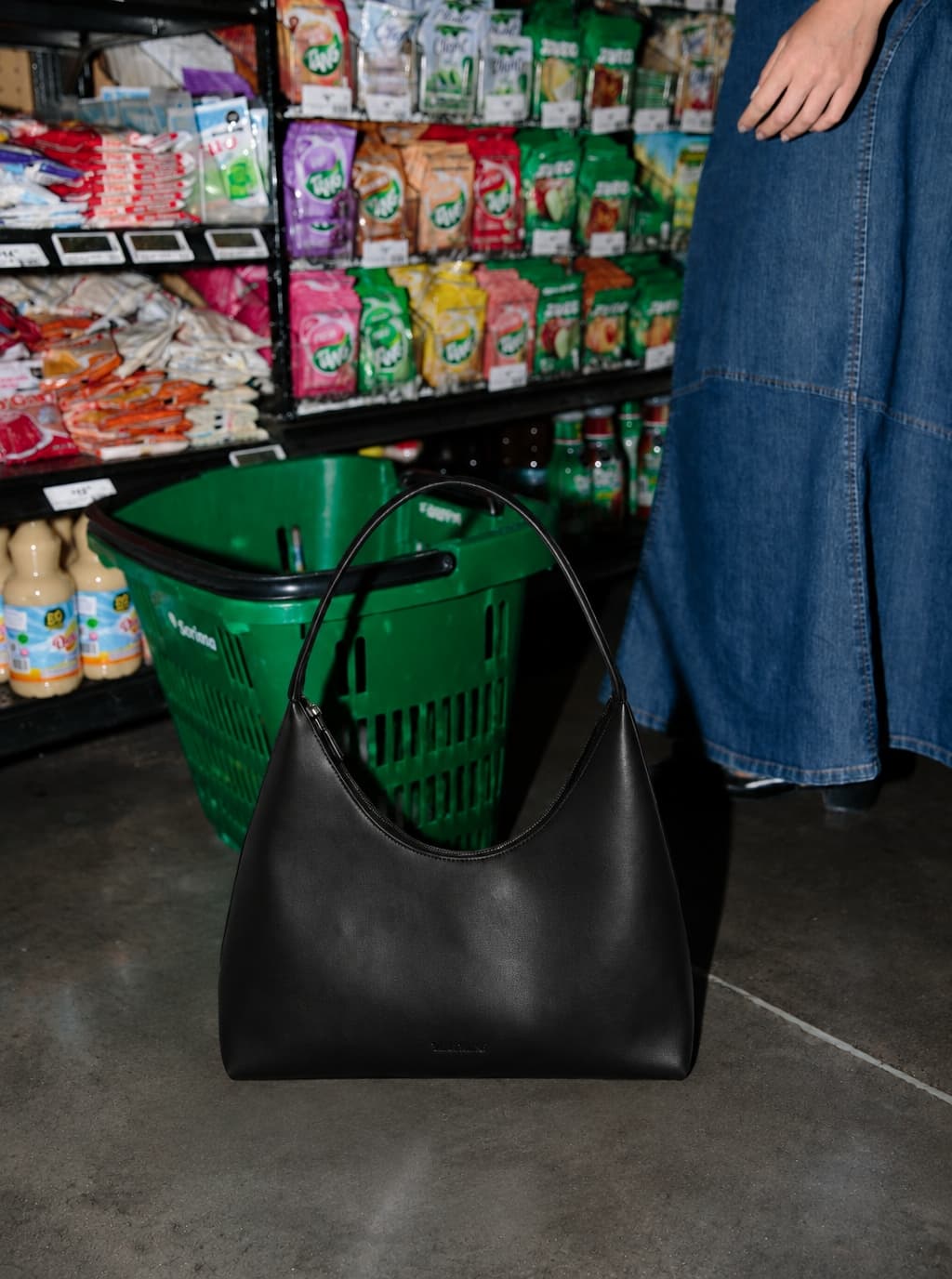
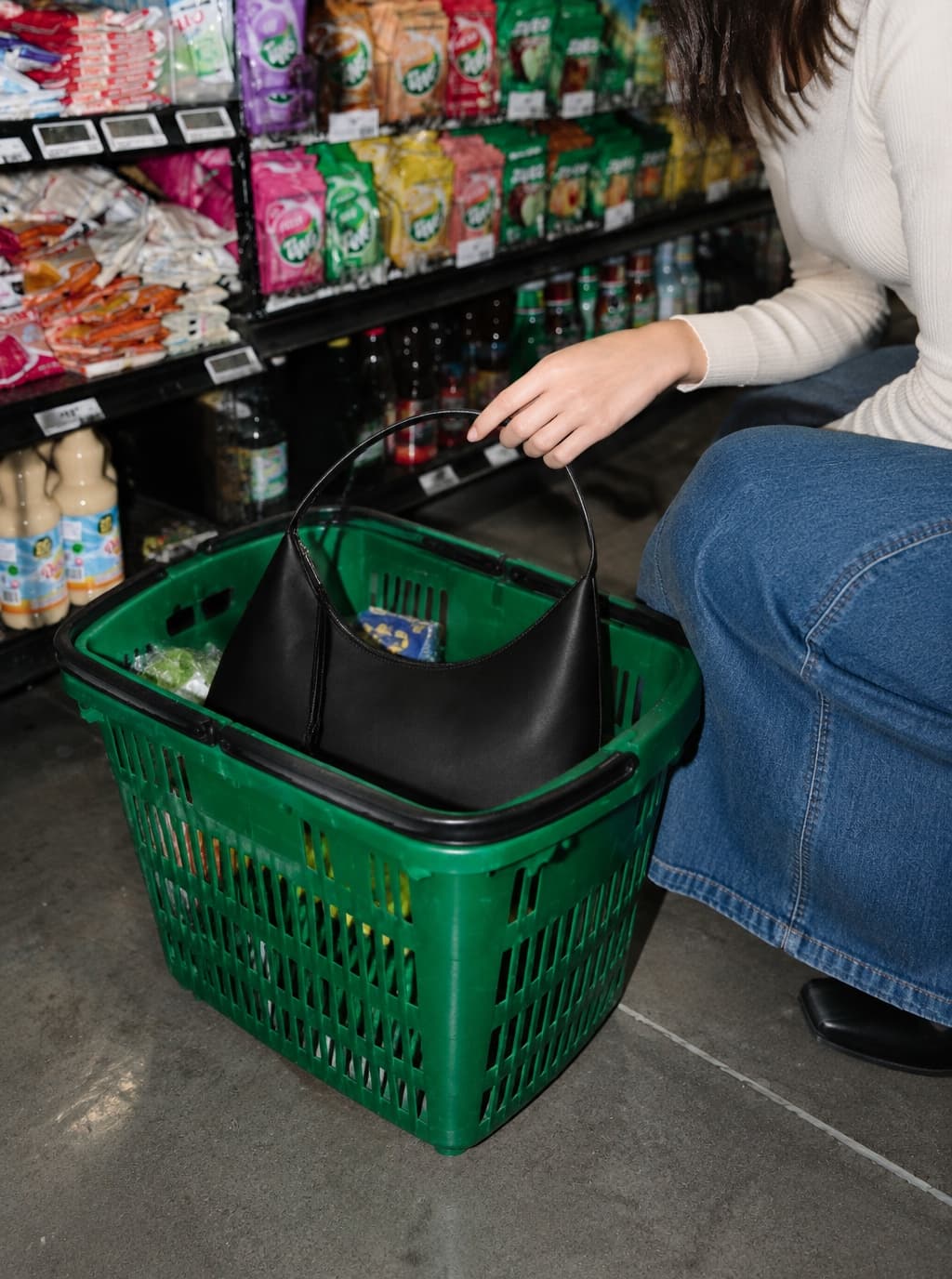
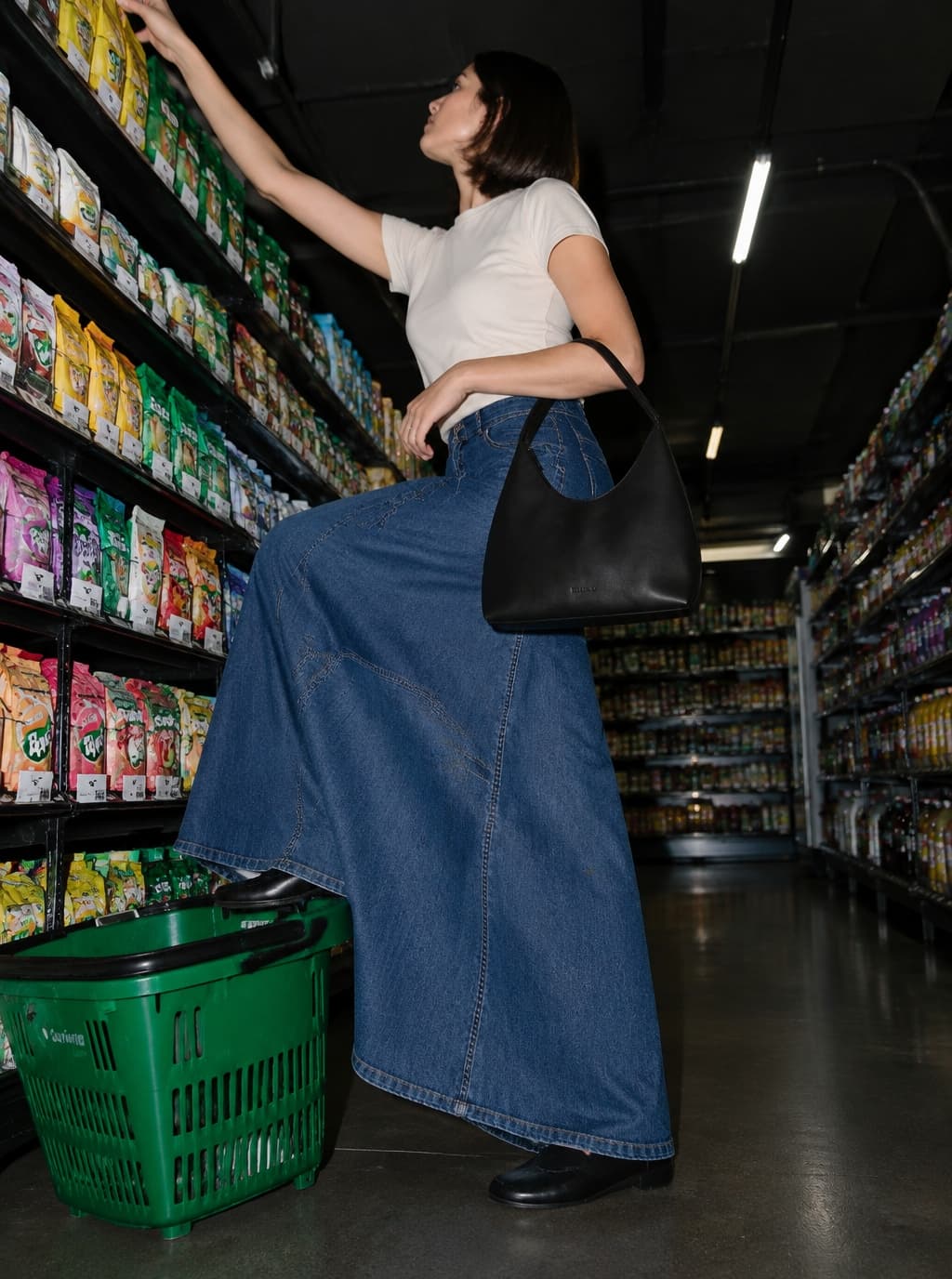
Start with what the image needs to do
- Show texture, shape or an everyday moment: give each image one main job.
- Compare a small number of distinct directions against the same brief before choosing references.
- Keep a clean product view alongside creative images, then test your chosen Style on a second product.
1. Soft studio portraits for tactile clothing
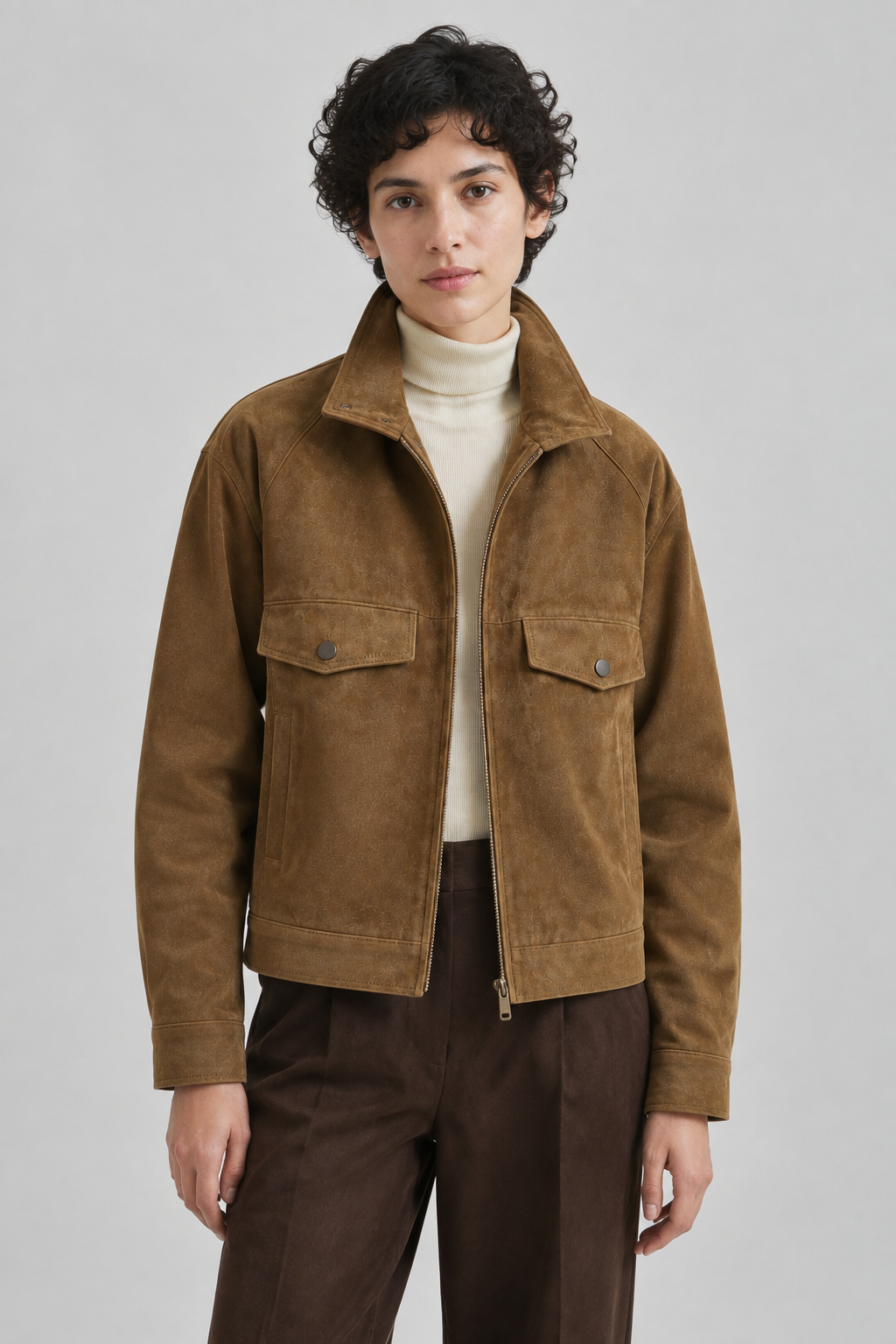
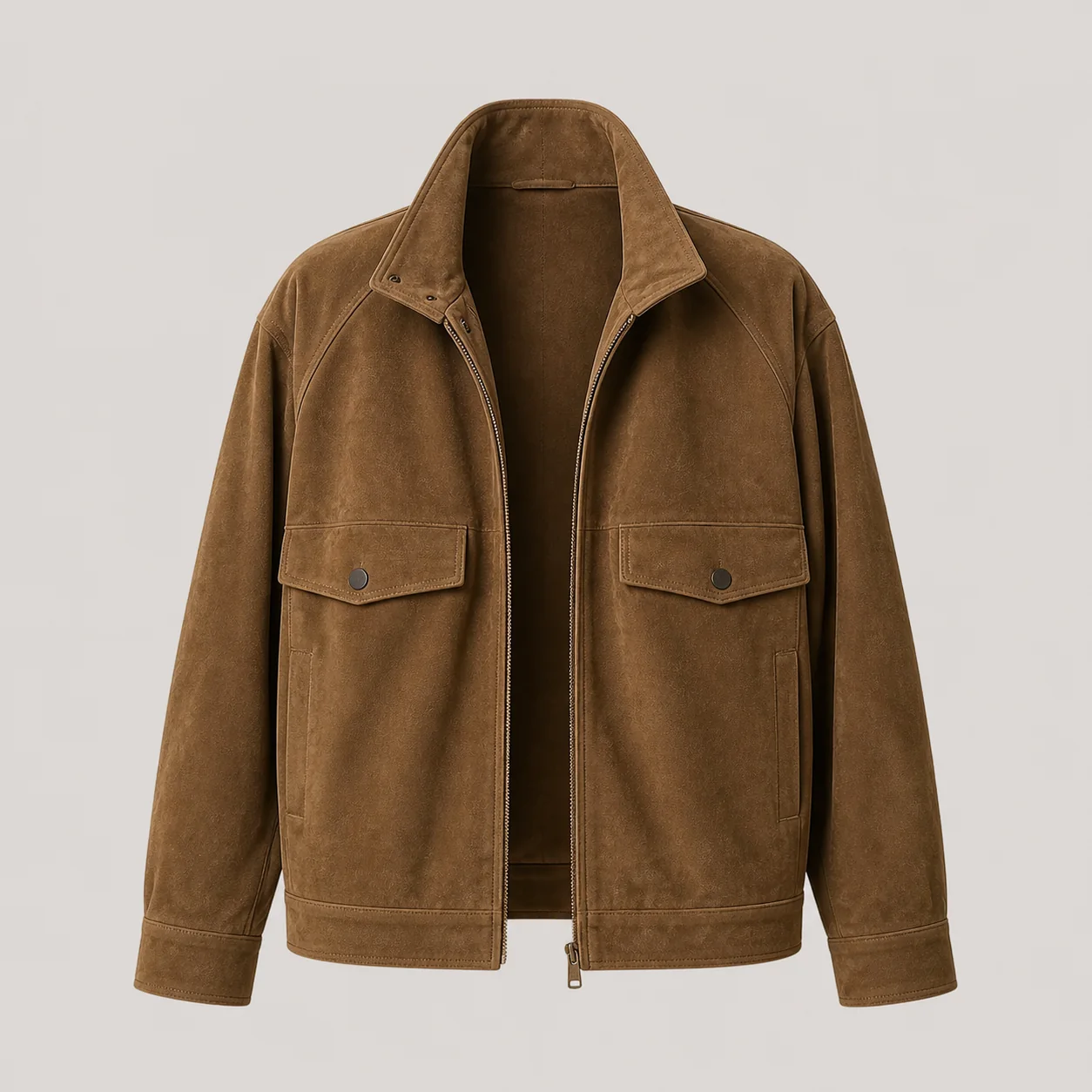
For suede, knitwear or matte outerwear, try a quiet background, soft side light and a relaxed pose. The image should make the material easy to read while keeping the silhouette visible.
Choose this direction when texture and wearability matter most. Reject references with flat lighting that hides the fabric, or poses that cover pockets and fastenings. The jacket image below is a DOBIDOBI product demonstration, not a client campaign.
Brief starting point
Create a calm, tactile direction for my new outerwear collection. Keep the garment silhouette and pockets visible, with soft light and a neutral background. Show me alternatives before we settle on a direction.
2. Architectural lines for structured silhouettes
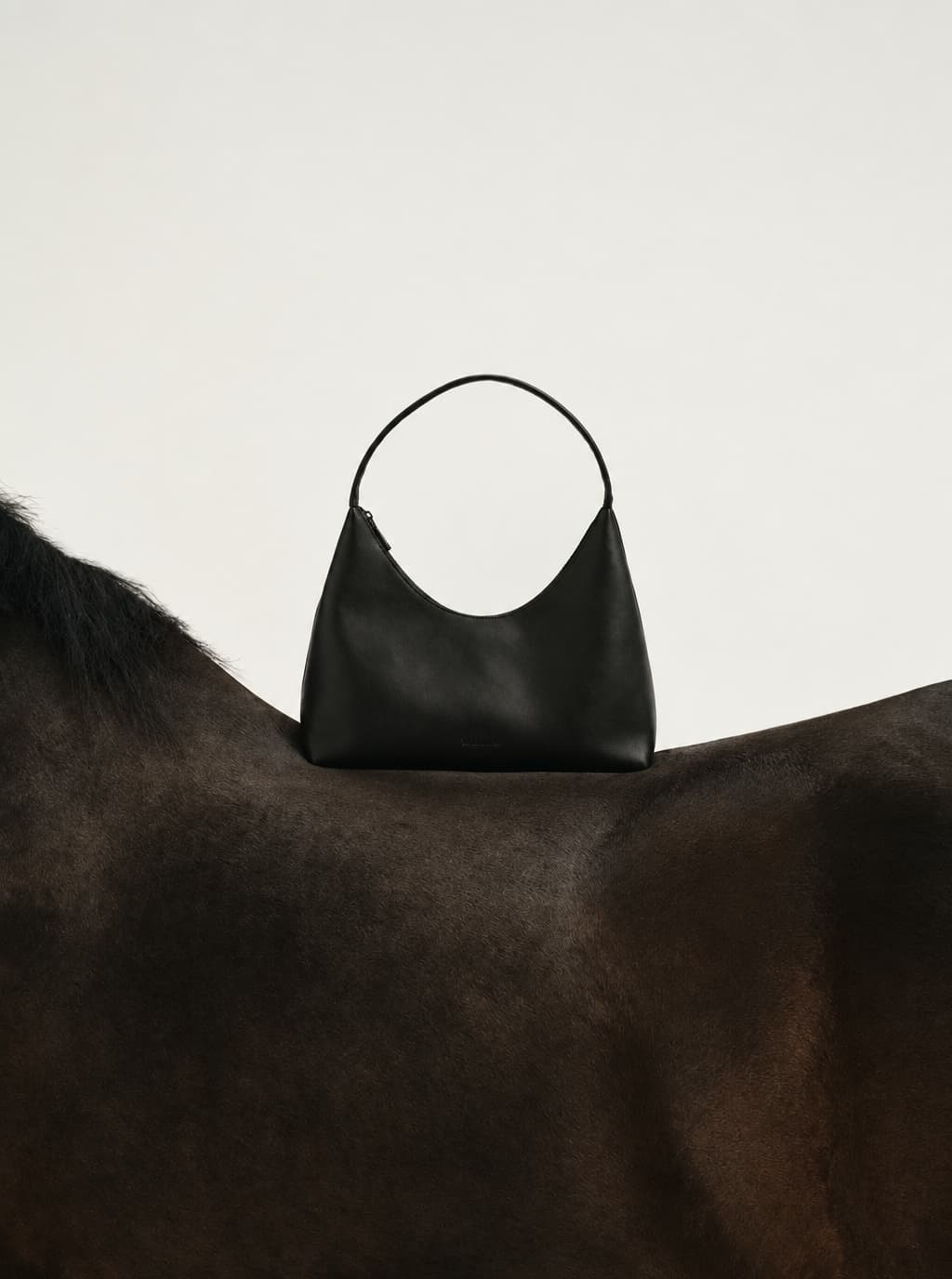
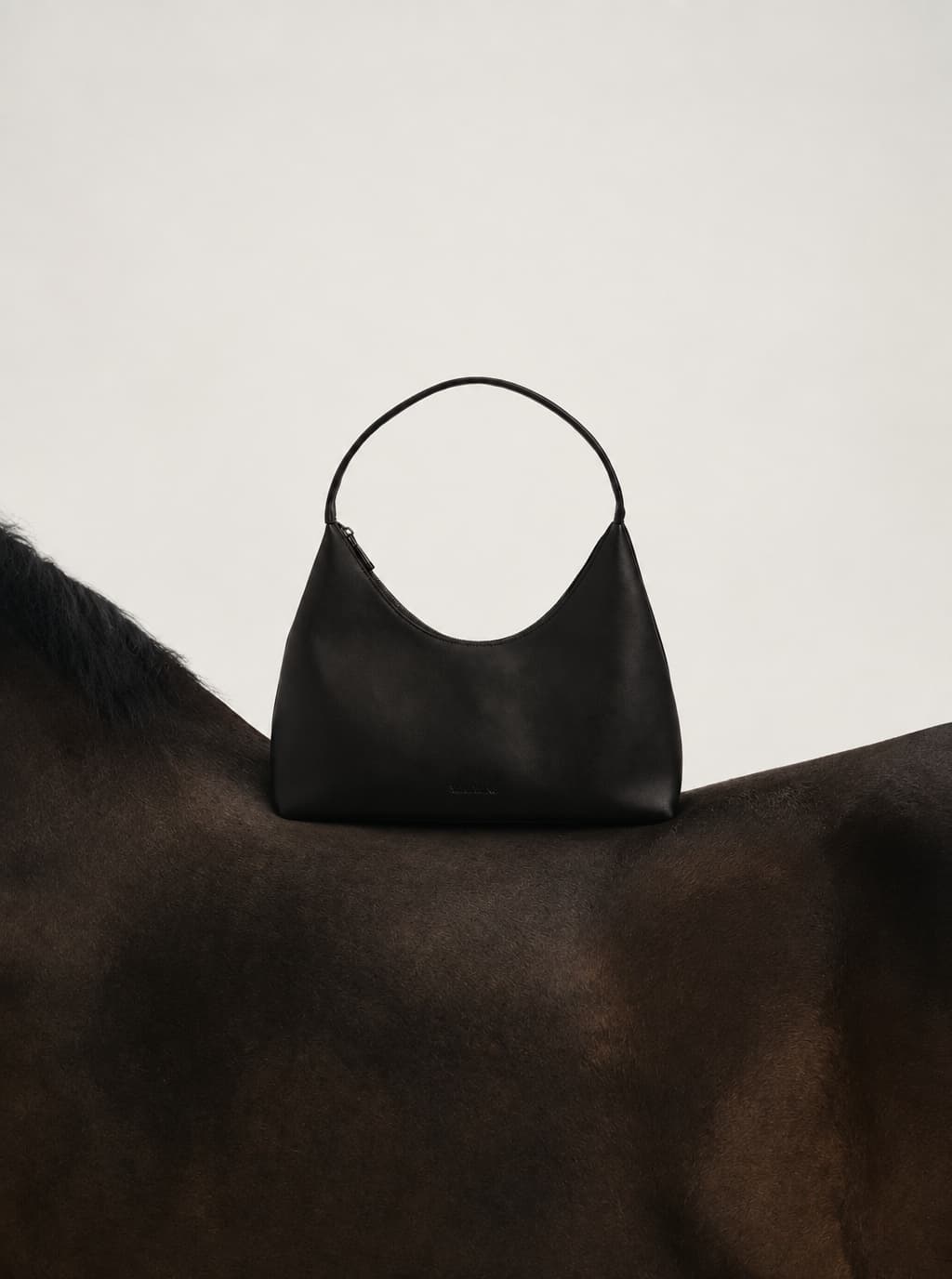
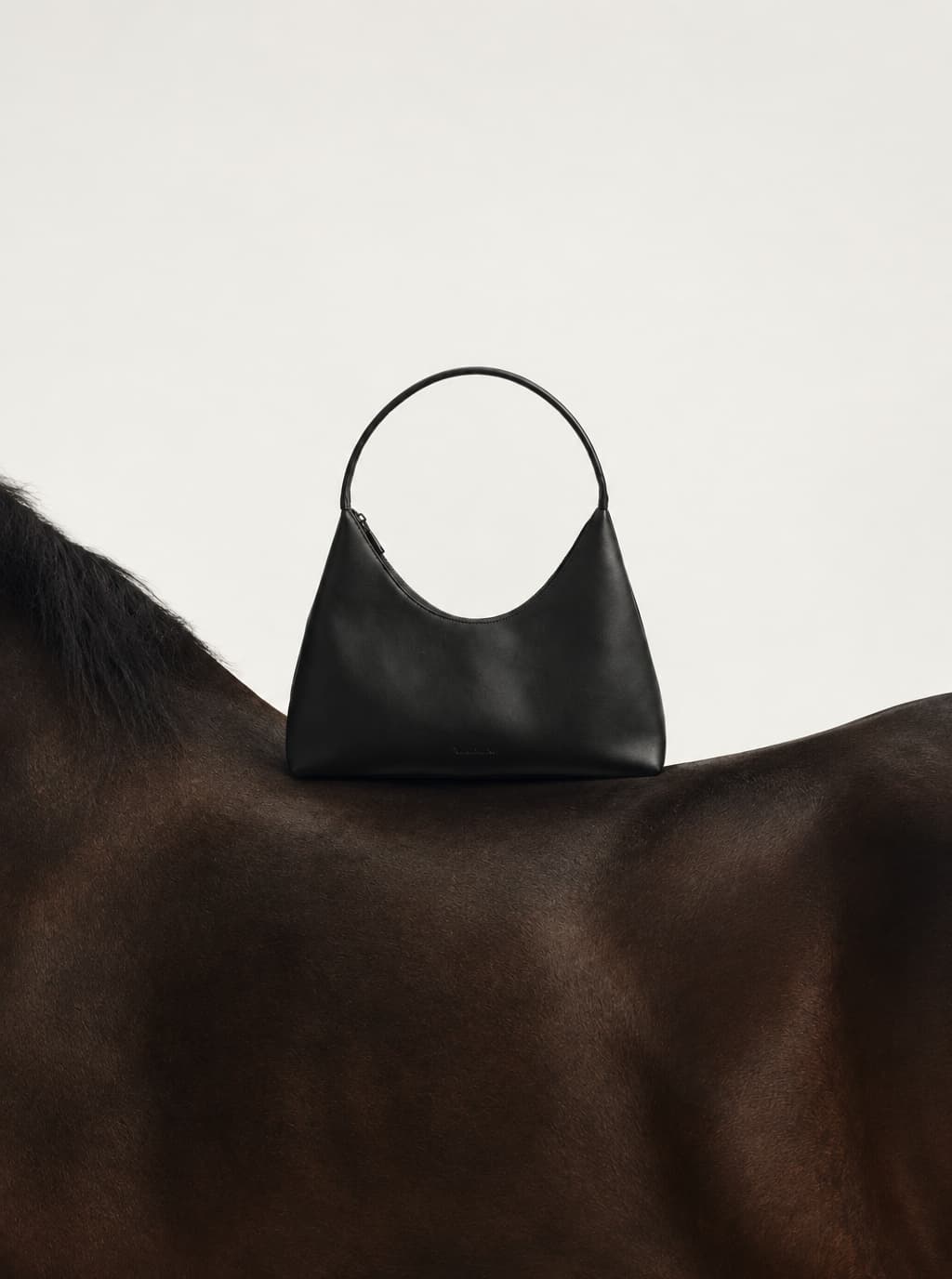
For a tailored coat or a structured bag, explore simple planes, generous space and a clear light direction. A wall edge or low plinth can echo the product’s geometry without adding a complicated set.
Use this as a contrasting proposal to the soft studio direction. Check whether hard shadows hide dark leather or change the apparent shape. If the setting attracts more attention than the product, simplify it. This is a proposed treatment, not a completed case shown here.
Reference selection question
Does this reference help us show the product’s structure, or are we only attracted to the architecture? Keep references that answer the first question.
3. Material close-ups paired with a complete look
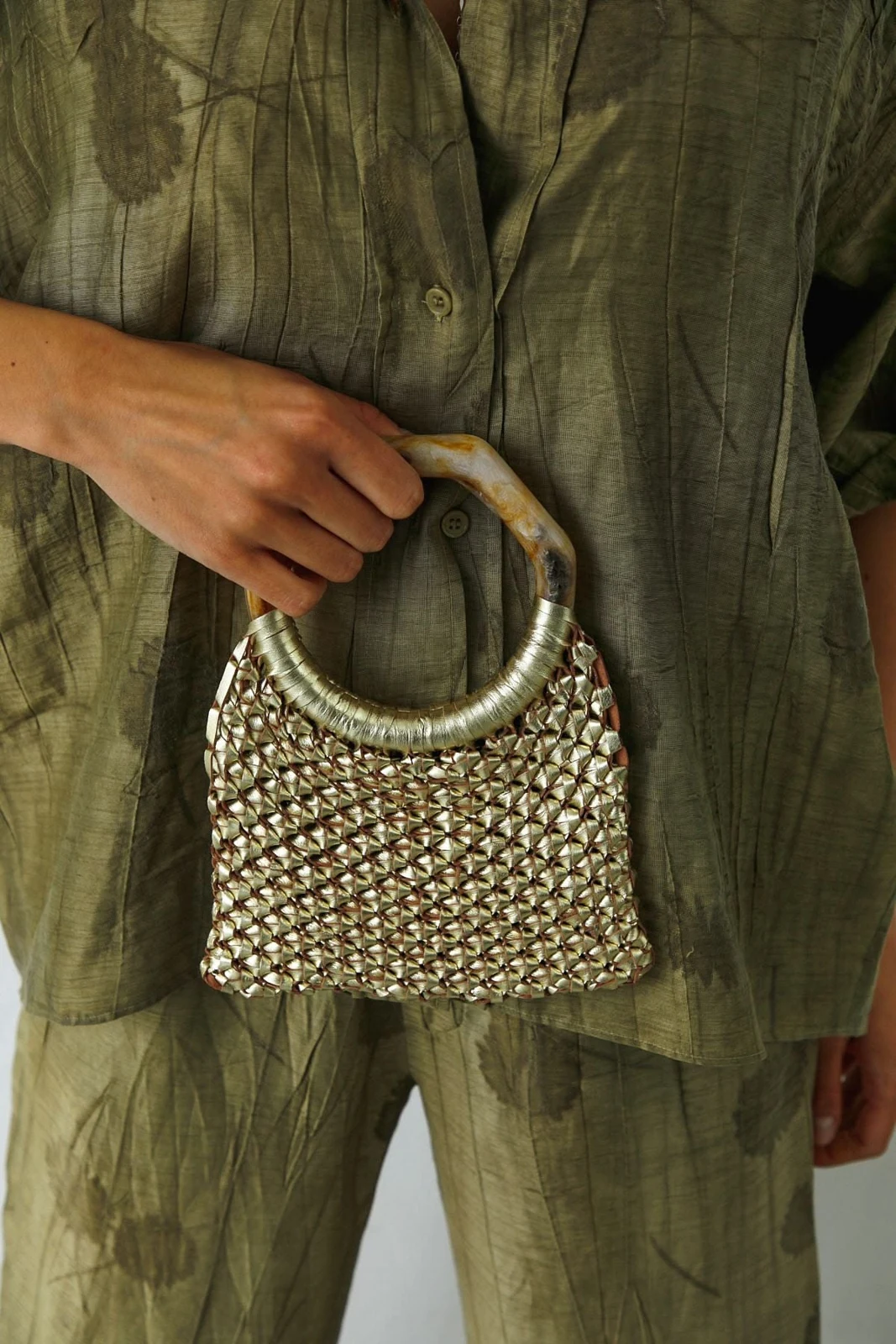
A close view of a handle, woven surface or seam can explain what makes a product distinctive. Pair it with a wider image so viewers can also judge scale and styling. Keep the light and color treatment compatible.
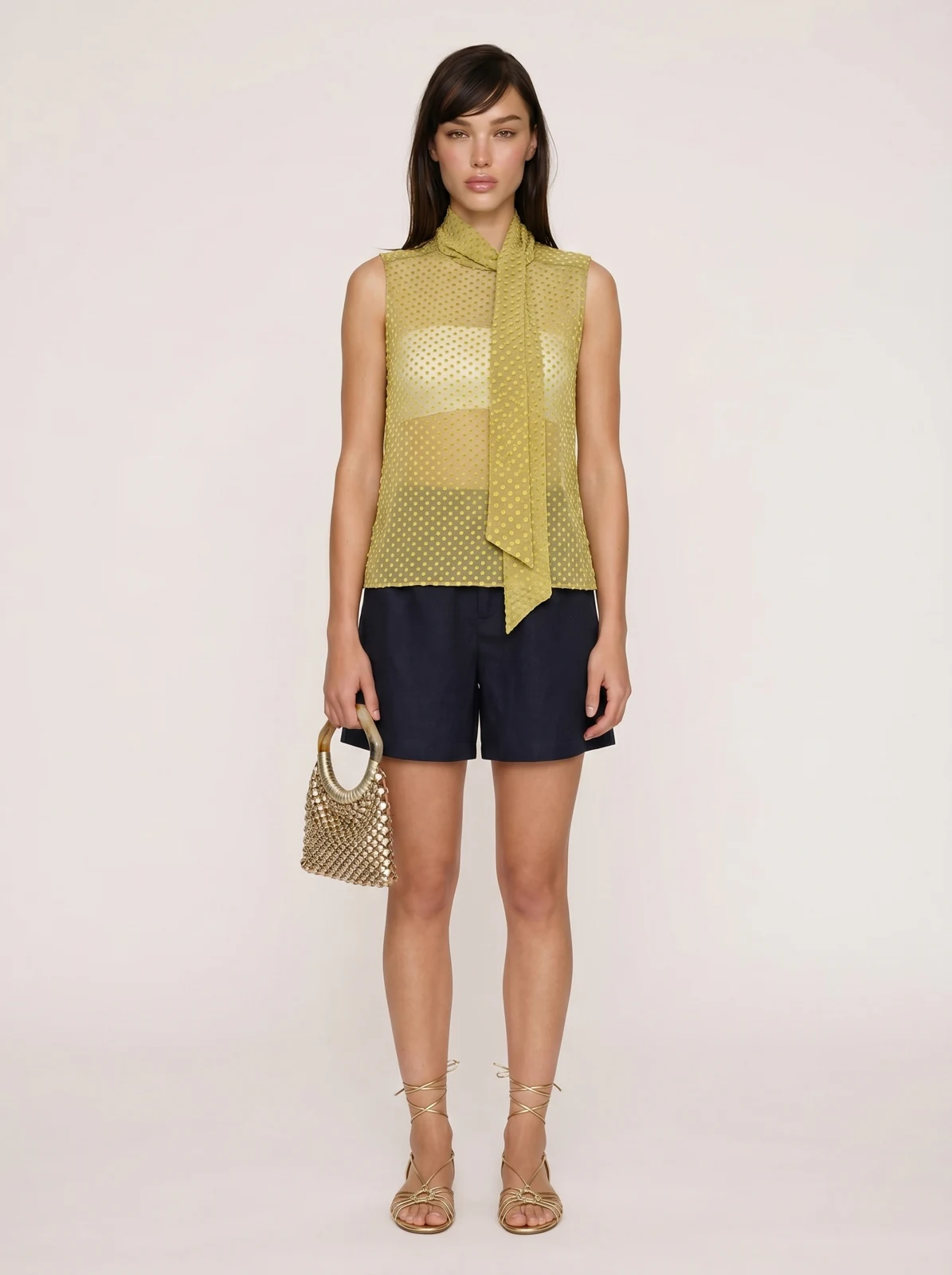
In the apparel project shown below, the operator uploaded product and model material, asked for directions, then specified a sheer flocked-silk top, a white underlayer, natural standing and a clean background. The bag source and generated outfit belong to that project. The images document inputs and output; they do not establish final client approval.
What to check
Compare handle shape, material, proportions and color with the supplied product image. A polished outfit image still needs product review before it is used for selling.
4. An everyday gesture for a bag story
For a bag that should feel like a daily companion, plan a small action: picking it up before leaving, resting it beside a chair or fastening its clasp. Keep the framing close enough to read the bag’s shape and leather.
Build quiet emotion through light, touch and the setting. Avoid adding celebration symbols when the brief calls for everyday intimacy. For a short video, extend one gesture from the chosen still rather than introducing a different visual theme. This is a brief idea to explore, not a documented finished campaign.
Brief starting point
Explore a restrained bag campaign around the small ritual of leaving home. Show two directions with natural light and clear product detail. Explain which references fit and what we should reject. Keep the stills and a short video under one theme.
How to choose references for this brief
Start with your product image, the intended placement and the feeling you want. Ask for two genuinely different directions. For each candidate reference, name what you would borrow: light, palette, framing, material treatment or a gesture.
Then review the actual pictures together. A familiar brand name or an attractive search result is not a reason to keep a reference. Check fit to this product and brief. Record the chosen direction and the changes requested by the person approving it.
- Keep: the product remains the focal point and the material is readable.
- Change: a useful lighting idea, but the palette or pose needs adjustment.
- Reject: distracting props, obscured product details or a mood that contradicts the brief.
Product photography example: one Style, two garments
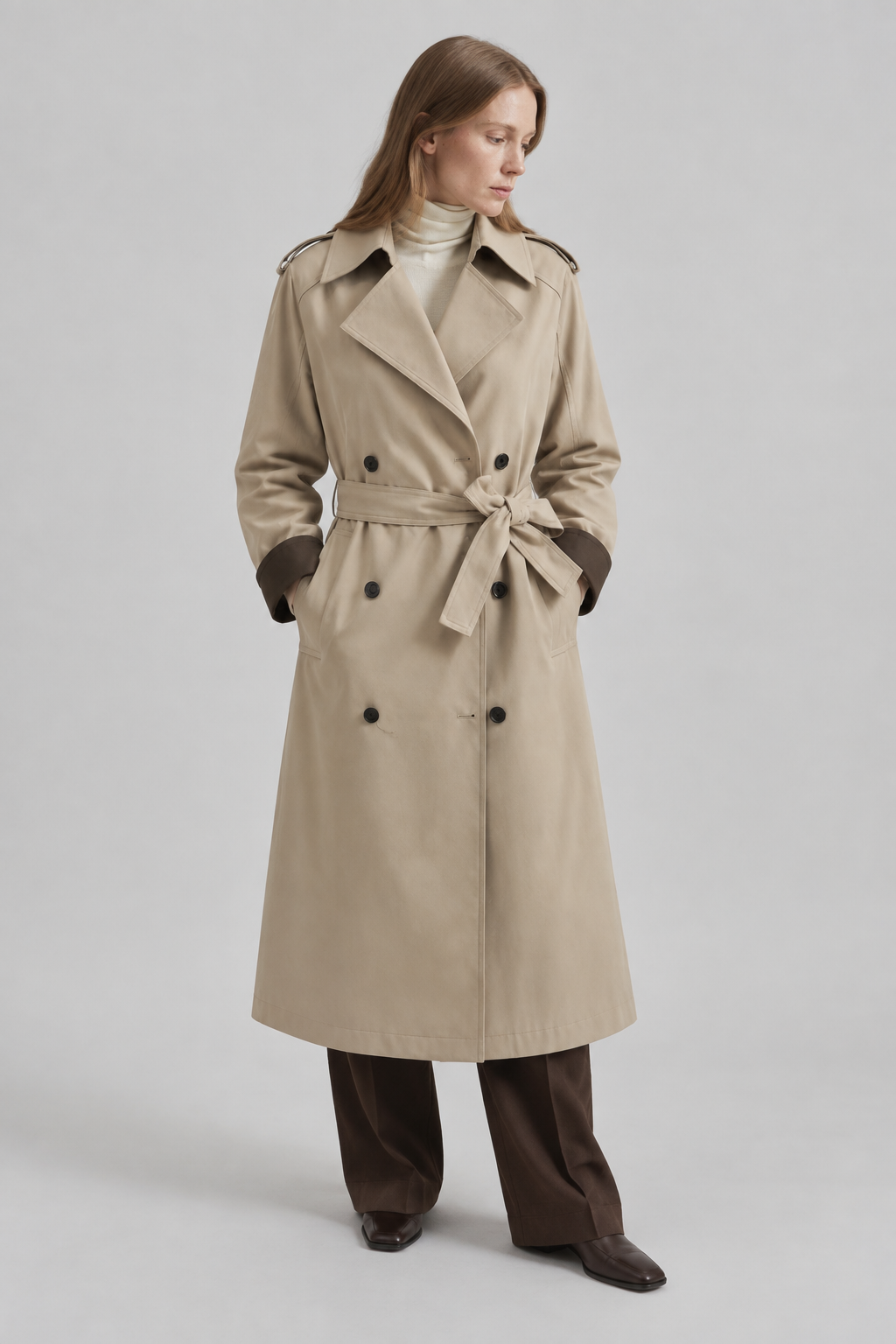
In a separate DOBIDOBI demonstration, the brief asked to compare warm tactile interiors with clean architectural minimalism for a brown jacket. After reference selection, Styles were saved and Warm Earthy Studio Portrait was used for generation. The reviewed jacket result uses soft studio light and a quiet gray background.
The same saved Style was then applied to a beige trench coat. The two outputs below show continuity in the background, light and subdued palette. They are different garments and different models; Style reuse does not mean every object or pose stays identical.
The jacket required revisions, and its lower pocket still needs comparison with the source before commercial use. Review each new product separately rather than treating a saved Style as automatic approval.
Turn an idea into a brief for your own product
Upload a clear product photo and tell us what is fixed: shape, color, fabric, hardware and any details that must remain visible. Add where the images will be used, the desired mood and what you want to avoid.
Use a direction above as a starting point. Compare references, confirm what works, then save the agreed direction as a Style. Test it on one more product before extending the collection.
A brief you can adapt
My product is [product]. These images are for [placement]. I want [mood], while keeping [details] accurate. Avoid [unwanted elements]. Propose two directions, explain which references suit this brief, and wait for my confirmation before generating.
Decision table
Choose the direction by the product’s job
| Direction | Useful when | Reject it when |
|---|---|---|
| Soft studio | Fabric and wearability matter | Soft light erases texture or the pose hides details |
| Architectural | Structure and silhouette lead | Shadows swallow the product or the set dominates |
| Material close-up | Craft and hardware need explaining | The viewer cannot understand scale or the full product |
| Everyday gesture | The brief needs intimacy and a sense of use | The action hides the bag or feels staged |
Checklist
Before extending the direction to a collection
- The decision-maker has reviewed the actual selected references.
- The brief records what to keep, change and avoid.
- The first output has been checked against the original product.
- The chosen direction is saved as a Style.
- A second product has been tested and reviewed.
- Captions and translated copy are kept outside the image.
Further reading
Continue with a practical workflow
FAQ
What are some creative product photography ideas for clothing and bags?+
Start with soft studio portraits for tactile fabrics, architectural compositions for structured shapes, material close-ups paired with a full look, or an everyday gesture for a bag story. Choose according to the brief and the product details that need to remain visible.
How do I decide which reference images fit my brief?+
Compare the actual images against product visibility, light, palette, composition and the intended mood. State what to borrow and what to change for each reference, then have the decision-maker confirm the direction.
Can I reuse a direction on a different product?+
In DOBIDOBI, you can save the chosen direction as a Style and use it with another product image. Review each output for product accuracy and visual continuity; the saved Style does not replace that review.
Explore ideas for your product
Start with your own product image and a rough brief. Compare directions before you commit to one.
Keep reading